ardatan / ardatan/meteor-webpack
Meteor.js(react) shows a blank page after adding webpack.
- Dominant language
- JavaScript
- Stars
- 123
- Forks
- 28
- PR merge metrics
- No merged PRs in 30d
Description
I added webpack to my meteor.js project with a hard time. and successfully runing now. but I'm facing now another issue.
Here is my `webpack.config.js` file
```
const path = require("path");
const webpack = require('webpack');
const HtmlWebpackPlugin = require('html-webpack-plugin');
const meteorExternals = require('webpack-meteor-externals');
const nodeExternals = require('webpack-node-externals');
const clientConfig = {
entry: './startup/client/main.jsx',
module: {
rules: [
{
test: /\.mjs$/,
include: /node_modules/,
type: 'javascript/auto'
},
{
test: /\.(js|jsx)$/,
exclude: /node_modules/,
options: {
presets: ['@babel/preset-env', '@babel/preset-react'],
plugins: ['@babel/plugin-proposal-object-rest-spread']
},
loader: 'babel-loader'
},
{
test: /\.(graphql|gql)$/,
exclude: /node_modules/,
loader: 'graphql-tag/loader'
},
{
test: /\.css$/,
use: ['style-loader', 'css-loader']
}
]
},
plugins: [
new HtmlWebpackPlugin({
template: './startup/client/main.html'
}),
new webpack.HotModuleReplacementPlugin()
],
resolve: {
extensions: ['*', '.mjs', '.js', '.jsx', '.json', '.gql', '.graphql']
},
externals: [meteorExternals()],
devServer: {
hot: 'only'
}
};
const serverConfig = {
entry: ['./startup/server/index.js'],
target: 'node',
devServer: {
stats: {
chunks: false
},
hot: 'only'
},
externals: [meteorExternals(), nodeExternals({ modulesDir: path.resolve(__dirname, 'node_modules') })]
};
module.exports = [clientConfig, serverConfig];
```
and `.babelrc`
```
{
"presets": ["@babel/preset-env", "@babel/preset-react"],
"plugins": ["react-hot-loader/babel", "@babel/plugin-transform-react-jsx"]
}
```
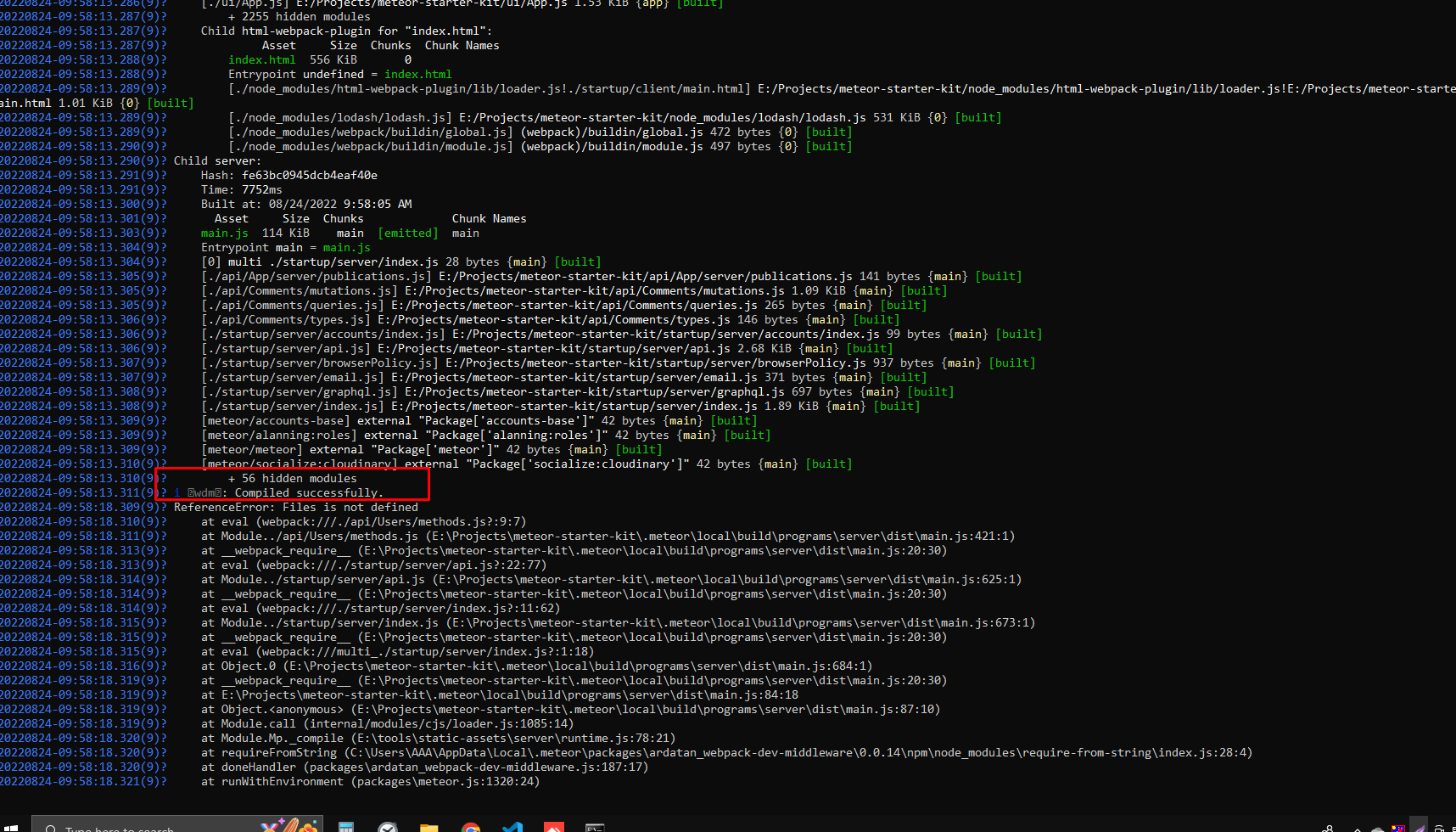
Compiled successfully but I can't see anything on browser.
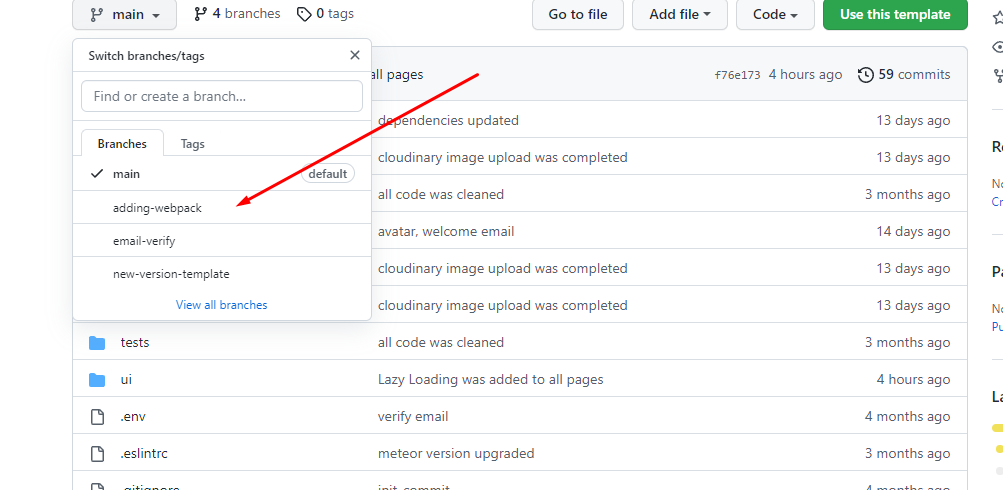
This is original my meteor project, and the issues can see branch "adding-webpack".
https://github.com/deliteser112/meteor-starter-kit
Hope to help me please
Contributor guide
No contributing guide indexed for this repository
Research direction
Start with the adding-webpack branch of the linked meteor-starter-kit project, then inspect webpack.config.js and .babelrc alongside the startup/client entry files shown in the issue. Run the project and trace the compiled client output in the browser; done means the page renders instead of remaining blank.
Written by the indexing model from the issue text.
Assessment
- Tech stack
- babel, javascript, react, webpack
- Domain
- build-system, frontend, web-dev
- Issue type
- Bug
- Difficulty
- 4/5
- Estimated time
- 3-5 days
- Activity status
- Stale
- Clarity
- Needs clarification
- Newbie friendliness
- 25/100