apollographql / apollographql/apollo-tooling
Remember the most recently downloaded schema
- Dominant language
- TypeScript
- Stars
- 3k
- Forks
- 460
- PR merge metrics
- No merged PRs in 30d
Description
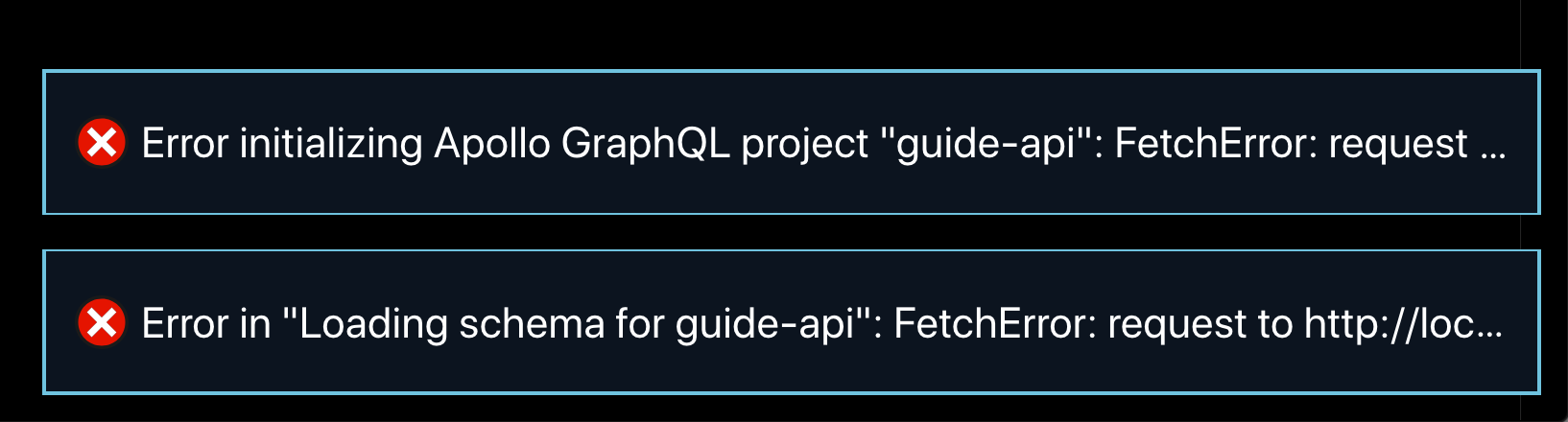
When I open my project and my dev server is not running, I get two errors and autocomplete no longer works. To fix it, I have to start my dev server and reload the window. It would be nice if the extension:
A) used the most recent version of the schema it was able to download
B) didn't show an error popup
```js
module.exports = {
client: {
service: {
name: 'guide-api',
url: 'http://localhost:4000/'
},
excludes: ['**/*.graphql']
}
}
```
Contributor guide
Research direction
Start by tracing the extension's schema download flow for the `client.service.url` configuration when the dev server is unavailable. Reproduce the project-open failure with the server stopped; done means autocomplete continues using the most recently downloaded schema and no error popup appears.
Written by the indexing model from the issue text.
Assessment
- Tech stack
- graphql, typescript
- Domain
- developer-experience, tooling
- Issue type
- Bug
- Difficulty
- 3/5
- Estimated time
- 1-2 days
- Activity status
- Stale
- Clarity
- Mostly clear
- Newbie friendliness
- 35/100