Cannot open token authentication
- Dominant language
- Java
- Stars
- 15.3k
- Forks
- 3.8k
- Avg merge
- 1d 14h
- Merged PRs (30d)
- 160
Description
**Describe the bug**
Cannot open token authentication.
**To Reproduce**
Steps to reproduce the behavior:
1. download pulsar 2.9.1 in release
2. edit `conf/standalone.conf`
```conf
# Enable authentication
authenticationEnabled=true
# Authentication provider name list, which is comma separated list of class names
authenticationProviders=org.apache.pulsar.broker.authentication.AuthenticationProviderToken
# Enforce authorization
authorizationEnabled=true
# Authorization provider fully qualified class-name
authorizationProvider=org.apache.pulsar.broker.authorization.PulsarAuthorizationProvider
tokenSecretKey=/path/to/my-secret.key
```
No other configuration changes
3. run `bin/pulsar standalone`
4. See error
**Expected behavior**
pulsar runs normally and opens token authentication
**Screenshots**
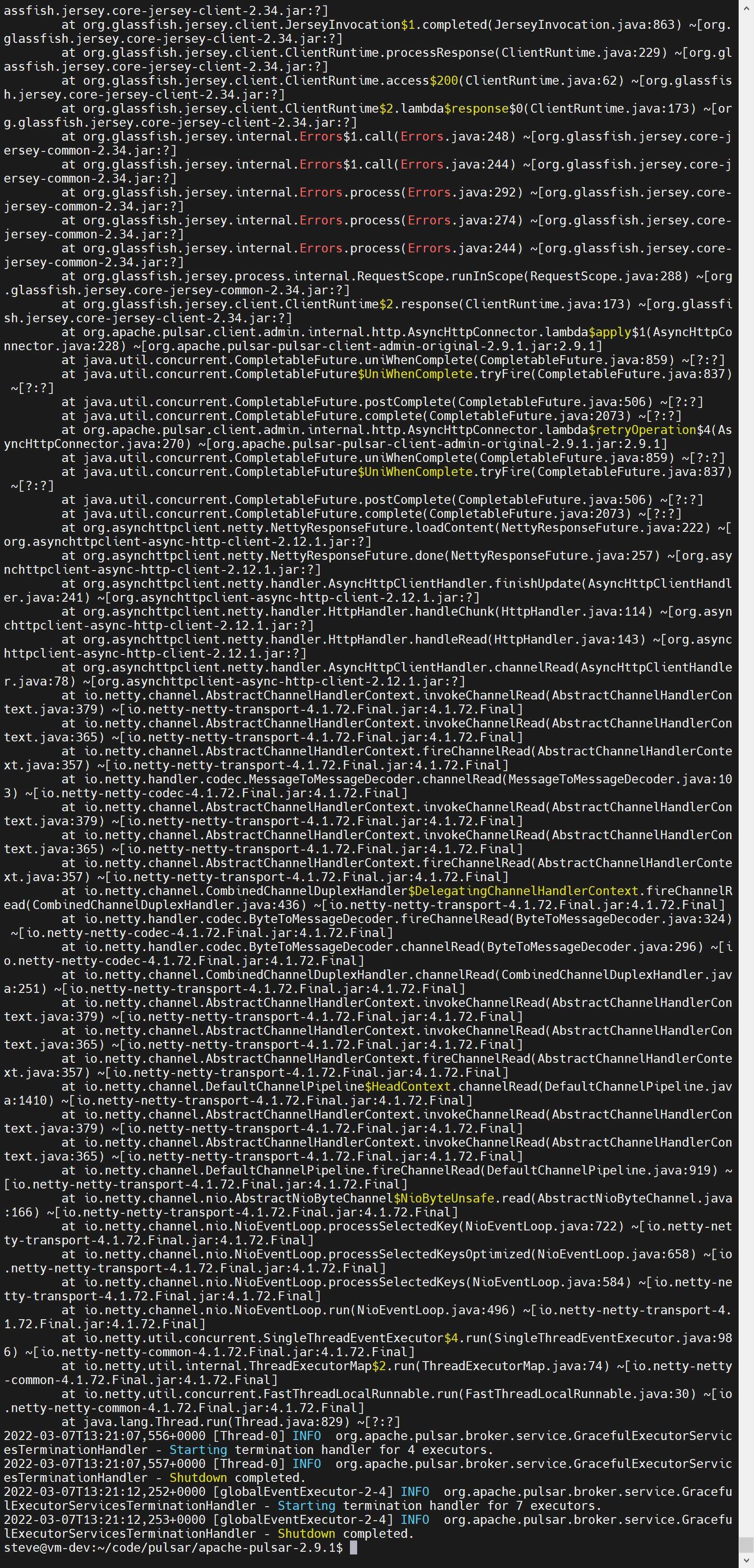
**Desktop (please complete the following information):**
- OS: Ubuntu
Contributor guide
Research direction
Reproduce the startup failure using conf/standalone.conf with token authentication enabled, then run bin/pulsar standalone and capture the full error rather than relying on the linked screenshot. Trace the tokenSecretKey and authentication provider configuration to identify why Pulsar 2.9.1 fails to start; done means standalone starts normally with token authentication enabled.
Written by the indexing model from the issue text.
Assessment
- Tech stack
- java
- Domain
- authentication, backend, security
- Issue type
- Bug
- Difficulty
- 4/5
- Estimated time
- 3-5 days
- Activity status
- Stale
- Clarity
- Needs clarification
- Newbie friendliness
- 25/100