After click on nb-select component occurs scroll collapse on page
- Ngôn ngữ chính
- TypeScript
- Star
- 8.1k
- Fork
- 1.5k
- Chỉ số merge pull request
- Không có pull request nào được merge trong 30 ngày
Mô tả
### Issue type
**I'm submitting a
* [x ] bug report
* [ ] feature request
### Issue description
There are several nb-select drop-downs on page in nb-layout tag.
nb-layout will auto add style : overflow-y : hidden after click the nb-select component.
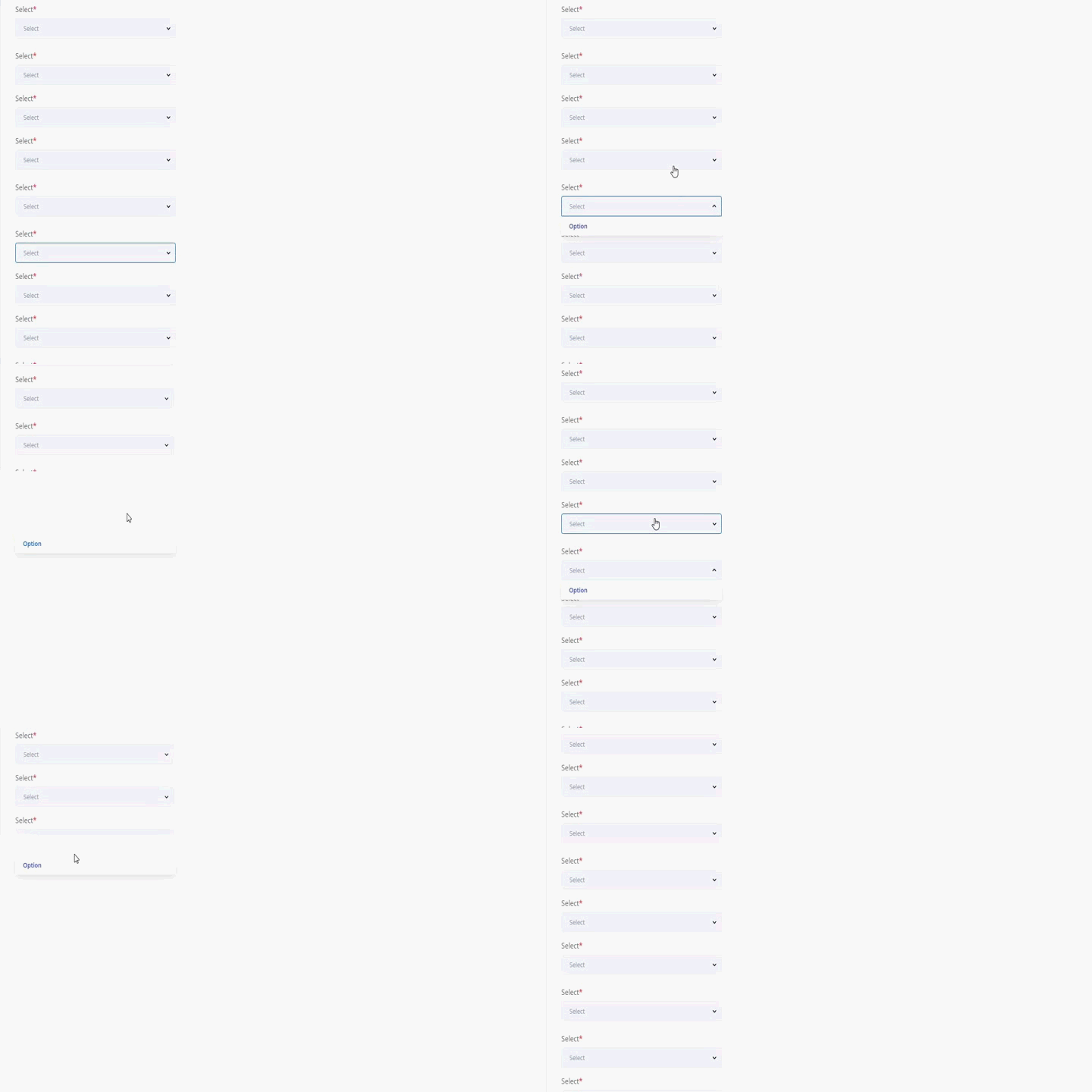
But then click on several drop-downs without select any option occurs scroll collapse on page
**Current behavior:**
When click on first drop-down, nb-layout will auto add style : overflow-y : hidden, after click on next nb-select, style : overflow-y : hidden disappear, and when click on next nb-select collapse scroll on page.
**Expected behavior:**
nb-select behavior should be proper
**Steps to reproduce:**
This bug only reproduce if there are several drop-down in vertical position, and direction of clicking starts from lowest drop-down to upper. (direction from down to up, but from up to down isn't reproduce, style : overflow-y : hidden not disappear!)
Same situation if there are several drop-down elements in horizontal position, and traverse direction is from right to left.
**Related code:**
```
Select
Option
Select
Option
Select
Option
Select
Option
```
### Other information:
**npm, node, OS, Browser**
```
Node, npm: node 12
OS: Windows (7/8/10).
Browser: Chrome
```
**Angular, Nebular**
```
"@angular/core": "^8.0.0",
"@nebular/theme": "^4.6.0",
```
Hướng dẫn đóng góp
Đánh giá
Issue này chưa được đánh giá.