adoptium / adoptium/aqa-test-tools
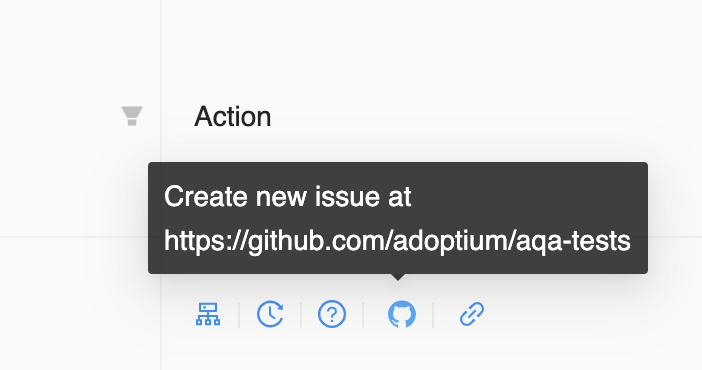
Capture test output in create new git issue
- Dominant language
- Jupyter Notebook
- Stars
- 33
- Forks
- 97
- Avg merge
- 7h 9m
- Merged PRs (30d)
- 5
Description
In `Create New Git Issue`, we capture lots of information, such as java version, rerun link, Jenkins job link, TRSS link, etc. It will be useful if we can capture test output in the issue directly. The users can analyze the issue in one place (without clicking other links) and Jenkins and TRSS links may be purged after a period of time.
http://trss1.fyre.ibm.com/output/test?id=6045b37138630b5e5cd4423c
Test output can be very large, so maybe we could capture 50-100 lines after the keywords `Error`, `Failed`, `Exception `, `ASSERTION FAILED`, etc.
Contributor guide
Research direction
Start at the `Create New Git Issue` flow and inspect how Java version, rerun, Jenkins, and TRSS details are currently collected. Determine where test output can be read and bounded around the listed keywords; done means the generated issue includes useful output while avoiding excessively large content.
Written by the indexing model from the issue text.
Assessment
- Domain
- ci-cd, testing-qa
- Issue type
- Feature
- Difficulty
- 3/5
- Estimated time
- 1-2 days
- Activity status
- Stale
- Clarity
- Mostly clear
- Newbie friendliness
- 35/100