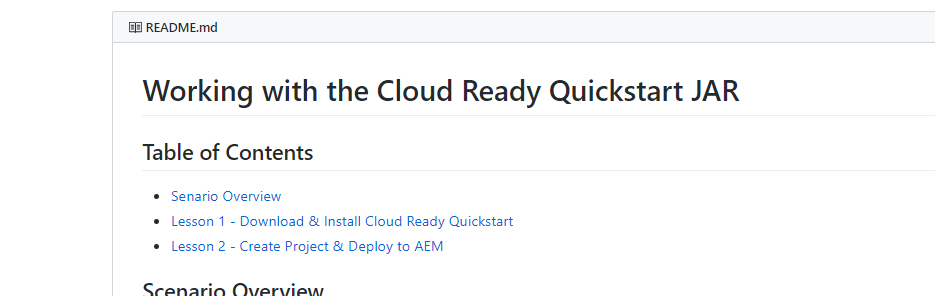
Lesson 1 - Download & Install Cloud Ready Quickstart Lesson 2 - Create Project & Deploy to AEM => Links don't work
Open
- Dominant language
- Java
- Stars
- 57
- Forks
- 38
- PR merge metrics
- No merged PRs in 30d
Description
Links in Cloud Ready Jar document don't work:
_Lesson 1 - Download & Install Cloud Ready Quickstart
Lesson 2 - Create Project & Deploy to AEM_
[Logged by AEM Support]
Contributor guide
Research direction
Start by locating the Cloud Ready Jar document and inspect the Lesson 1 and Lesson 2 links named in the issue. Verify the links resolve to the intended download, project creation, and AEM deployment content; done means both links work for readers.
Written by the indexing model from the issue text.
Assessment
- Domain
- documentation
- Issue type
- Documentation
- Difficulty
- 2/5
- Estimated time
- 1-3 hours
- Activity status
- Stale
- Clarity
- Mostly clear
- Newbie friendliness
- 35/100