ValveSoftware / ValveSoftware/Proton
SAMURAI WARRIORS 5 (1591530)
Nobody has claimed this yet.
- Dominant language
- C++
- Stars
- 32.8k
- Forks
- 1.6k
- PR merge metrics
- PR metrics pending
Description
Compatibility Report
- Name of the game with compatibility issues: SAMURAI WARRIORS 5
- Steam AppID of the game: 1591530
System Information
- GPU: NVIDIA GeForce RTX 2080
- Driver/LLVM version: NVIDIA 470.86
- Kernel version: 5.13.0-25-generic
- Link to full system information report: gist
- Proton version: 6.3-8 && Proton Experimental
I confirm:
- that I haven't found an existing compatibility report for this game.
- that I have checked whether there are updates for my system available.
Symptoms
The game installs and launches with no issue. I can even load an initial menu! See screenshot below:
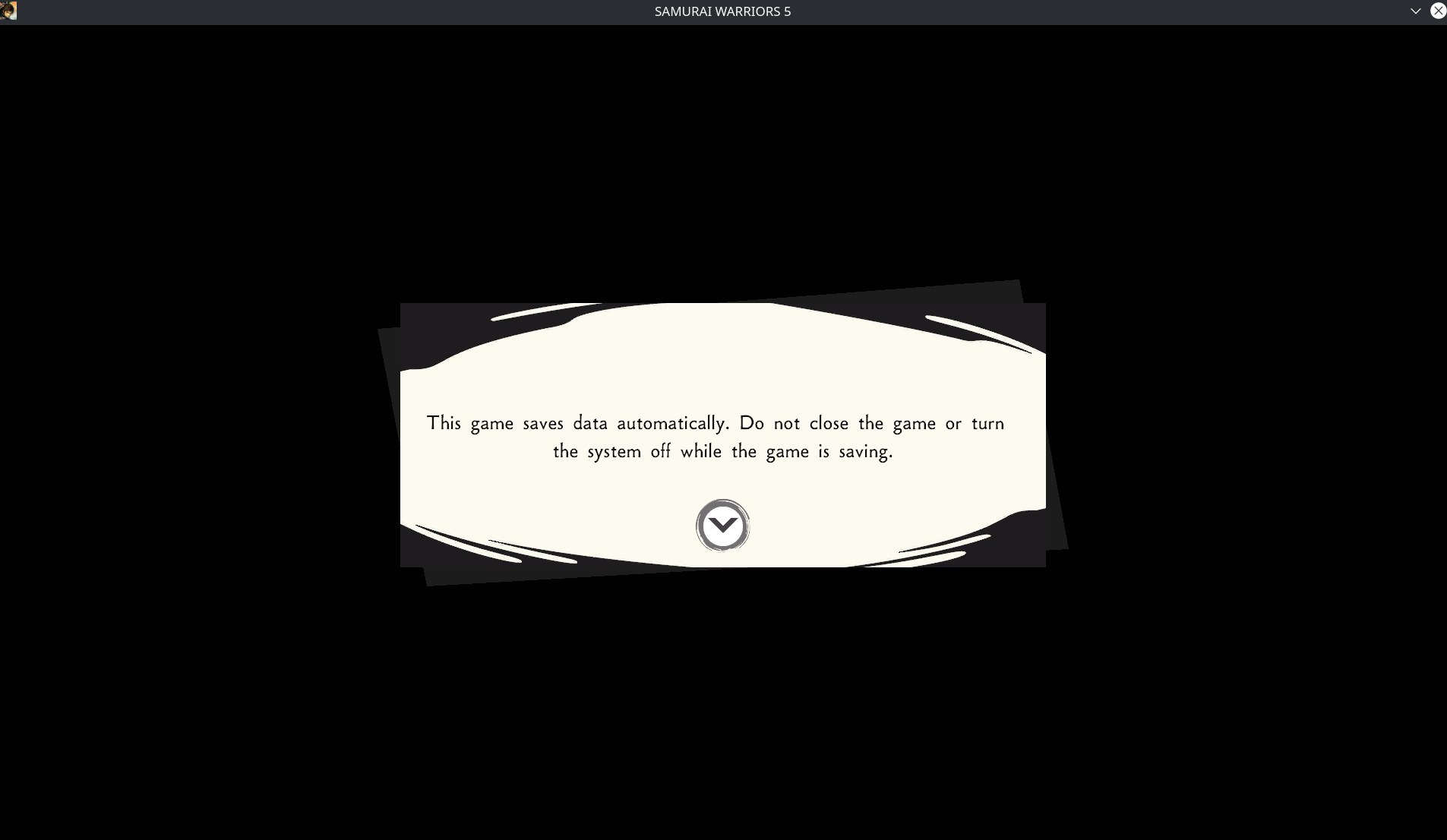
After hitting any key, it goes to a black screen forever - I suspect it may be trying to play some kind of video.
I had installed Media Foundation workaround and while no video plays after that initial prompt, it seems I load into some kind of second menu, as my mouse clicks generate a sound effect sometimes yet the screen remains black.
Reproduction
Install the game
Set Proton compatibility to 6.3-8 or Experimental
Launch the game
<Workaround removed by moderator>
Using a controller after the initial menu that loads seems to let you select SEVERAL options but none of them I can tell actually fix the black screen issue.
Contributor guide
No contributing guide indexed for this repository
First steps
- Read the whole issue, then the project's contributing guide.
- Comment on the issue to say you are picking it up — it saves two people doing the same work.
- Fork the repository and make your change on a branch.
- Open a pull request that references the issue number.
Research direction
Start by reviewing steam-1591530.log alongside the reported Proton 6.3-8 and Experimental runs, then reproduce the launch sequence after the initial menu. Done means the game proceeds past the persistent black screen under the reported setup, with the behavior verified against the listed reproduction steps.
Written by the indexing model from the issue text.
Assessment
- Tech stack
- linux
- Domain
- operating-systems
- Issue type
- Bug
- Difficulty
- 5/5
- Estimated time
- Over a week
- Activity status
- Stale
- Clarity
- Mostly clear
- Newbie friendliness
- 15/100