SSWConsulting / SSWConsulting/SSW.Tiger
✨ Team Notifications - Clarify how to trigger SSW.Tiger at the end of meetings
Nobody has claimed this yet.
- Dominant language
- JavaScript
- Stars
- 1
- Forks
- 1
- Avg merge
- 2d 12h
- Merged PRs (30d)
- 2
Description
Requested by: @adamcogan via YakShaver.ai 🦬
cc: @TobyChurches, @adamcogan, @miichaelsmedley, @joshbermanssw, @suiyangqiu, @yaqi-lyu, @calumjs
Hi Team!
🟥 Watch the video (1 min 34 sec)
Pain
Users are confused about how to correctly trigger SSW.Tiger at the end of a meeting (e.g. whether they need to stop the meeting, stop the recording, or leave the meeting). Add a clear, short guidance message when a meeting starts (or when SSW.Tiger is enabled) explaining that SSW.Tiger is active and what exact action is required at the end of the meeting to trigger the summary. The message should also include a link to the documentation with more detailed instructions.
Acceptance Criteria
- When a meeting starts (or when SSW.Tiger is enabled), a clear message is shown indicating that SSW.Tiger is active.
- The message clearly explains what action is required at the end of the meeting to trigger SSW.Tiger (e.g. stopping the recording).
- The message explicitly states that participants do NOT need to leave the meeting to trigger SSW.Tiger.
- The message clarifies that only the person who recorded the meeting will receive the summary/message.
- The message includes a link to the SSW.Tiger documentation for more details.
- The wording is short, unambiguous, and suitable for non-technical users.
Screenshot
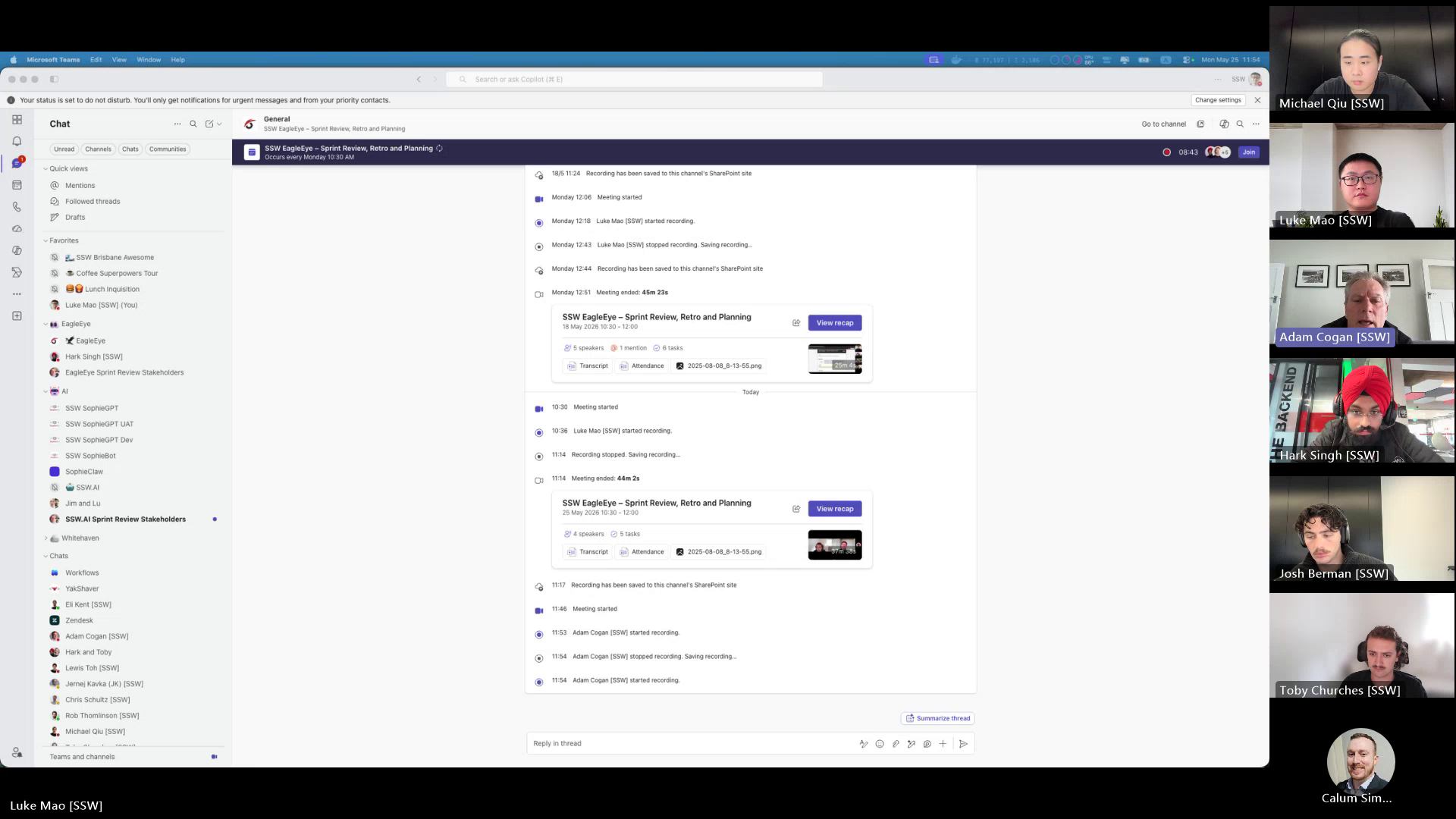
Figure: Sprint review chat context for Tiger end-of-meeting guidance
Contributor guide
No contributing guide indexed for this repository
First steps
- Read the whole issue, then the project's contributing guide.
- Comment on the issue to say you are picking it up — it saves two people doing the same work.
- Fork the repository and make your change on a branch.
- Open a pull request that references the issue number.
Research direction
Start by locating the meeting-start or SSW.Tiger-enabled flow where user-facing messages are shown, then read the linked SSW.Tiger documentation referenced by the issue. Done means a short non-technical message explains how to trigger the summary, says participants need not leave, identifies who receives it, and includes the documentation link.
Written by the indexing model from the issue text.
Assessment
- Tech stack
- javascript
- Domain
- frontend
- Issue type
- Feature
- Difficulty
- 3/5
- Estimated time
- 1-2 days
- Activity status
- Quiet
- Clarity
- Clearly specified
- Newbie friendliness
- 62/100