SSWConsulting / SSWConsulting/SSW.Rules
Could we easily get a link to the modified rule?
Nobody has claimed this yet.
- Dominant language
- TypeScript
- Stars
- 26
- Forks
- 17
- Avg merge
- 14h 39m
- Merged PRs (30d)
- 2
Description
Hi team,
When I get my changes approved, I receive an email like this:
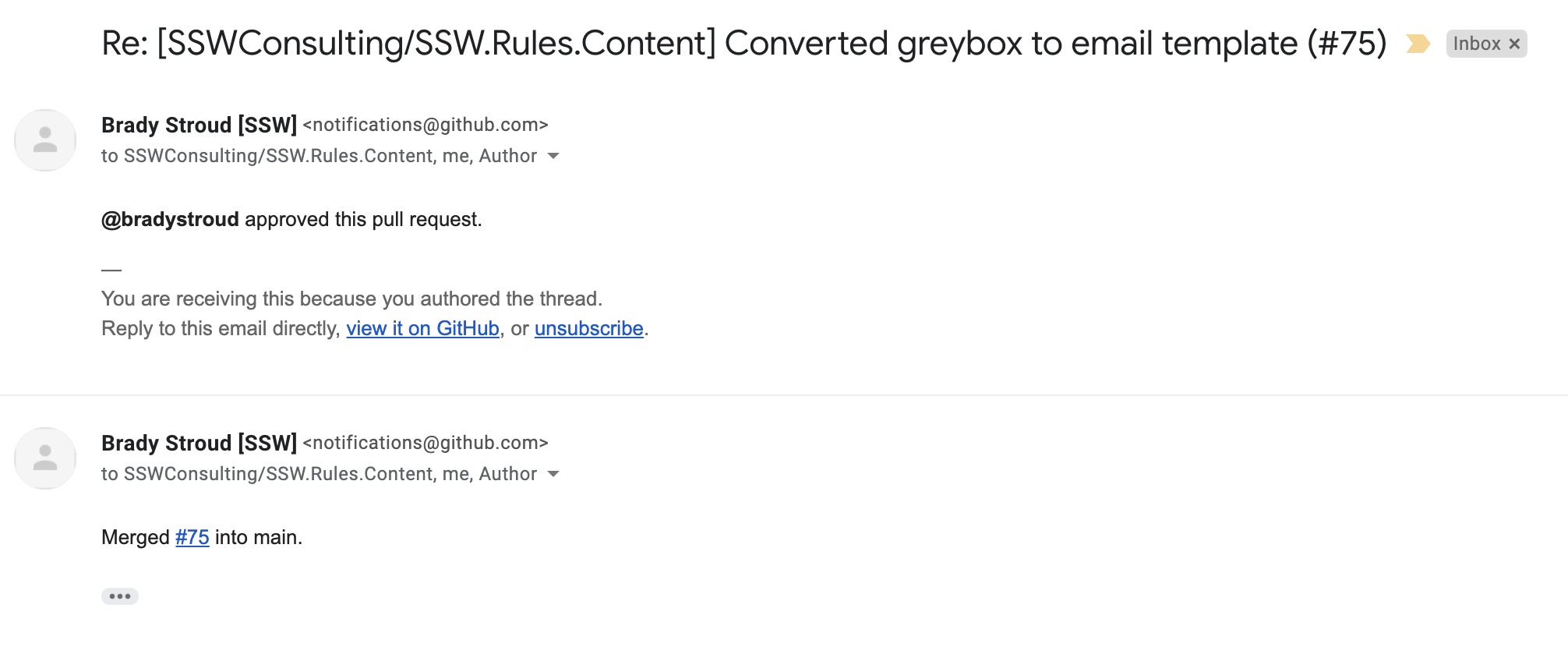
with a link to (example):
https://github.com/SSWConsulting/SSW.Rules.Content/pull/75#pullrequestreview-600355780
However, I cannot see the exact rule I've changed, so it's hard to double-check my changes...
- I know I could add the link/title of that rule to my PR title, but I don't see it as practical (there are character limitations)
- I know I can click on Commits, then on my change, and I will see the rule folder, then find the rule... but not practical at all...
- Could we somehow include the link for the changed rule (in the example above it would be https://www.ssw.com.au/rules/do-you-seek-clarification-via-the-telephone-first) to either:
- the email I receive
- the PR link on GitHub
?
I would make it very easy for us to check our changes ;)
Contributor guide
No contributing guide indexed for this repository
First steps
- Read the whole issue, then the project's contributing guide.
- Comment on the issue to say you are picking it up — it saves two people doing the same work.
- Fork the repository and make your change on a branch.
- Open a pull request that references the issue number.
Research direction
Start by examining the TypeScript generator and the GitHub pull-request and review flow described in the issue. Determine how a changed rule can be identified and where its URL could be surfaced in the email or PR link. Done means reviewers can open the exact modified rule directly.
Written by the indexing model from the issue text.
Assessment
- Tech stack
- github, typescript
- Domain
- developer-experience, tooling
- Issue type
- Feature
- Difficulty
- 4/5
- Estimated time
- 3-5 days
- Activity status
- Stale
- Clarity
- Mostly clear
- Newbie friendliness
- 35/100