SSWConsulting / SSWConsulting/SSW.Rules
🐛 Bug - Saving rule order fails with category index update error
Nobody has claimed this yet.
- Dominant language
- TypeScript
- Stars
- 26
- Forks
- 17
- Avg merge
- 14h 39m
- Merged PRs (30d)
- 2
Description
Requested by: @PennyWalker via YakShaver.ai 🦬
cc: @kulesy, @0xharkirat, @PennyWalker, @Marxoz, @PothieuG, @Freego1783
Hi Team!
🟥 Watch the video (1 min 58 sec)
Url from screen share: https://ssw.com.au/rules/admin/index.html#/collections/edit/category/marketing-and-video/rules-to-better-event-management
Pain
When reordering rules in the Rules (Content) management screen and attempting to save, the save operation intermittently fails with a "category index update failure" error. The error message indicates that a related GitHub branch cannot be found, even though the branch does exist. This prevents users from changing and saving the order of rules.
Acceptance Criteria
- Users can reorder rules in Rules (Content) management without encountering a save error.
- Saving reordered rules completes successfully without a "category index update failure" message.
- The system correctly references the existing GitHub branch when saving rule order changes.
- If a save failure does occur, the error message is accurate, actionable, and clearly explains the root cause.
- No regression occurs when switching between branches (e.g., feature branch and main branch).
Reproduce Steps
- Navigate to Rules (Content) management.
- Create a new rule or use existing rules in a category.
- Change the order of a rule by moving it within the list.
- Click Save.
- Observe that after a short delay, an error appears stating a category index update failure and that a GitHub branch cannot be found, despite the branch existing.
Screenshot
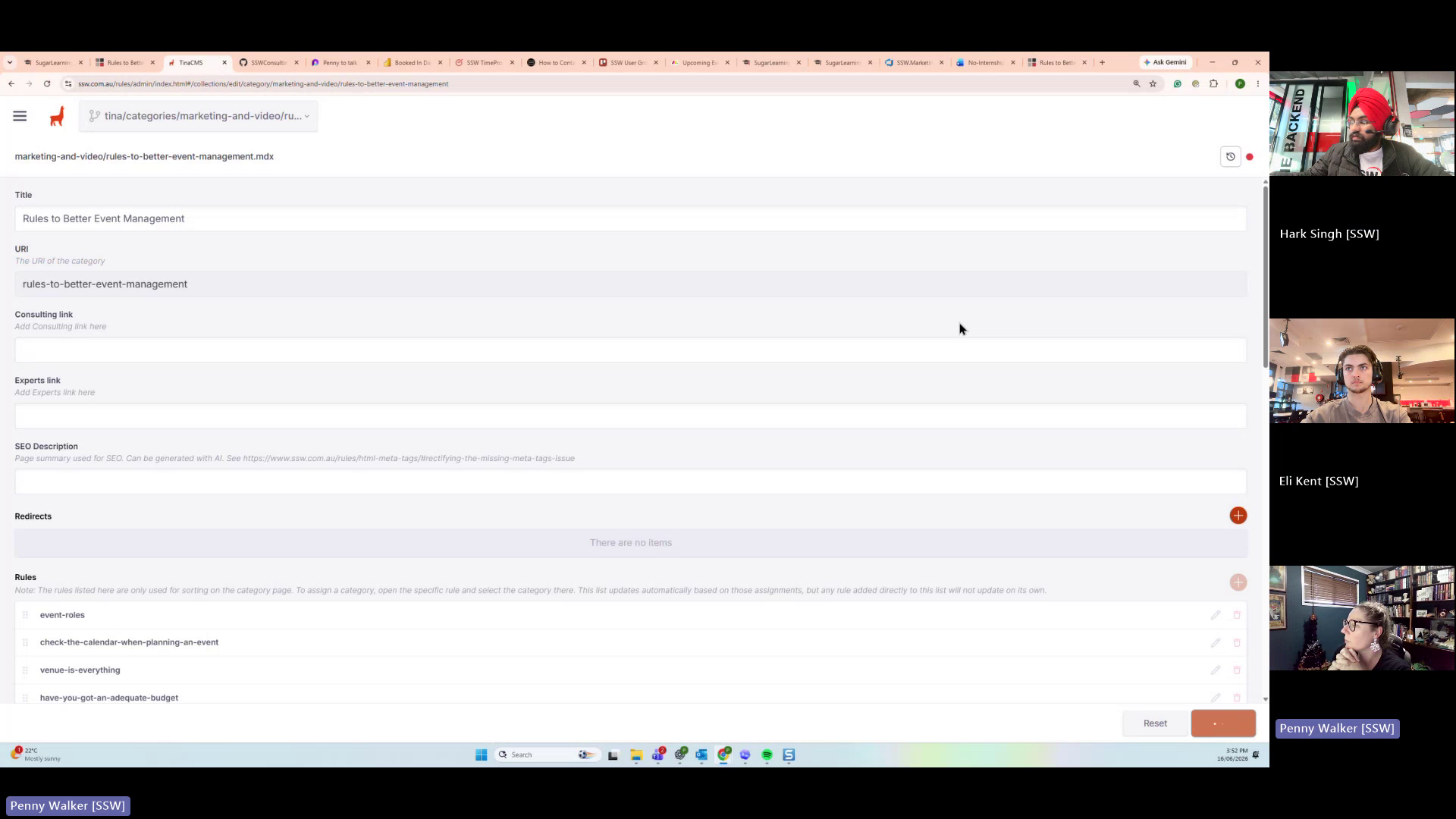
Figure: Reordering rules causes a category index update failure on save
Contributor guide
No contributing guide indexed for this repository
First steps
- Read the whole issue, then the project's contributing guide.
- Comment on the issue to say you are picking it up — it saves two people doing the same work.
- Fork the repository and make your change on a branch.
- Open a pull request that references the issue number.
Research direction
Start at the Rules (Content) management save flow and the category index update that references GitHub branches; the payload names no repository file or test. Reproduce by reordering a rule and saving, including feature and main branch switching. Done means reordered rules save successfully, existing branches are resolved, and any remaining failure explains its cause.
Written by the indexing model from the issue text.
Assessment
- Tech stack
- github, nextjs, typescript
- Domain
- backend, content
- Issue type
- Bug
- Difficulty
- 4/5
- Estimated time
- 3-5 days
- Activity status
- Quiet
- Clarity
- Mostly clear
- Newbie friendliness
- 50/100