SSWConsulting / SSWConsulting/SSW.Rules
🦙 TinaCMS Dependency - Browser Tab Branding Enhancement - Favicon and Title
Nobody has claimed this yet.
- Dominant language
- TypeScript
- Stars
- 26
- Forks
- 17
- Avg merge
- 14h 39m
- Merged PRs (30d)
- 2
Description
Requested by: @tiagov8 via YakShaver.ai 🦬
cc: @tiagov8, @Marxoz, @PothieuG, @Freego1783
Hi Team!
🟥 Watch the video (1 min 0 sec)
Url from screen share: https://github.com/SSWConsulting/SSW.Rules.Content/pull/11480
Pain
Enhance the tab branding by adding a favicon and updating the tab title to include the project name and context.
Acceptance Criteria
- A favicon is displayed in the browser tab when editing a rule in TinaCMS.
- The browser tab title includes 'TinaCMS | editing' followed by the project name, e.g., 'TinaCMS | editing Rules V3 (TinaCMS) rules'.
- The favicon should be a small llama icon as mentioned in the user request.
Screenshot
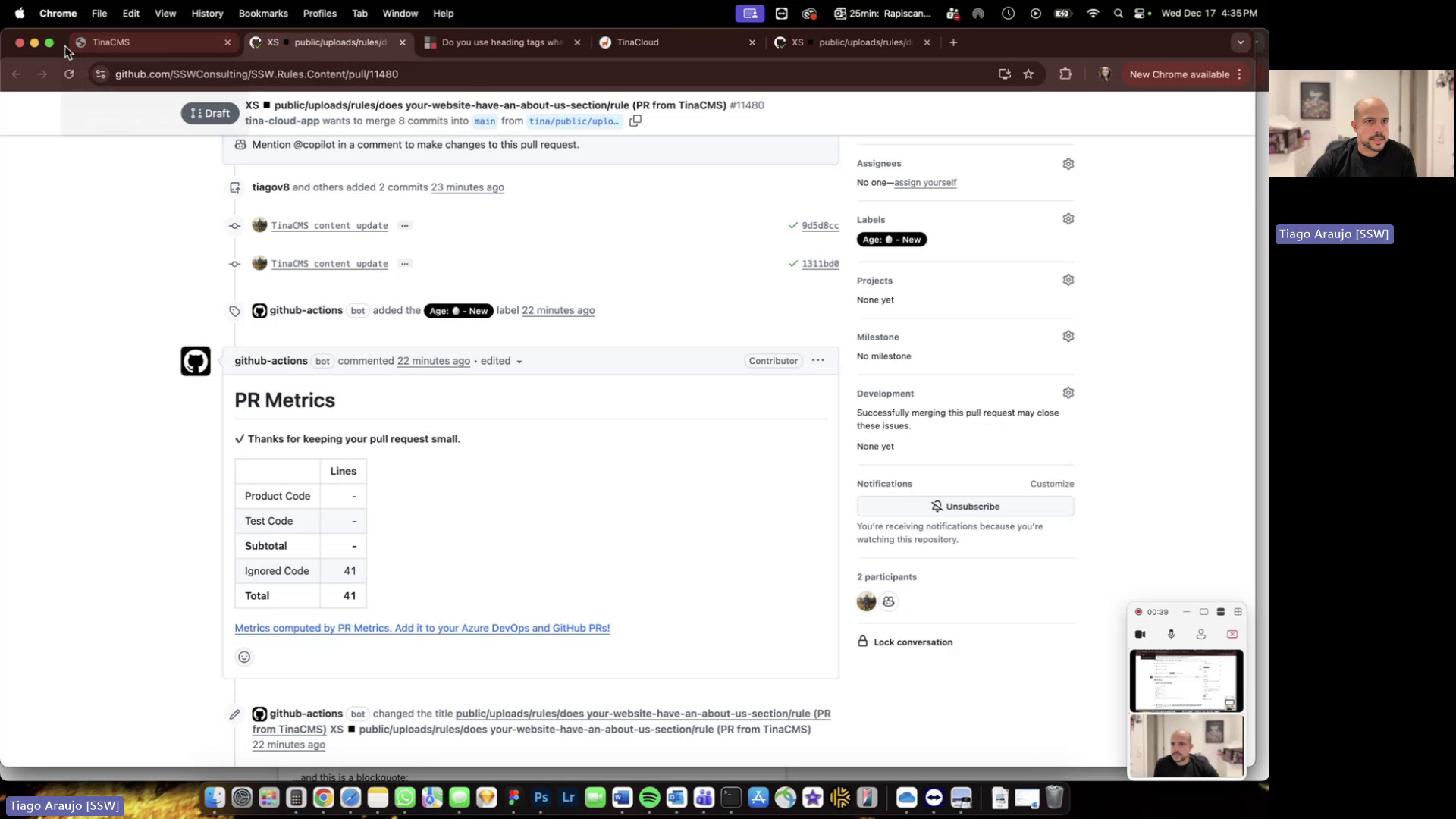
Figure: Default browser icon lacks favicon and title lacks project name
Contributor guide
No contributing guide indexed for this repository
First steps
- Read the whole issue, then the project's contributing guide.
- Comment on the issue to say you are picking it up — it saves two people doing the same work.
- Fork the repository and make your change on a branch.
- Open a pull request that references the issue number.
Research direction
No source file or test is named; start by locating the TinaCMS editing UI entry point in the TypeScript/Next.js project and inspect how its document title is set. Verify the browser tab shows a llama favicon and a title matching “TinaCMS | editing” followed by the project name and context.
Written by the indexing model from the issue text.
Assessment
- Tech stack
- nextjs, typescript
- Domain
- frontend, web-dev
- Issue type
- Feature
- Difficulty
- 3/5
- Estimated time
- 1-2 days
- Activity status
- Stale
- Clarity
- Mostly clear
- Newbie friendliness
- 45/100