No Login in android after upgrade to version 5.4.0 and 5.4.1
Nobody has claimed this yet.
Assessment
- Difficulty
- 4/5
- Estimated time
- 3-5 days
- Newbie friendliness
- 25/100
- Issue type
- Bug
- Clarity
- Mostly clear
- Activity status
- Stale
- Tech stack
- android, typescript
- Domain
- authentication, mobile
Research direction
Start by reproducing the empty SSO login screen using the listed Rocket.Chat mobile app steps on Android, comparing versions 5.4.0 and 5.4.1. No source files, tests, or logs are named; done means the SSO login screen appears after connecting to the workspace without breaking browser access.
Written by the indexing model from the issue text.
Description
Description:
Since upgrade to rocket chat 5.4.0 i can`t login from mobile apps.
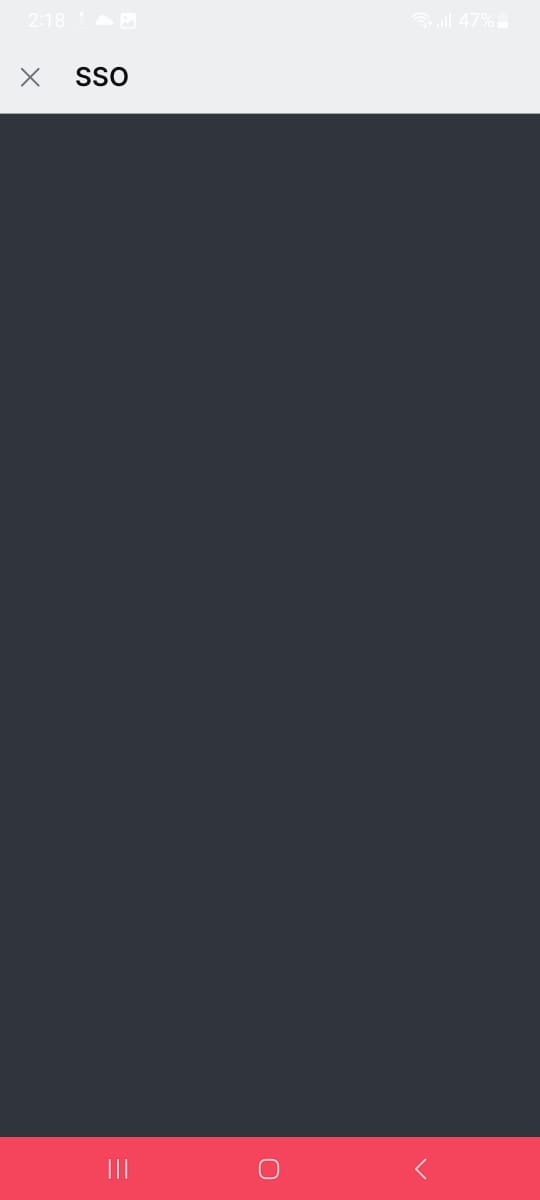
When accessing from mobile apps i end up to sso page with empty screen.
But if i try to accessing url using browser with developermode this working normaly.
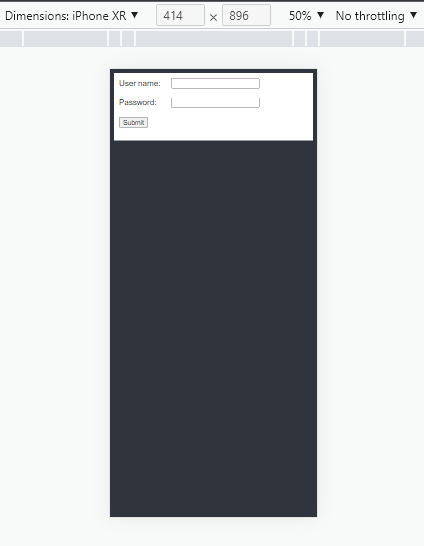
i use iframe for authentication.
Update to version 5.4.1 : this issue still occur.
Steps to reproduce:
- Upgrade RC to version 5.4.0 or 5.4.1
- Enter workspace URL in RC mobile apps and click connect
- Get Empty login screen after click login in mobile apps.
Expected behavior:
SSO Login screen will showing after i connect to our workspace.
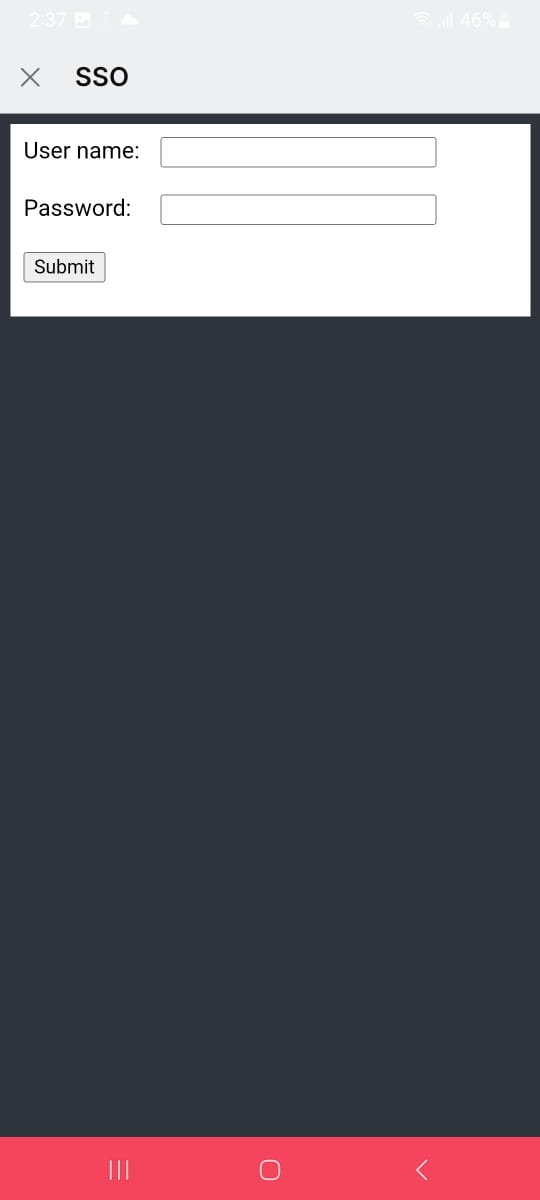
Actual behavior:
Get Empty login screen
Server Setup Information:
- Version of Rocket.Chat Server: 5.4.1
- Operating System: Ubuntu 20.04
- Deployment Method: source tar
- Number of Running Instances: 1
- DB Replicaset Oplog: True
- NodeJS Version: v14.19.3
- MongoDB Version: 4.4.13
Client Setup Information
- Desktop App or Browser Version: Rocketchat Mobile apps
- Operating System: Android
Additional context
Relevant logs:
- Dominant language
- TypeScript
- Stars
- 46.1k
- Forks
- 13.9k
- Avg merge
- 3d 3h
- Merged PRs (30d)
- 130
Contributor guide
First steps
- Read the whole issue, then the project's contributing guide.
- Comment on the issue to say you are picking it up — it saves two people doing the same work.
- Fork the repository and make your change on a branch.
- Open a pull request that references the issue number.
More from RocketChat/Rocket.Chat
-
type: bug
Difficulty 2/5 1-3 hours Newbie friendliness 88/100
RocketChat/Rocket.Chat#42256 ·
-
type: bug
Difficulty 2/5 1-3 hours Newbie friendliness 88/100
RocketChat/Rocket.Chat#42248 ·
-
todo type: bug
Difficulty 2/5 1-3 hours Newbie friendliness 76/100
RocketChat/Rocket.Chat#42241 ·
-
todo type: bug
Difficulty 2/5 1-3 hours Newbie friendliness 78/100
RocketChat/Rocket.Chat#42237 ·
-
type: feature
Difficulty 2/5 1-3 hours Newbie friendliness 88/100
RocketChat/Rocket.Chat#42228 · 1 comment ·
All issues in RocketChat/Rocket.Chat
Similar issues
-
clawsweeper:fix-shape-clear clawsweeper:queueable-fix clawsweeper:source-repro impact:ux-friction issue-rating: 🦞 diamond lobster no-stale P3
Difficulty 2/5 1-3 hours Newbie friendliness 78/100
-
community first-timers-only good first issue hacktoberfest help wanted low hanging fruit up-for-grabs
Difficulty 1/5 Under an hour Newbie friendliness 76/100
-
code-quality refactoring
Difficulty 2/5 1-3 hours Newbie friendliness 84/100
github/gh-aw-firewall#8816 ·
-
integration:quickjs org:external priority:backlog topic:code-interpreter topic:middleware type:feature
Difficulty 2/5 1-3 hours Newbie friendliness 74/100
langchain-ai/deepagents#6450 ·
-
Difficulty 1/5 Under an hour Newbie friendliness 88/100
vercel/react-tweet#225 ·