RocketChat / RocketChat/Rocket.Chat
[BUG] Rocket.chat desktop doesn't hot-reloads
Nobody has claimed this yet.
- Dominant language
- TypeScript
- Stars
- 46.1k
- Forks
- 13.9k
- Avg merge
- 3d 3h
- Merged PRs (30d)
- 130
Description
Description:
Rocket.chat desktop version couldn't able to auto hot-reloads after the internet connection is established.
Steps to reproduce:
- Turn off the internet
- Open Rocket.Chat desktop application for the first time after PC login
- You will see this below screen due to lack of internet connectivity
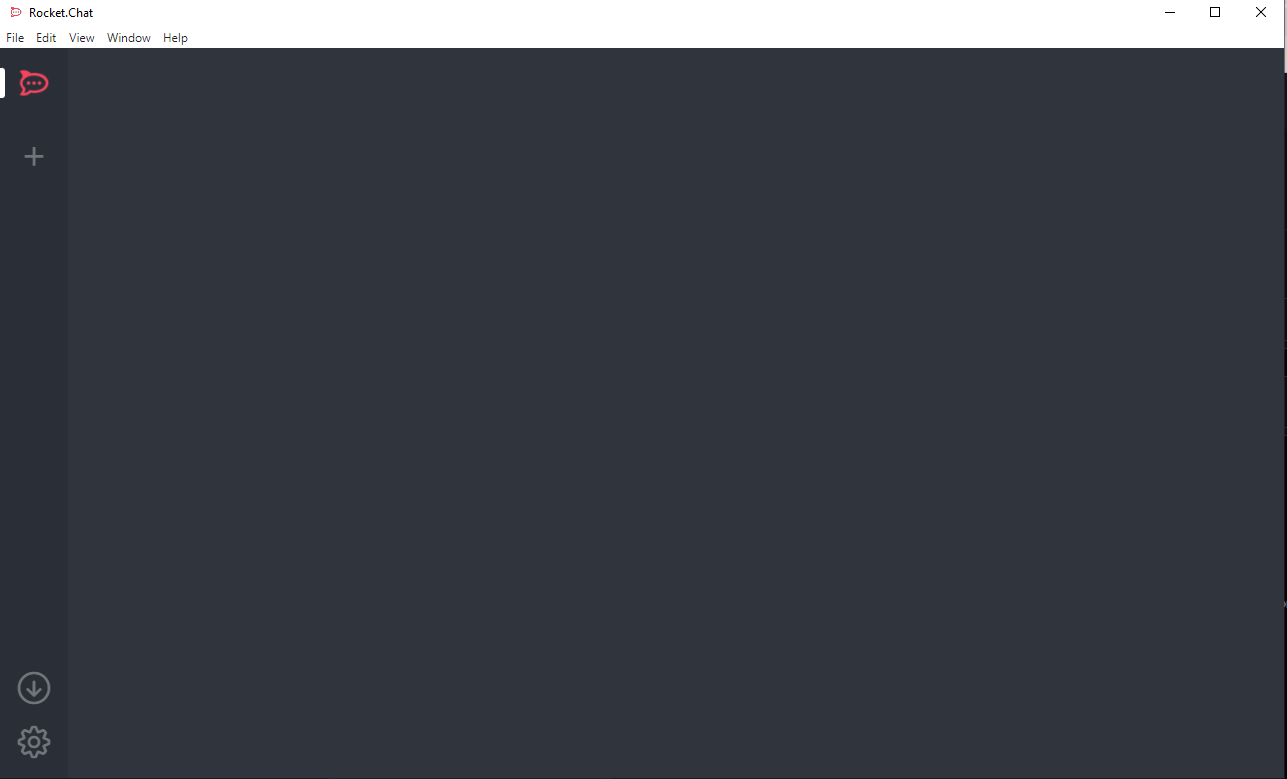
- Turn on the internet and you still see this above blank state in the application, it is supposed to hot-reload/soft-reload after the internet connection is established and show all the chat UI and messages and channels.
Expected behavior:
When we provide the internet and you still see this above blank state, it is supposed to hot-reload/soft-reload after the internet connection is established and show all the chat UI and message histories.
Actual behavior:
After establishing the internet connection it is still showing this blank state
Server Setup Information:
- Version of Rocket.Chat Server: Application is downloaded from the site on 28th Feb 2022
- Operating System: Application is downloaded from the site on 28th Feb 2022
- Deployment Method: Application is downloaded from the site on 28th Feb 2022
- Number of Running Instances: Application is downloaded from the site on 28th Feb 2022
- DB Replicaset Oplog: Application is downloaded from the site on 28th Feb 2022
- NodeJS Version: Application is downloaded from the site on 28th Feb 2022
- MongoDB Version: Application is downloaded from the site on 28th Feb 2022
Client Setup Information
- Desktop App or Browser Version: Desktop App
- Operating System: Windows10
Additional context
Relevant logs:
Contributor guide
First steps
- Read the whole issue, then the project's contributing guide.
- Comment on the issue to say you are picking it up — it saves two people doing the same work.
- Fork the repository and make your change on a branch.
- Open a pull request that references the issue number.
Research direction
No files, tests, logs, or code entry points are named. Start by reproducing the issue on Windows 10 with the Rocket.Chat desktop app using the listed offline-then-online steps; done means the blank state recovers and displays the chat UI, message histories, and channels after connectivity returns.
Written by the indexing model from the issue text.
Assessment
- Domain
- desktop
- Issue type
- Bug
- Difficulty
- 4/5
- Estimated time
- 3-5 days
- Activity status
- Stale
- Clarity
- Mostly clear
- Newbie friendliness
- 35/100