RocketChat / RocketChat/Rocket.Chat
Incorrect avatar for Gitlab integration webhook
Nobody has claimed this yet.
- Dominant language
- TypeScript
- Stars
- 46.1k
- Forks
- 13.9k
- Avg merge
- 3d 3h
- Merged PRs (30d)
- 130
Description
Description:
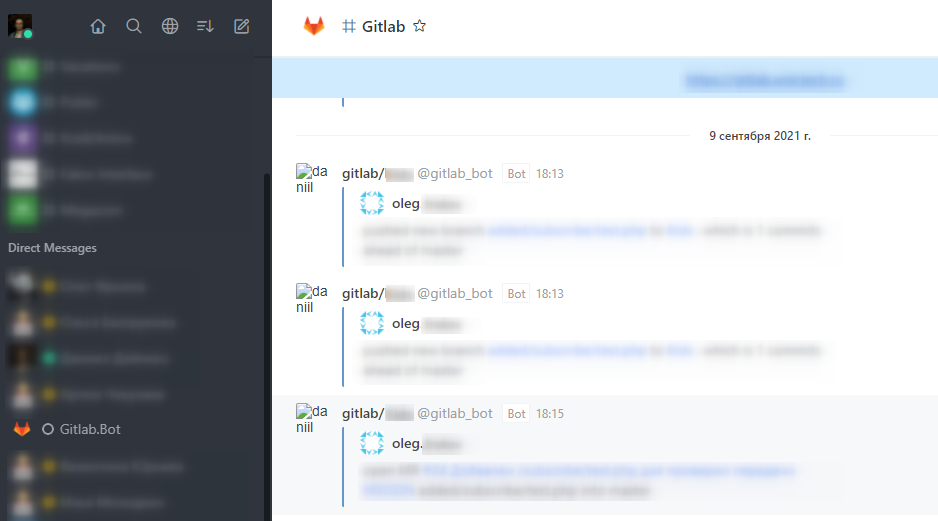
Avatars from Gitlab doesn't appear correctly.
Steps to reproduce:
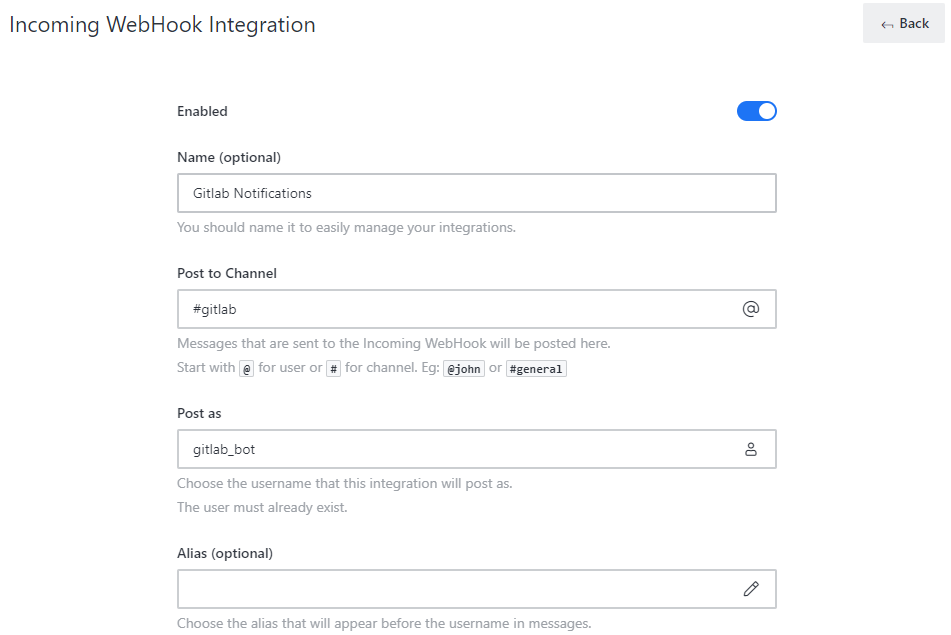
https://docs.rocket.chat/guides/administration/administration/integrations/gitlab
Expected behavior:
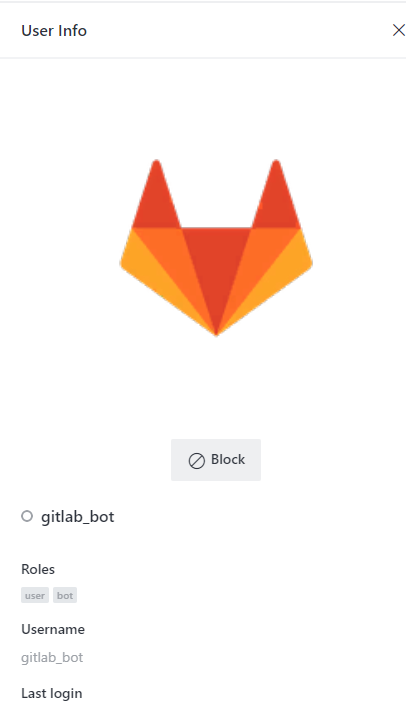
Avatar bot or repository avatar should be appear.
Actual behavior:
For some reason avatar is replacing by admin avatar url (daniil in my case), but its incorrect, and image is not visible, but img alt tag has username in it. User for gitlab has correct avatar image.
Server Setup Information:
Deployment
Version
3.18.1
Apps Engine Version
1.27.1
Node Version
v12.22.1
Database Migration
232 (september 8, 2021 5:32)
MongoDB
4.0.26 / mmapv1 (oplog Enabled)
Commit Details
HEAD: (73ab3c26a)
Branch: HEAD
OS: Debian 10
Client Setup Information
- Browser / Desktop app / Mobile app
- Operating System: Windows / Android
Contributor guide
First steps
- Read the whole issue, then the project's contributing guide.
- Comment on the issue to say you are picking it up — it saves two people doing the same work.
- Fork the repository and make your change on a branch.
- Open a pull request that references the issue number.
Research direction
Start with the GitLab integration described at the linked administration guide and trace how webhook messages choose an avatar URL. Reproduce the issue using the provided screenshots and setup details, then verify that the bot or repository avatar renders instead of the administrator avatar and that the image is visible.
Written by the indexing model from the issue text.
Assessment
- Tech stack
- gitlab, typescript
- Domain
- api, backend
- Issue type
- Bug
- Difficulty
- 3/5
- Estimated time
- 1-2 days
- Activity status
- Stale
- Clarity
- Needs clarification
- Newbie friendliness
- 28/100