RocketChat / RocketChat/Rocket.Chat
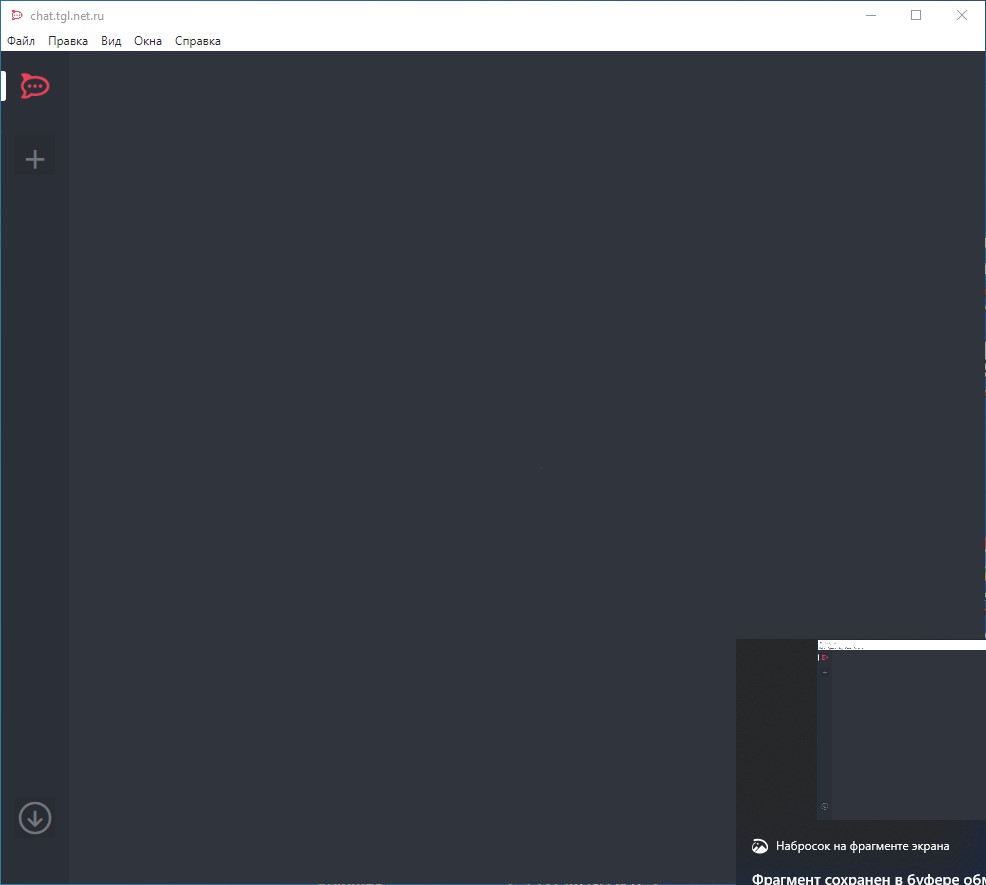
Interface not functional after loading
Open
Nobody has claimed this yet.
- Dominant language
- TypeScript
- Stars
- 46.1k
- Forks
- 13.9k
- Avg merge
- 3d 3h
- Merged PRs (30d)
- 130
Description
The program is configured to load automatically when the user logs on to the system. The RocketChat icon in the taskbar is displayed. But the interface in the program window is not fully displayed: there are no channels and icons in the upper part. The problem is solved by exiting RocketChat and restarting it.
Contributor guide
First steps
- Read the whole issue, then the project's contributing guide.
- Comment on the issue to say you are picking it up — it saves two people doing the same work.
- Fork the repository and make your change on a branch.
- Open a pull request that references the issue number.
Research direction
Start by reproducing automatic startup after the user logs on and compare the incomplete window with a fresh restart. Trace the startup and interface initialization path, then verify that channels and the upper toolbar icons appear without requiring Rocket.Chat to be exited and reopened.
Written by the indexing model from the issue text.
Assessment
- Domain
- desktop, frontend
- Issue type
- Bug
- Difficulty
- 4/5
- Estimated time
- 3-5 days
- Activity status
- Stale
- Clarity
- Needs clarification
- Newbie friendliness
- 25/100