RocketChat / RocketChat/Rocket.Chat
HTTP 413 (Payload Too Large) error not handled properly by the UI
Nobody has claimed this yet.
- Dominant language
- TypeScript
- Stars
- 46.1k
- Forks
- 13.9k
- Avg merge
- 3d 3h
- Merged PRs (30d)
- 130
Description
Description:
When uploading a 7 MB file on our production instance (behind nginx), the server responds HTTP 413 error but the UI does not reflect this state (the upload widget seems "frozen" at 0% after uploading). I suspect that the payload is too large for nginx, so it never gets passed to the Rocket.Chat server at all (could not find any trace in the app logs).
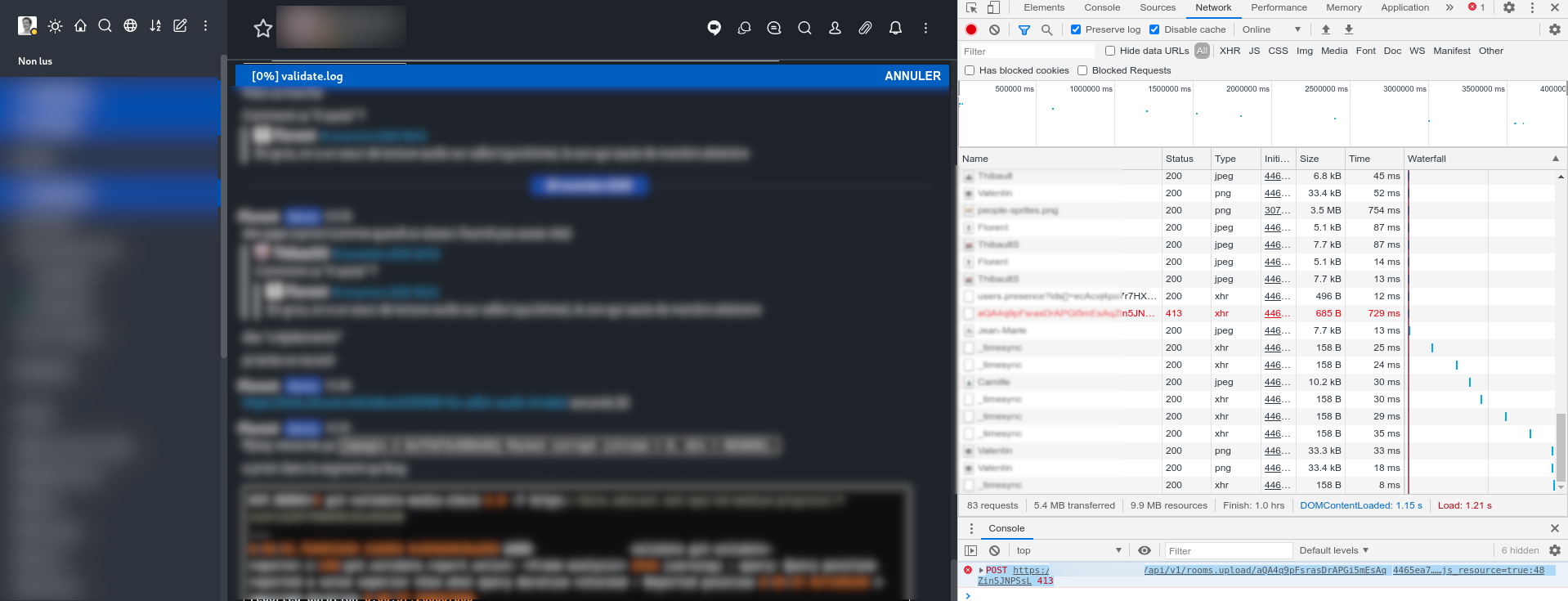
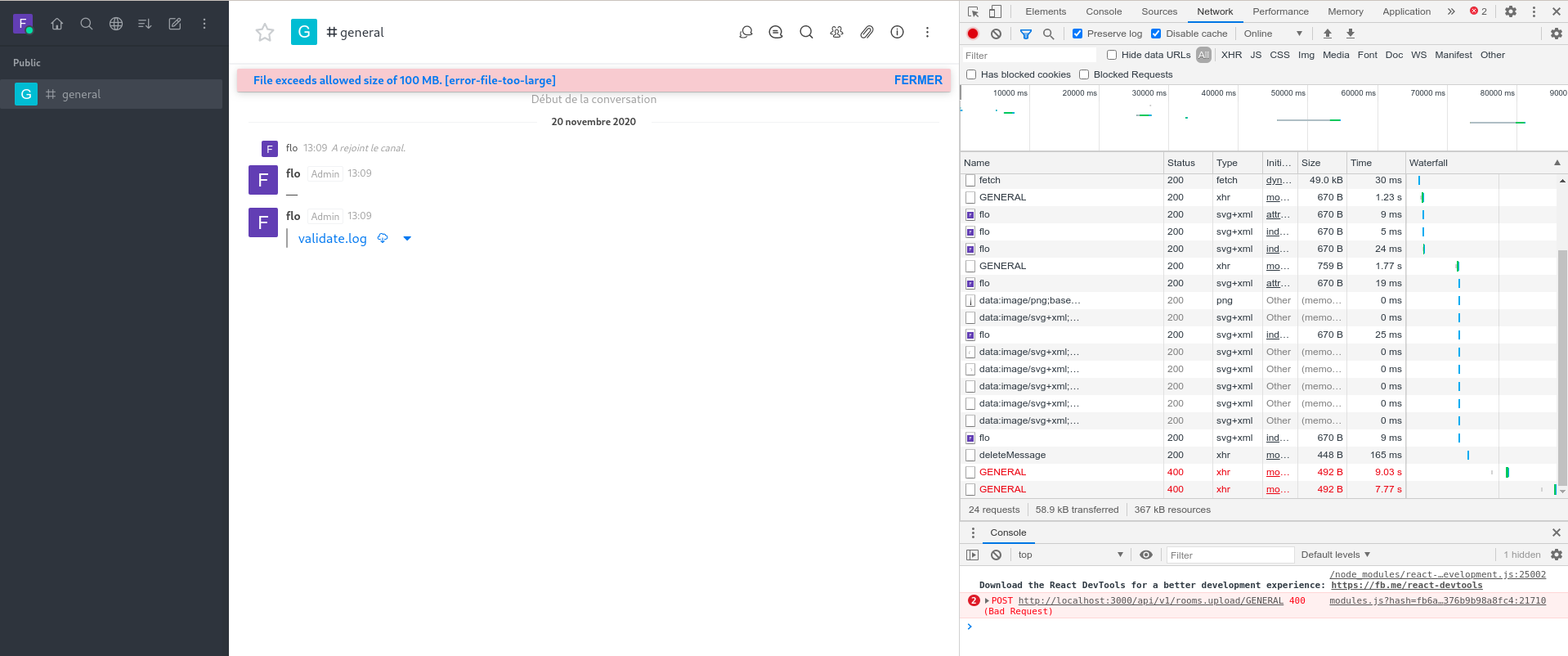
I would expect the UI to show the same as what happens with the development version (HTTP 400)
Steps to reproduce:
- Upload a file that is too large for nginx and triggers HTTP 413
Expected behavior:
"File exceeds allowed size of 100 MB. [error-file-too-large] "
Actual behavior:
Widget stays at 0%
Server Setup Information:
- Version of Rocket.Chat Server: 3.7.1
- Operating System: Linux (LXC)
- Deployment Method: snap
- Number of Running Instances: 1
- DB Replicaset Oplog: enabled
- NodeJS Version: v12.18.4
- MongoDB Version:4.0.20
Client Setup Information
- Desktop App or Browser Version: chromium 86
- Operating System: Arch Linux
Additional context
Nginx configuration
server {
	listen 80;
	server_name xxx;

	location / {
		proxy_pass http://127.0.0.1:3000/;
		proxy_http_version 1.1;
		proxy_set_header Upgrade $http_upgrade;
		proxy_set_header Connection "upgrade";
		proxy_set_header Host $http_host;

		proxy_set_header X-Real-IP $remote_addr;
		proxy_set_header X-Forward-For $proxy_add_x_forwarded_for;
		proxy_set_header X-Forward-Proto http;
		proxy_set_header X-Nginx-Proxy true;

		proxy_redirect off;
	}
}
Relevant logs:
nginx
192.168.90.100 - - [20/Nov/2020:12:09:58 +0100] "POST /api/v1/rooms.upload/aQA4q9pFsrasDrAPGi5mEsAqZin5JNPSsL HTTP/1.1" 413 601 "https://xxx/direct/aQA4q9pFsrasDrAPGi5mEsAqZin5J
browser:
POST https://xxx/api/v1/rooms.upload/aQA4q9pFsrasDrAPGi5mEsAqZin5JNPSsL 413
Contributor guide
First steps
- Read the whole issue, then the project's contributing guide.
- Comment on the issue to say you are picking it up — it saves two people doing the same work.
- Fork the repository and make your change on a branch.
- Open a pull request that references the issue number.
Research direction
Start with the upload widget and its response handling for POST /api/v1/rooms.upload, using the provided nginx configuration and browser 413 request as context. Reproduce an upload rejected by nginx and trace why the widget remains at 0%. Done means the UI displays the file-too-large error instead of appearing frozen.
Written by the indexing model from the issue text.
Assessment
- Tech stack
- nginx, typescript
- Domain
- frontend
- Issue type
- Bug
- Difficulty
- 3/5
- Estimated time
- 1-2 days
- Activity status
- Stale
- Clarity
- Mostly clear
- Newbie friendliness
- 35/100