RocketChat / RocketChat/Rocket.Chat
TIFF image uploads are not rendered on preview or gallery
Open
@ggazzo is already working on this.
Since Jun 6, 2018.
type: bug
- Dominant language
- TypeScript
- Stars
- 46.1k
- Forks
- 13.9k
- Avg merge
- 3d 3h
- Merged PRs (30d)
- 130
Description
Description:
Server Setup Information:
Rocket.Chat (docker:latest)
| Version | 0.65.1 |
|---|---|
| Database Migration | 121 |
| Database Migration Date | Sat Jun 02 2018 09:43:00 GMT-0500 (Central Daylight Time) |
| Installed at | Mon Jan 29 2018 11:26:38 GMT-0600 (Central Standard Time) |
| Uptime | 3 days, 23 hours, 18 seconds |
| Deployment ID | TcqCjYQpABoBFaoYr |
| PID | 1 |
| Running Instances | 1 |
| OpLog | Enabled |
Commit
| Hash | 8349c36de01e14503bcdbc5d382b124568959de9 |
|---|---|
| Date | Wed May 30 09:57:01 2018 -0300 |
| Branch | HEAD |
| Tag | 0.65.1 |
| Author | Diego Sampaio |
| Subject | Merge pull request #10947 from RocketChat/release-0.65.1 |
Steps to Reproduce:
- Upload an image in a conversation.
- Look at displayed thumbnail.
Expected behavior:
Previous behavior was a reasonably-scaled thumbnail of the image, which when clicked, would open up to a larger version popup.
Actual behavior:
One of two things happens:
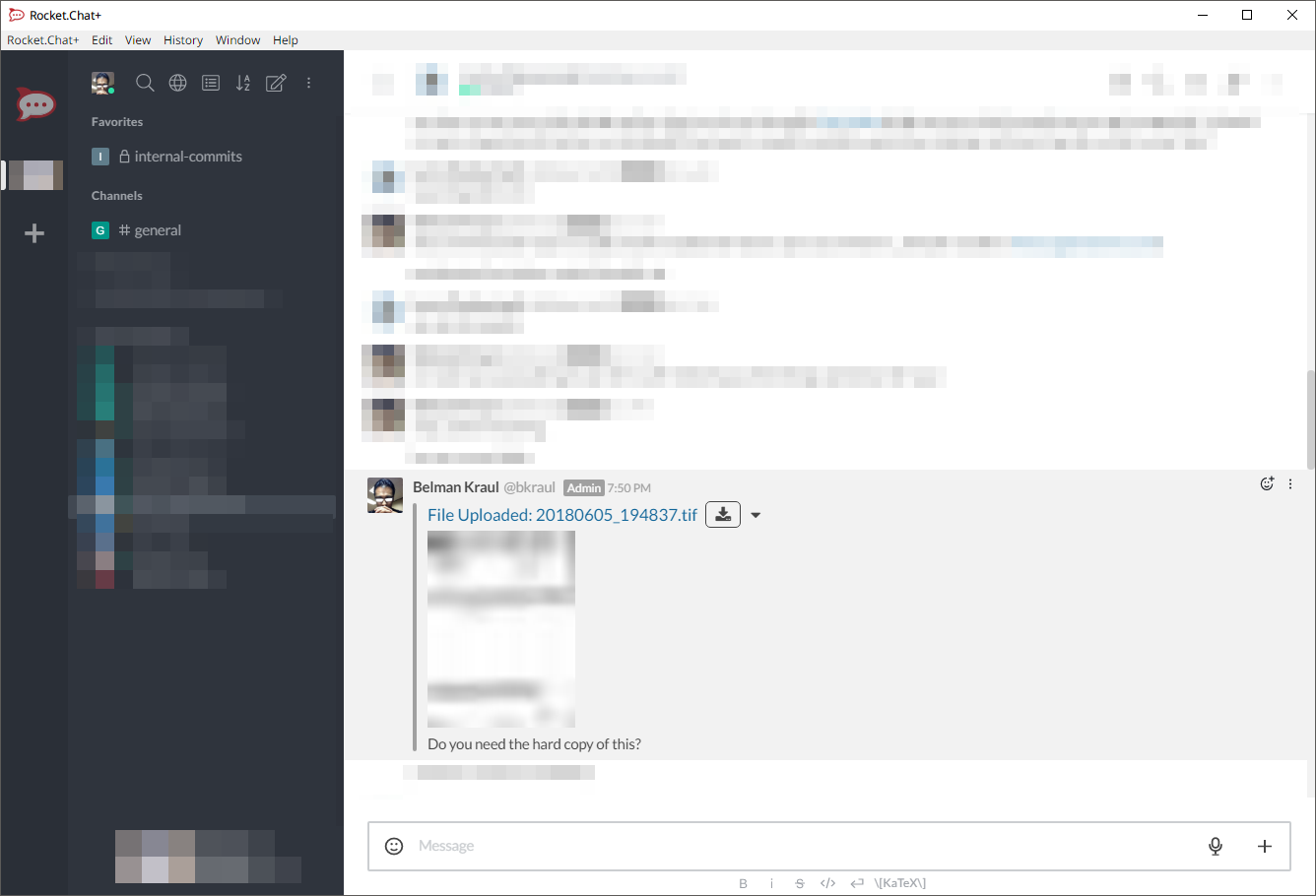
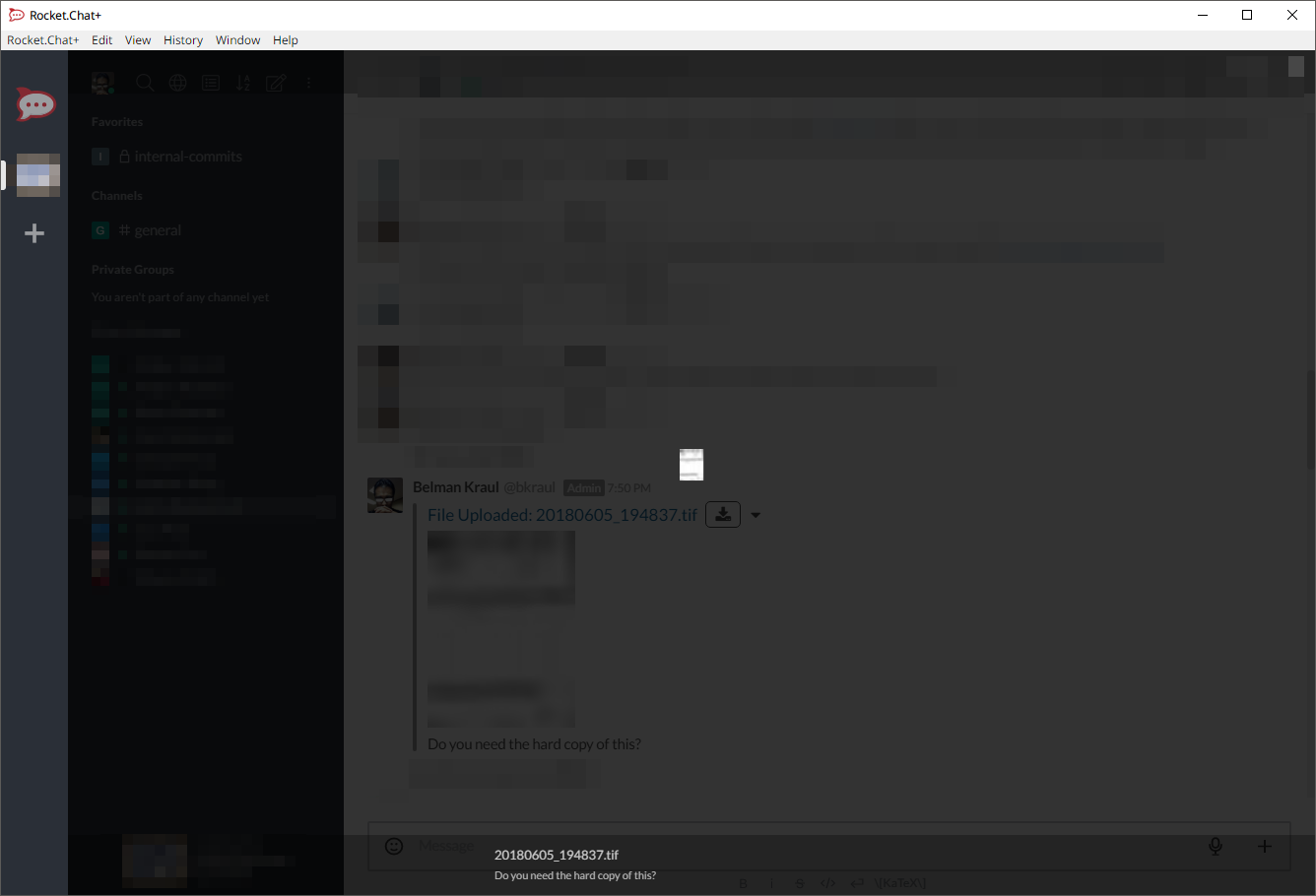
- A very small thumbnail is generated, that when clicked shows the exact same size (which is worthlessly small).
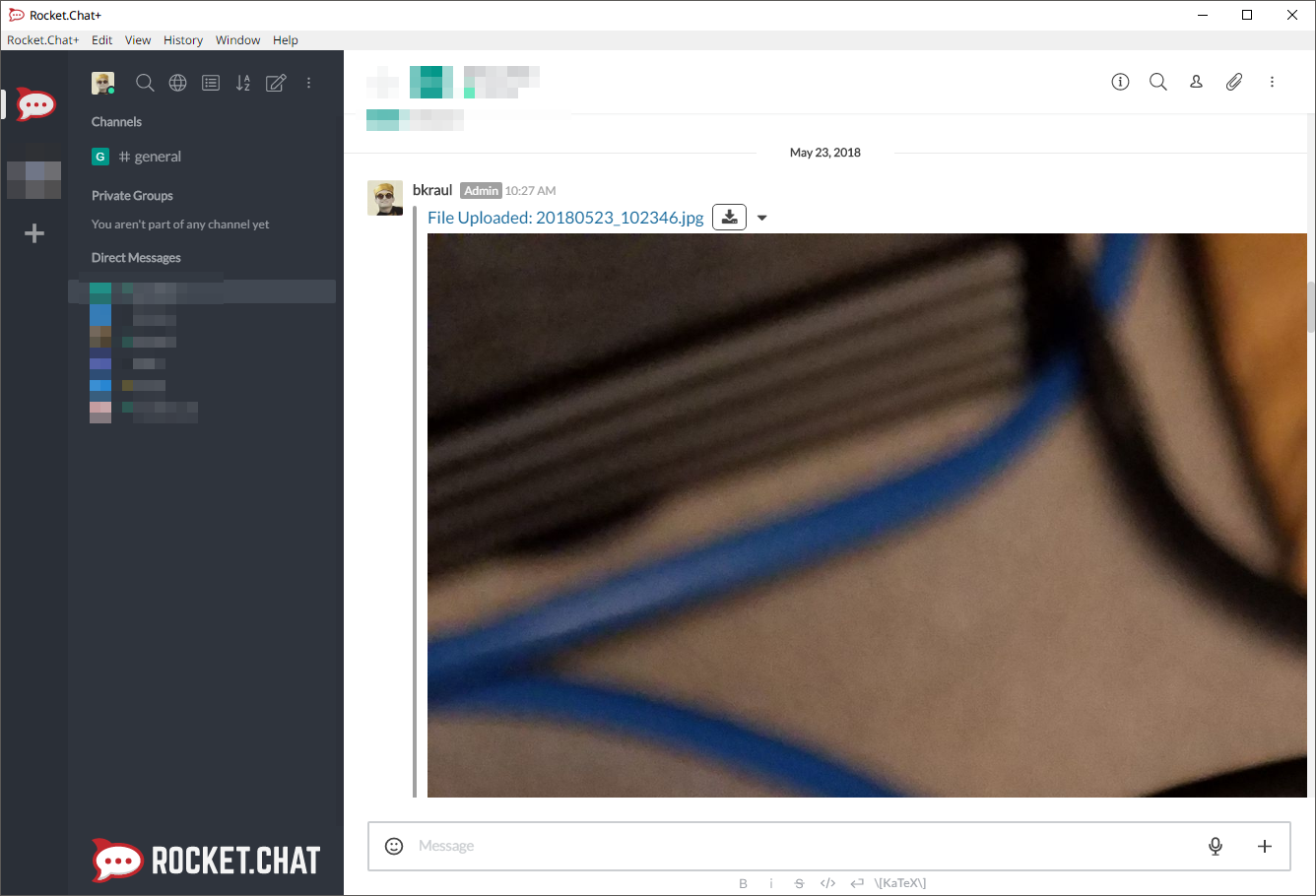
- No thumbnail is generated at all and a massive preview of the image (if high-res) is shown in the conversation.
Screenshots:
(Some data pixelated for privacy).
Contributor guide
First steps
- Read the whole issue, then the project's contributing guide.
- Comment on the issue to say you are picking it up — it saves two people doing the same work.
- Fork the repository and make your change on a branch.
- Open a pull request that references the issue number.
Assessment
This issue has not been assessed yet.