Reviewable / Reviewable/Reviewable
Walkthrough in Account Settings for any of the fields causes dropdown to hide
- Dominant language
- CSS
- Stars
- 209
- Forks
- 39
- Avg merge
- 1d 22h
- Merged PRs (30d)
- 4
Description
When attempting to show the walkthrough overlay by clicking on the help tooltip on the Account Setting dropdown, the dropdown hides and the incorrect section of the page gets highlighted.
1. After logging in, click on your username in the upper right corner
2. Click inside one of the inputs in the dropdown component
3. hover over that same field until Help tooltip shows up
4. click on help to activate the walkthrough
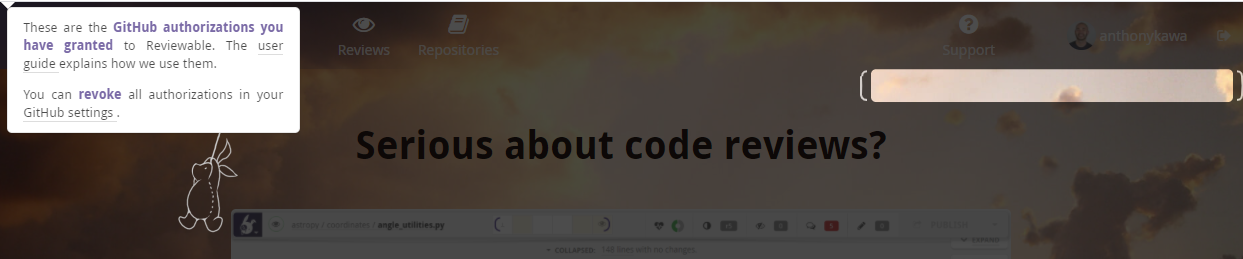
**Browser:** Chrome Version 86.0.4240.198 (Official Build) (64-bit)
**OS:** Windows 10 Version 2004 (OS Build 19041.630)
Contributor guide
No contributing guide indexed for this repository
Assessment
This issue has not been assessed yet.