Combine GitHub workflow with GitHub releases
Nobody has claimed this yet.
- Dominant language
- No language data
- Stars
- 17
- Forks
- 5
- PR merge metrics
- No merged PRs in 30d
Description
The GitHub workflow is a popular, simple workflow. It uses a master branch and any number of "feature" branches, maybe associated to specific issues (e.g. use branch 1_something to work on something described in issue #1).

Except for master, there is no stable branch (e.g. no stable dev branch). It's not obvious, but this strategy reduces the overall pain of merging changes into master.
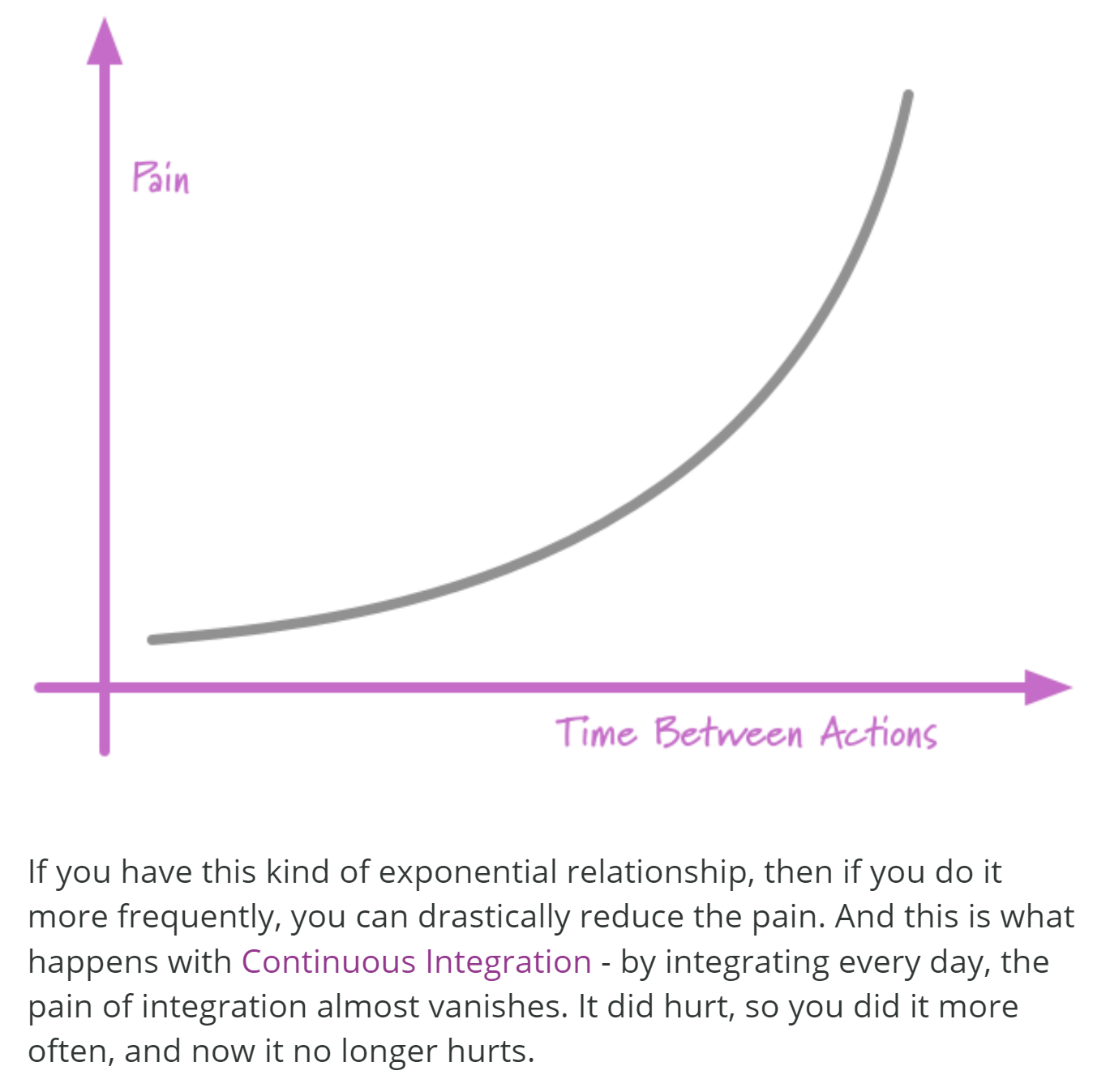
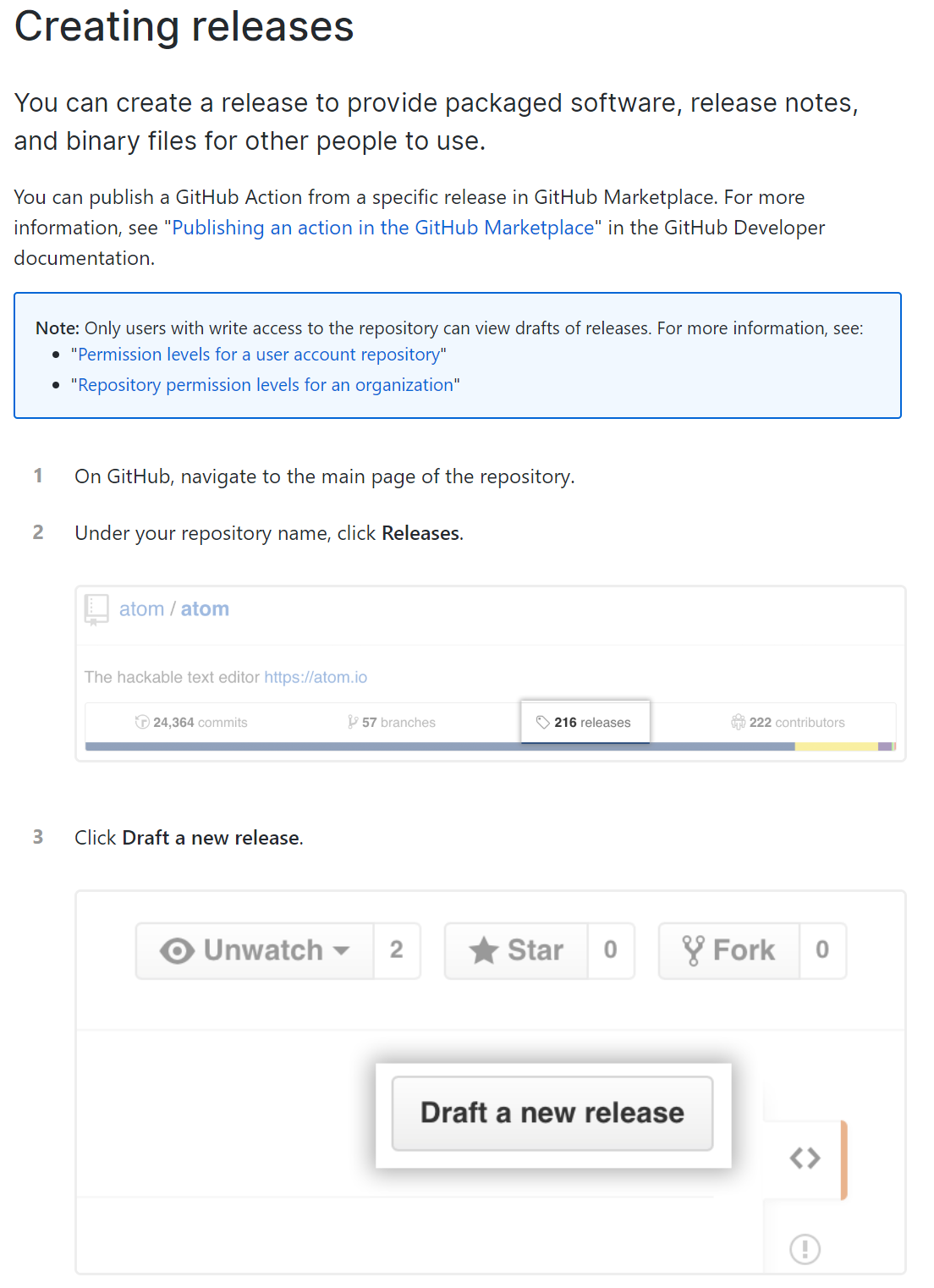
If the only stable branch ismaster, How do you distinguish between the state of the project in master versus a curated, released version? The answer is GitHub releases, which are simply a glorified, tagged snapshots of master.
Thanks to @jhoff-2dii for motivating this post.
Contributor guide
First steps
- Read the whole issue, then the project's contributing guide.
- Comment on the issue to say you are picking it up — it saves two people doing the same work.
- Fork the repository and make your change on a branch.
- Open a pull request that references the issue number.
Research direction
Start by reviewing the issue text and its linked GitHub workflow and GitHub Releases guides. The issue does not name a file, entry point, or concrete repository change; first clarify whether the intended outcome is a resource combining these concepts, then define the content and acceptance criteria.
Written by the indexing model from the issue text.
Assessment
- Tech stack
- git, github
- Domain
- documentation, release
- Issue type
- Documentation
- Difficulty
- 5/5
- Estimated time
- Over a week
- Activity status
- Stale
- Clarity
- Needs clarification
- Newbie friendliness
- 25/100