ProxymanApp / ProxymanApp/Proxyman
Script editor becomes unresponsive, and syntax highlighting breaks when script contains very long lines.
@NghiaTranUIT is already working on this.
Since Jan 27, 2021.
- Dominant language
- No language data
- Stars
- 7k
- Forks
- 237
- PR merge metrics
- No merged PRs in 30d
Description
Proxyman version? (Ex. Proxyman 1.4.3)
Version 2.16.1 (21610
macOS Version? (Ex. mac 10.14)
10.15.6
Steps to reproduce
Lower priority issue.
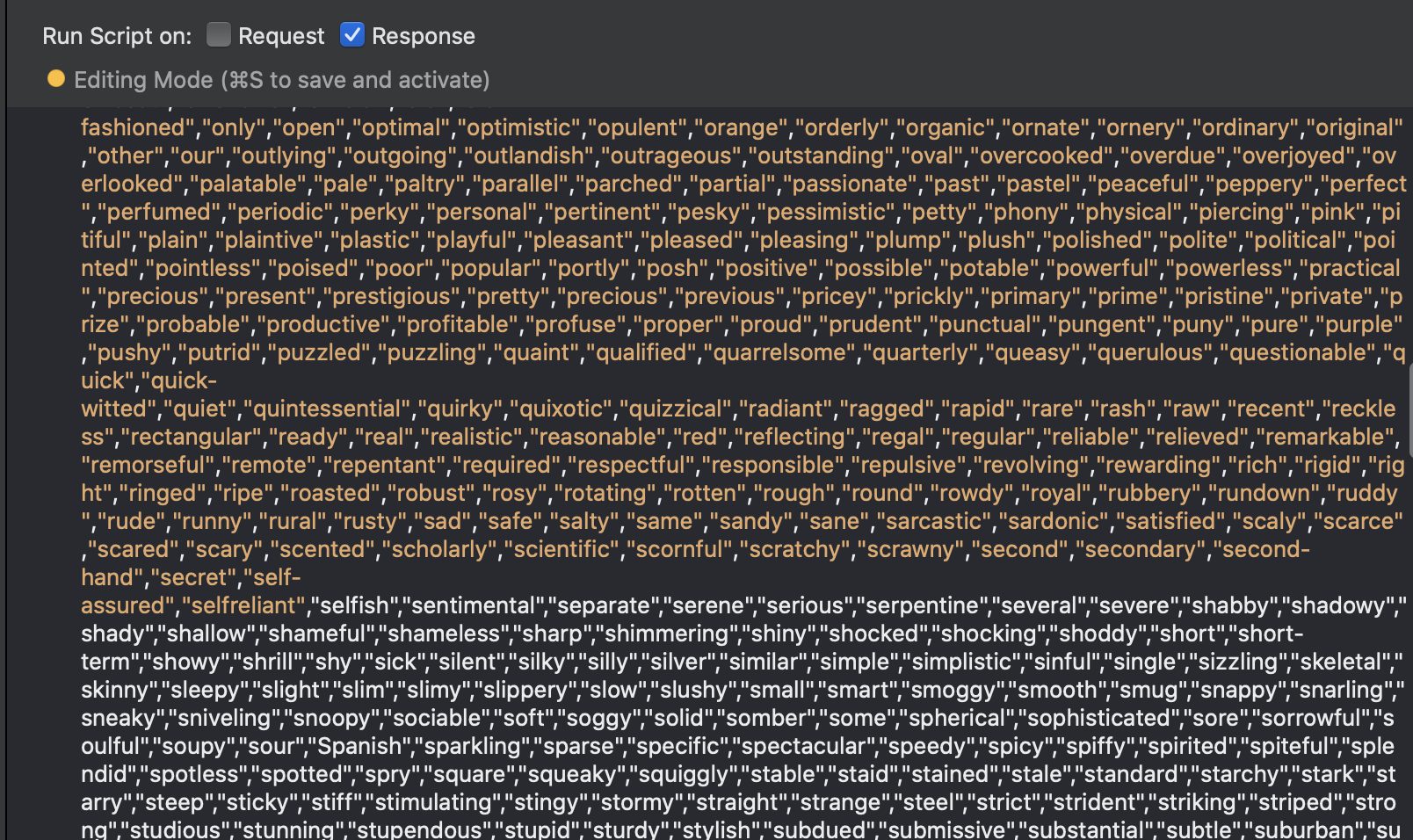
The script editor becomes very unresponsive when you're editing a script that contains very long lines. See attached config file for an example. Editing will stop and start. It looks like auto completion is likely the problem. Syntax highlighting appears to break halfway through the line. See attached screen shot
Removing the long lines, the var name1 and var name2 in generateName() in this particular case, seems to resolve the issue. I don't know if it's the length of the line, or the number of elements in the arrays being defined that is causing the issue.
- Import the the attached config file.
- Open scripts list
- Open script and try editing, typing etc.
Results
- Edit becomes very unresponsive, when typing a word
testingfor example, there is 2-3 second pause before the characters appear, and then auto complete appears - Syntax highlighting breaks
Expected behavior
Editor should be responsive.
Contributor guide
No contributing guide indexed for this repository
First steps
- Read the whole issue, then the project's contributing guide.
- Comment on the issue to say you are picking it up — it saves two people doing the same work.
- Fork the repository and make your change on a branch.
- Open a pull request that references the issue number.
Assessment
This issue has not been assessed yet.