ProxymanApp / ProxymanApp/Proxyman
SSL Handshake Failed (Mac + iPhone)
Open
@NghiaTranUIT is already working on this.
Since May 10, 2023.
✅ Done
bug
- Dominant language
- No language data
- Stars
- 7k
- Forks
- 237
- PR merge metrics
- No merged PRs in 30d
Description
Description
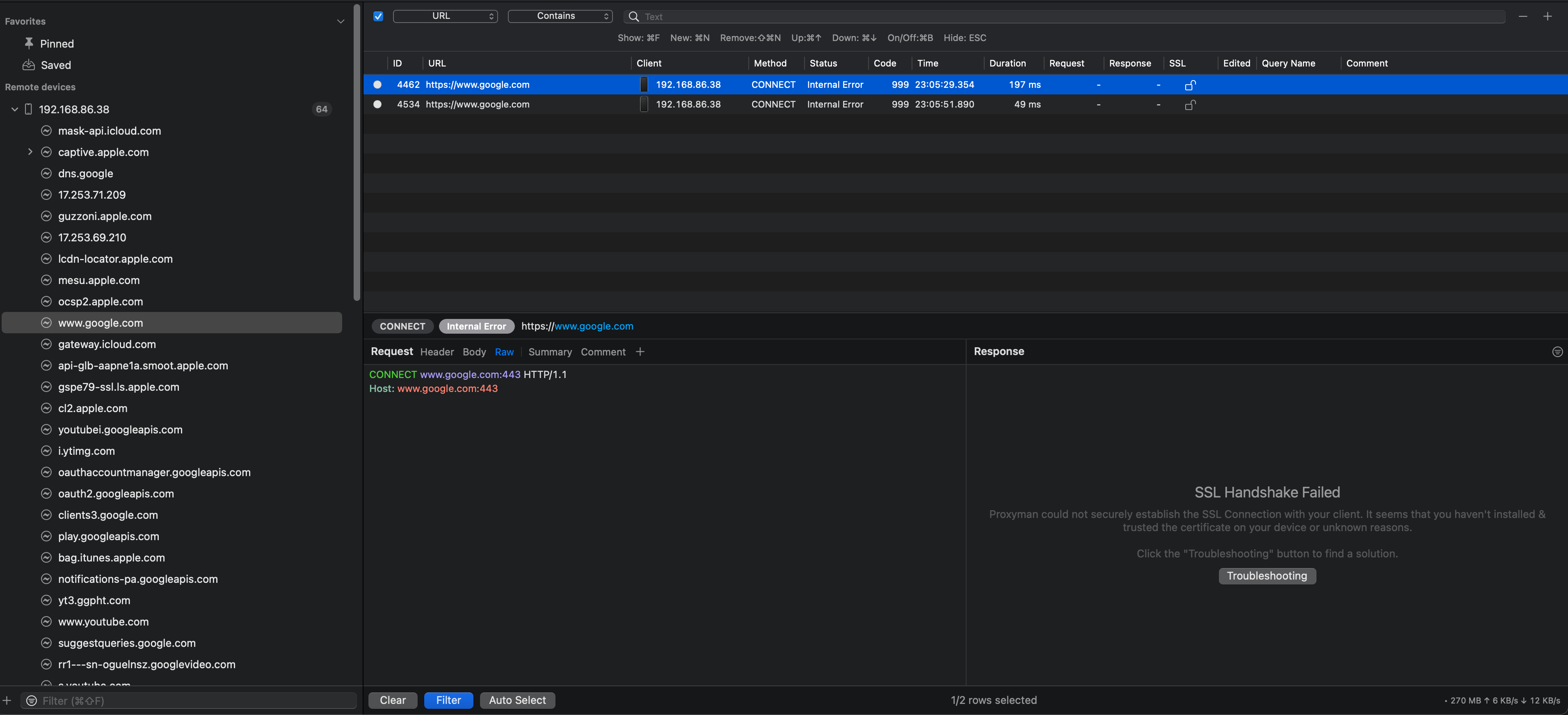
SSL Handshake Failed
Proxyman could not securely establish the SSL Connection with your client. It seems that you haven't installed & trusted the certificate on your device or unknown reasons.
Steps to Reproduce
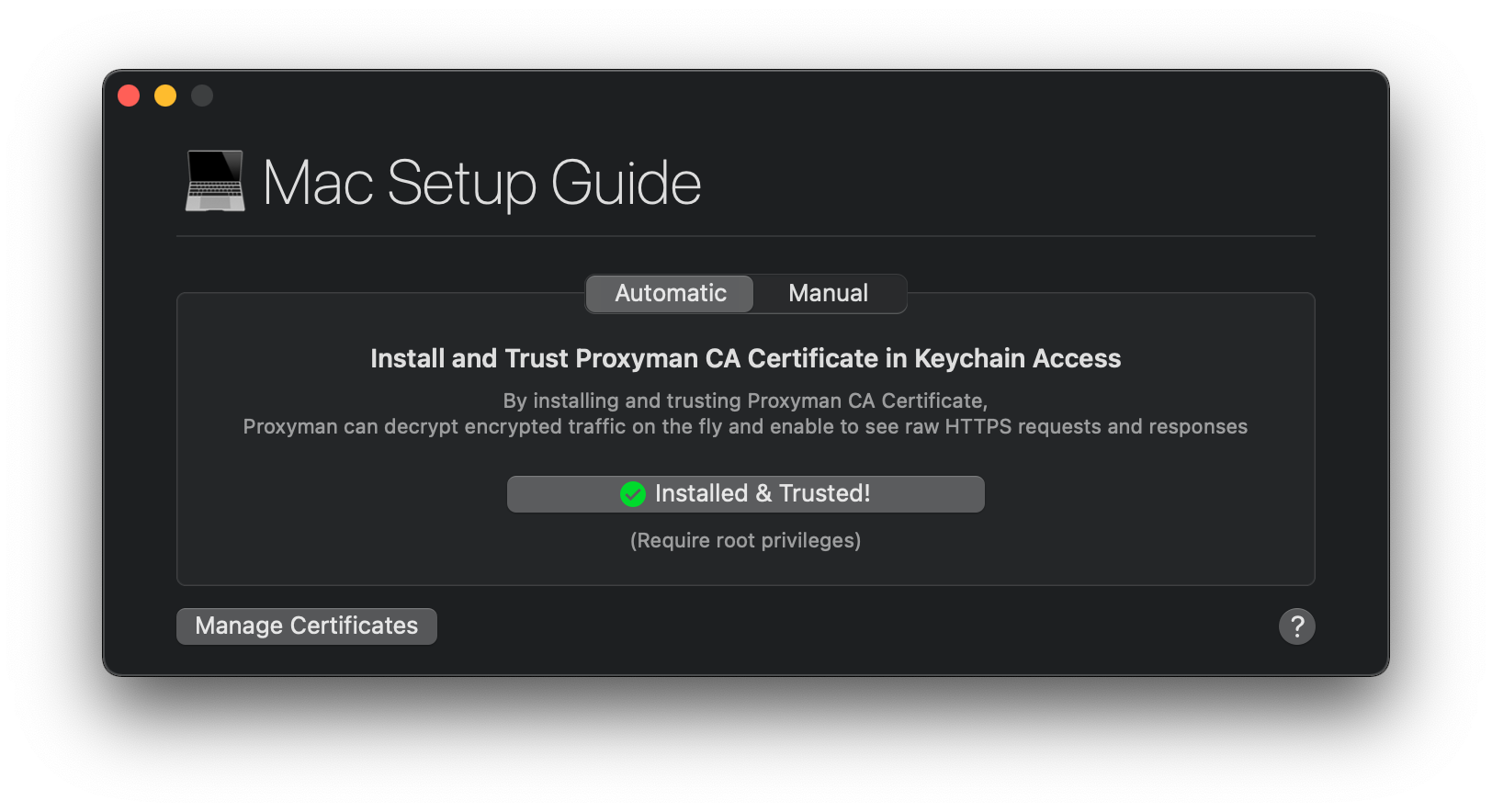
- Certificate > Install Certificate on this Mac (Automatic)
- Certificate > Install Certificate on IOS > Phyiscal Devices
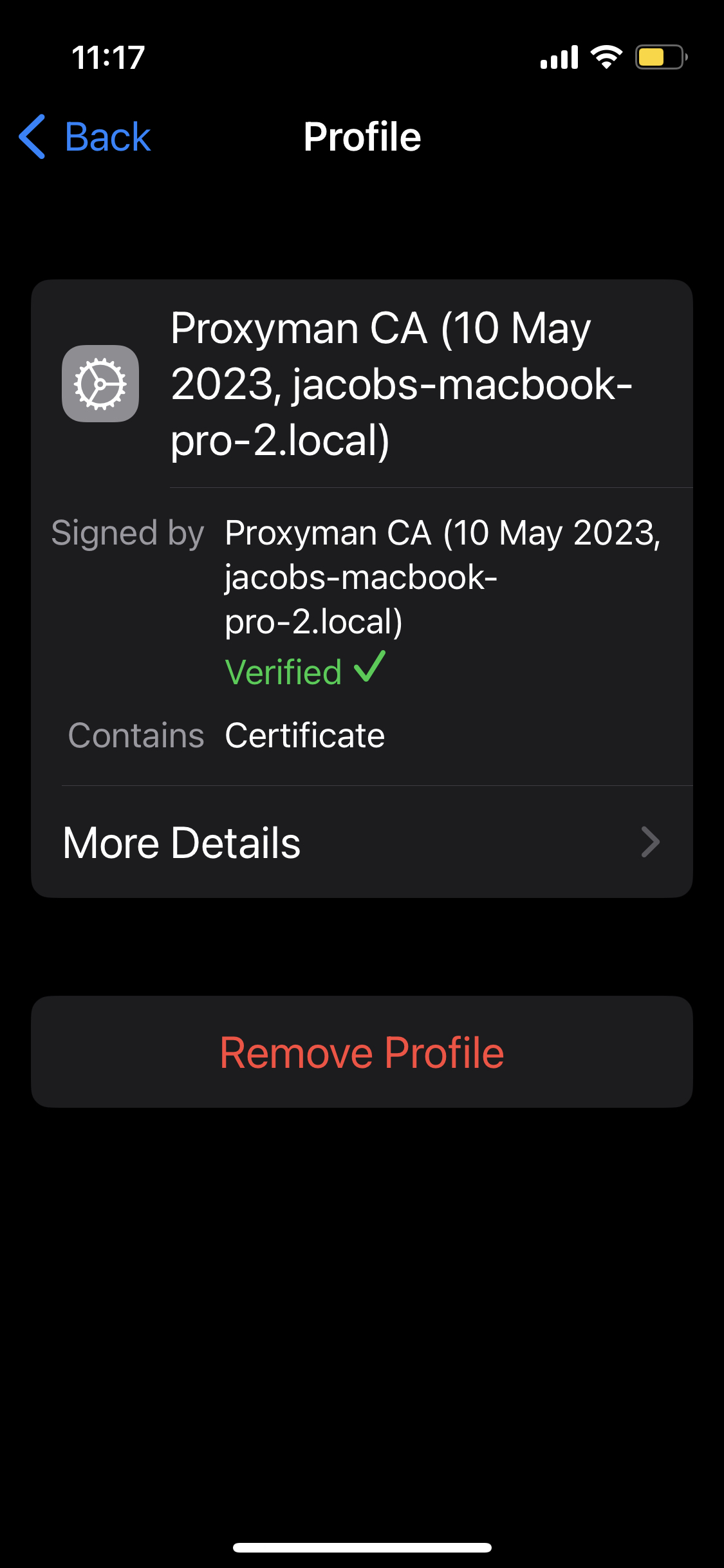
- Install Profile on iPhone
- Setup Proxy on WiFi settings
- Visit
https://www.google.com - Select "Enable SSL Proxying" on this domain on the Proxyman app for macOS
Current Behavior
SSL Handshake Failed
Expected Behavior
Expect to see the body.
Notes:
https://www.google.comworks on the mac, but not on the device.- I've also deleted and re-installed the certificate (on both mac and ios).
- I've tried restarting the phone and trying different browsers
Environment
- App version: Version 4.7.1 (47010)
- macOS version: macOS Monterey (12.2.1)
- iPhone 13 mini (latest ios)
Screenshots
Contributor guide
No contributing guide indexed for this repository
First steps
- Read the whole issue, then the project's contributing guide.
- Comment on the issue to say you are picking it up — it saves two people doing the same work.
- Fork the repository and make your change on a branch.
- Open a pull request that references the issue number.
Assessment
This issue has not been assessed yet.