PipedreamHQ / PipedreamHQ/pipedream
[IMPROVEMENT] Enedis Data-Connect instruction
- Dominant language
- JavaScript
- Stars
- 11.7k
- Forks
- 5.8k
- Avg merge
- 3d 10h
- Merged PRs (30d)
- 102
Description
**Is your feature request related to a problem? Please describe.**
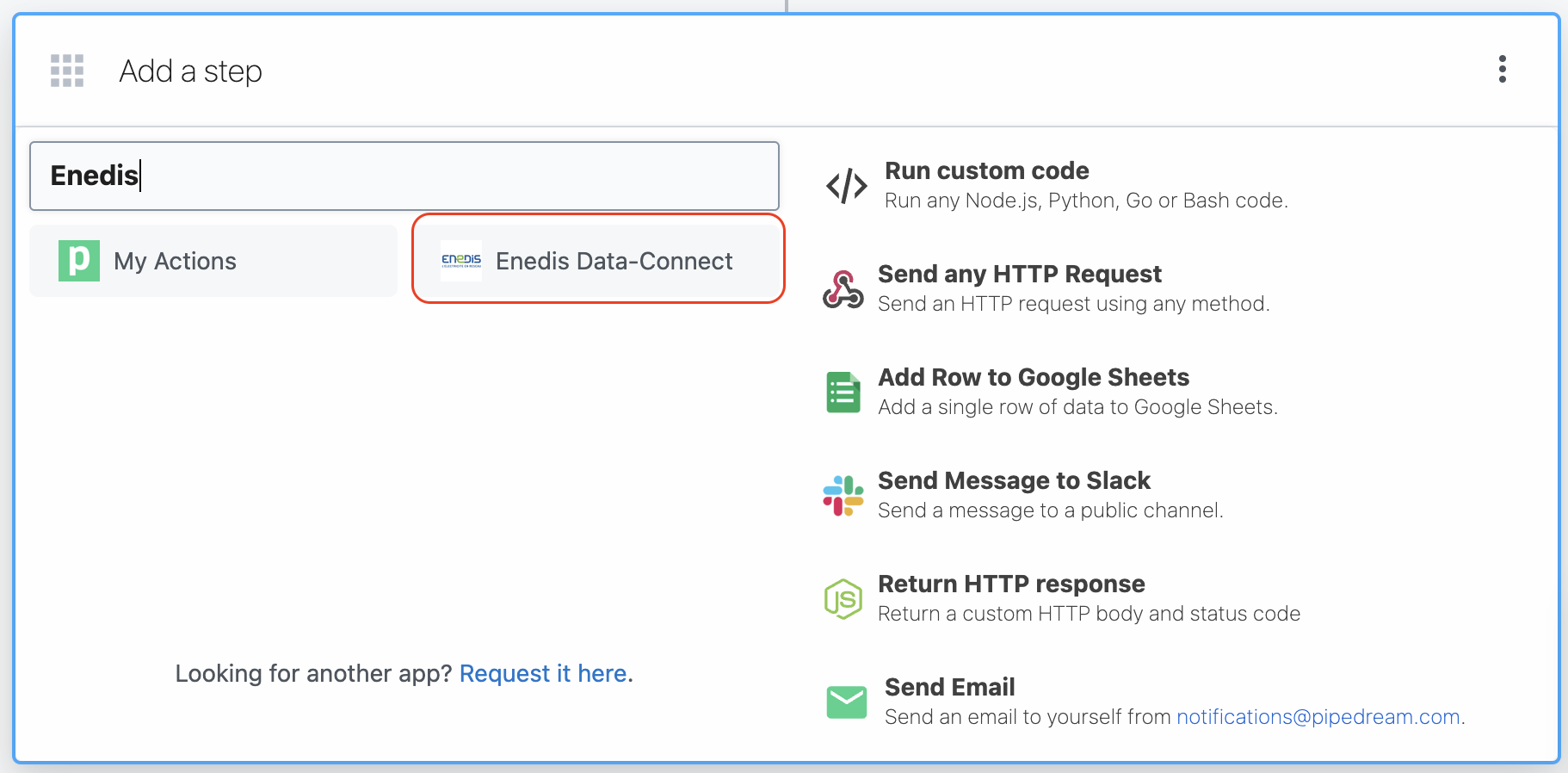
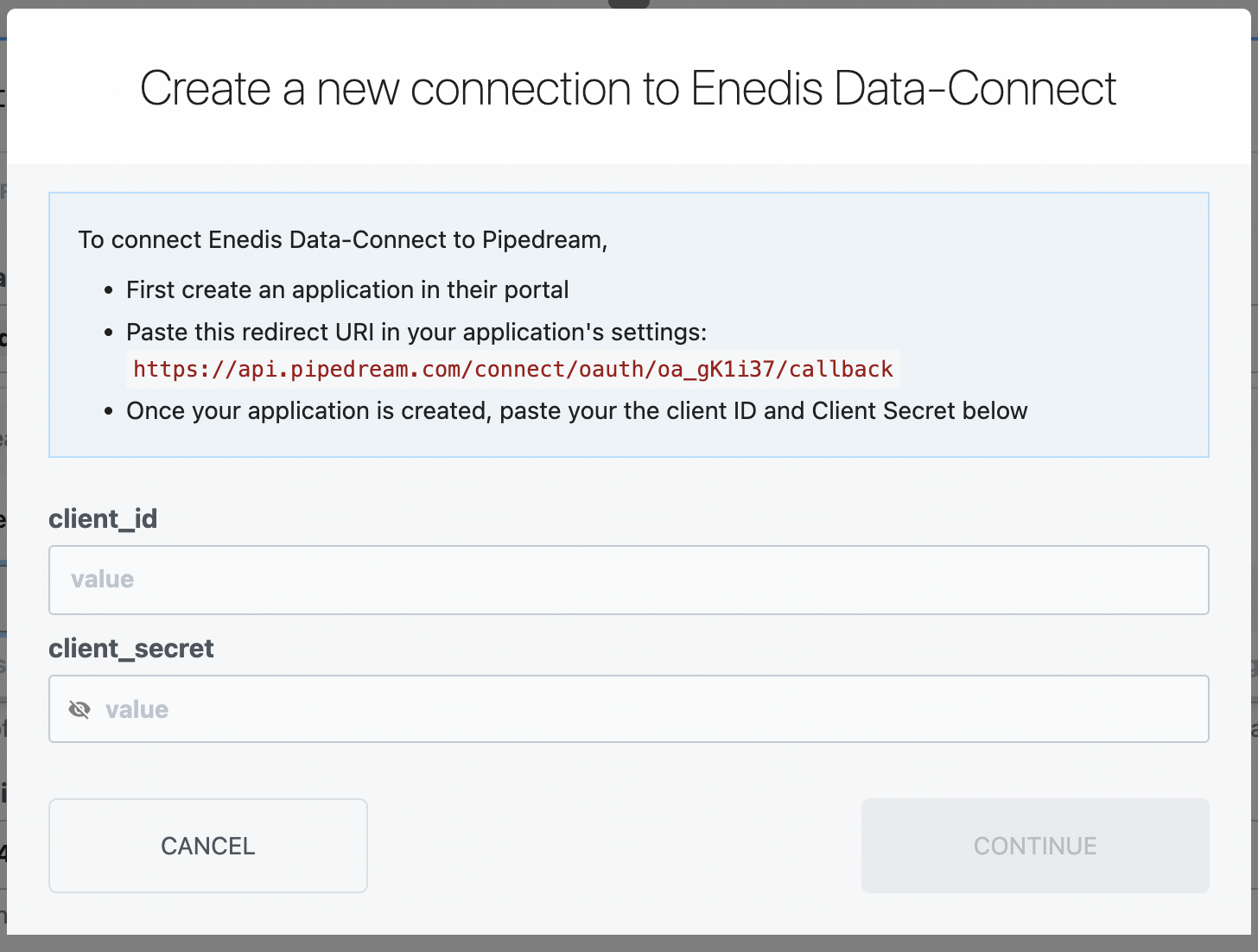
When I tried to connect to Enedis Data-Connect, it gave me a hard time trying to figure out where to register the account, as well as creating the application.
**Describe the solution you'd like**
I would like to have links to the Enedis Data-Connect page in the instruction, so that I know where to get the credentials.
```
To connect Enedis Data-Connect to Pipedream,
First create an application in [their Application Page](https://datahub-enedis.fr/mon-compte-tableau-de-bord/mon-compte-applications/)
Paste this redirect URI in your application's settings: `https://api.pipedream.com/connect/oauth/oa_gK1i37/callback`
Once your application is created and live, paste your the Client ID (or Public Key) and Client Secret below
```
Contributor guide
Assessment
This issue has not been assessed yet.