No object selection when opening a landscape in scenario editor.
Open
Nobody has claimed this yet.
bug
- Dominant language
- C++
- Stars
- 16.2k
- Forks
- 1.9k
- Avg merge
- 1d 20h
- Merged PRs (30d)
- 80
Description
Operating System
Windows 10, 64 bit
OpenRCT2 build
OpenRCT2, v0.4.4 (9e4918c) provided by GitHub
Base game
RollerCoaster Tycoon 2
Area(s) with this issue?
Issues building the game
Describe the issue
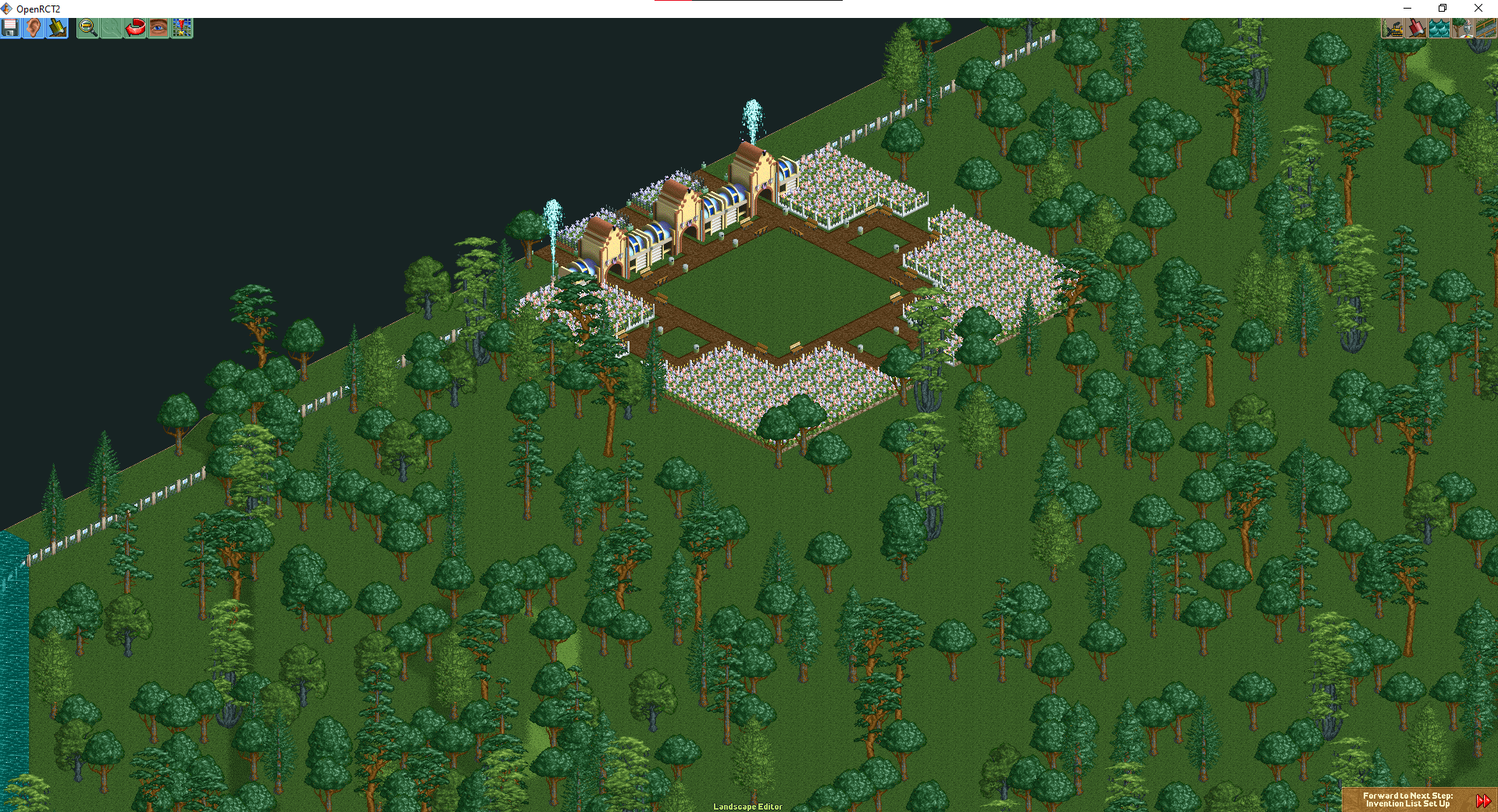
Today, I went to edit a scenario i created a couple of months ago, and after loading its file, i noticed there was no return to the previous step button on the left corner, which means i couldn't edit the object selection, which is what i intended.
Steps to reproduce
- Open scenario editor
- Click on Load Landscape
- Open any .sc6 file
- There should be no "return to object selection button on the left.
Attachments
Contributor guide
First steps
- Read the whole issue, then the project's contributing guide.
- Comment on the issue to say you are picking it up — it saves two people doing the same work.
- Fork the repository and make your change on a branch.
- Open a pull request that references the issue number.
Research direction
Start by reproducing the issue in the scenario editor through Load Landscape with a .sc6 file, then trace the scenario editor flow between landscape loading and object selection. Done means the return-to-object-selection button is present after loading and the object selection can be edited.
Written by the indexing model from the issue text.
Assessment
- Tech stack
- cpp
- Domain
- game-dev
- Issue type
- Bug
- Difficulty
- 3/5
- Estimated time
- 1-2 days
- Activity status
- Active
- Clarity
- Mostly clear
- Newbie friendliness
- 55/100