MaterialDesignInXAML / MaterialDesignInXAML/MaterialDesignInXamlToolkit
PopupBox is closed after being opened
Nobody has claimed this yet.
- Dominant language
- C#
- Stars
- 16.3k
- Forks
- 3.5k
- Avg merge
- 1d 22h
- Merged PRs (30d)
- 8
Description
I have a problem with the PopupBox control where it opens and then closes right away.
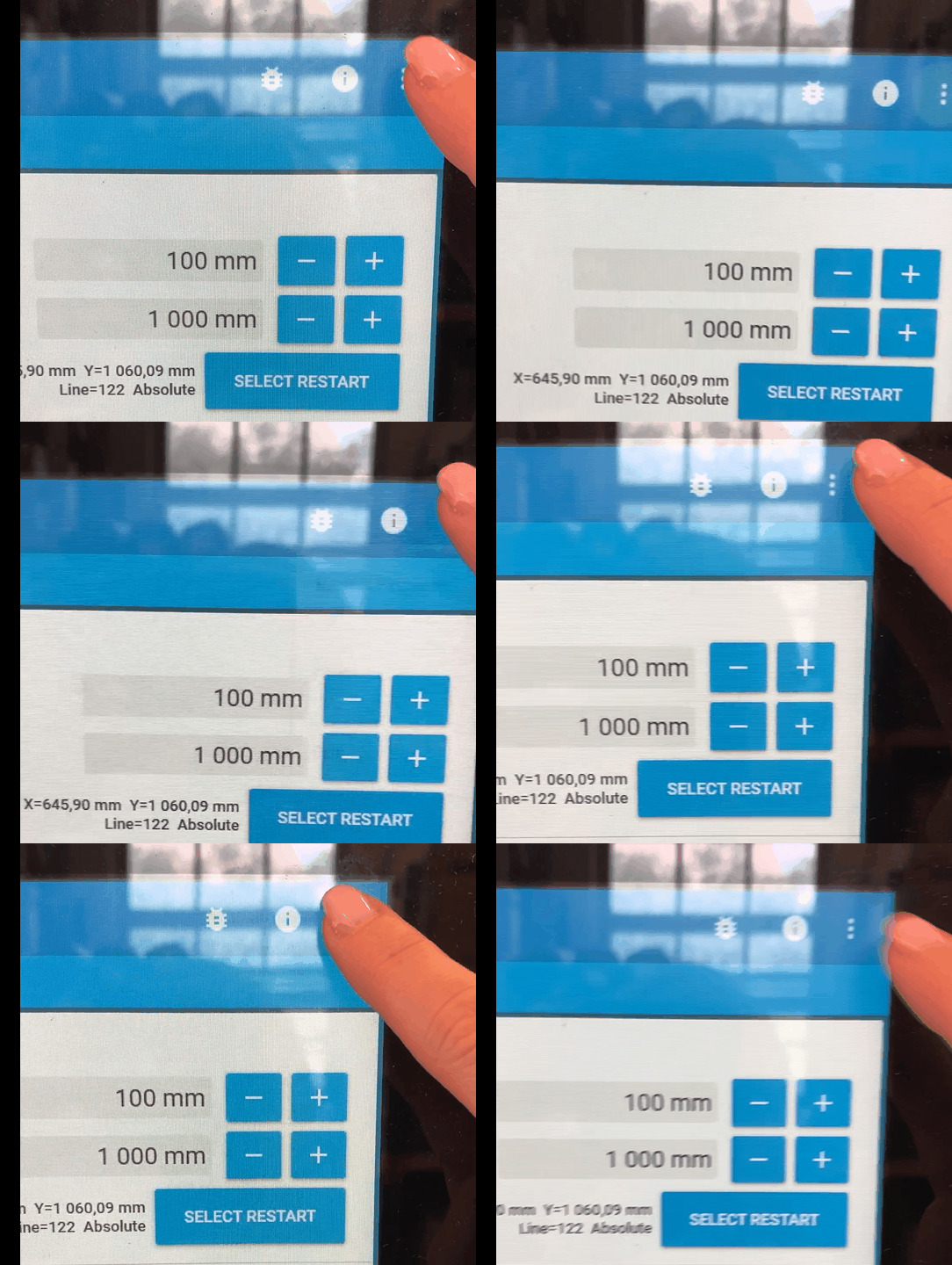
I've seen this problem for both a simple PopupBox and a more complex scenario where a custom control has a PopupBox in its control template. The animation above demonstrates the simple scenario and the XAML for that case looks like this:
<mdt:PopupBox FocusVisualStyle="{x:Null}">
    <StackPanel>
        <Button Name="ReportProblem" Content="Report Problem..."/>
        <Separator/>
        <Button Name="Hide" Content="Hide"/>
        <Separator/>
        <Button Name="Exit" Content="Exit"/>
    </StackPanel>
</mdt:PopupBox>
In the complex scenario the content of the PopupBox has a TextBox which gets its focus set when the IsPopupOpen is changed to true. This seems to happen before PopupBox own change handler which in turn calls AnimateChildrenIn. The way I do this is through binding IsPopupOpen to another property which has a property changed handler where the focus is set. I might change to use the Opened/Closed events instead which would make the focus be set "after" PopupBox handles the property change event.
But still, the behavior is observed even for the simple scenario. That makes me think maybe something else is in play.
The problem is similar to #725 in how it behaves but not how the PopupBox properties are set. I do not make use of PopupMode="MouseOverEager"
Keeping these notes from @Keboo as a reminder of what try out during troubleshooting:
@mgnslndh thank you. A few additional questions. Are you able to share the contents of your popup box? I am wondering if perhaps some of the timing is coming into play because the AnimateChildrenIn method. I am thinking that perhaps the issue is that it attempts to move mouse capture before those storyboards have been applied.
I am not sure I remember your setup exactly, but did you also have the stack trace that was occurring when the popupbox was closing? I am also wondering if perhaps there is some element (like a textbox) that is getting keyboard focus, but then dropping it when the popupbox animates on.
As a simple test you might try copying in the existing PopupBox template, and renaming the PART_ to be something else so the control doesn't find it. This should effectively turn off the animations.
Also if you don't mind opening an issue for this, that would help me keep track of it so this does not get lost.
Contributor guide
First steps
- Read the whole issue, then the project's contributing guide.
- Comment on the issue to say you are picking it up — it saves two people doing the same work.
- Fork the repository and make your change on a branch.
- Open a pull request that references the issue number.
Research direction
Start by reproducing the simple PopupBox example from the issue, then compare it with the custom-control case where a TextBox receives focus. Inspect PopupBox's AnimateChildrenIn behavior alongside the IsPopupOpen change handler, Opened/Closed events, and mouse-capture timing. Done means identifying why the popup closes immediately and confirming that both scenarios remain open after being opened.
Written by the indexing model from the issue text.
Assessment
- Tech stack
- csharp
- Domain
- desktop
- Issue type
- Bug
- Difficulty
- 4/5
- Estimated time
- 3-5 days
- Activity status
- Stale
- Clarity
- Needs clarification
- Newbie friendliness
- 25/100