MahApps / MahApps/MahApps.Metro
ScrollViewer PanningMode maximized window flickering
- Dominant language
- C#
- Stars
- 9.8k
- Forks
- 2.4k
- Avg merge
- 1h 2m
- Merged PRs (30d)
- 56
Description
**Describe the bug**
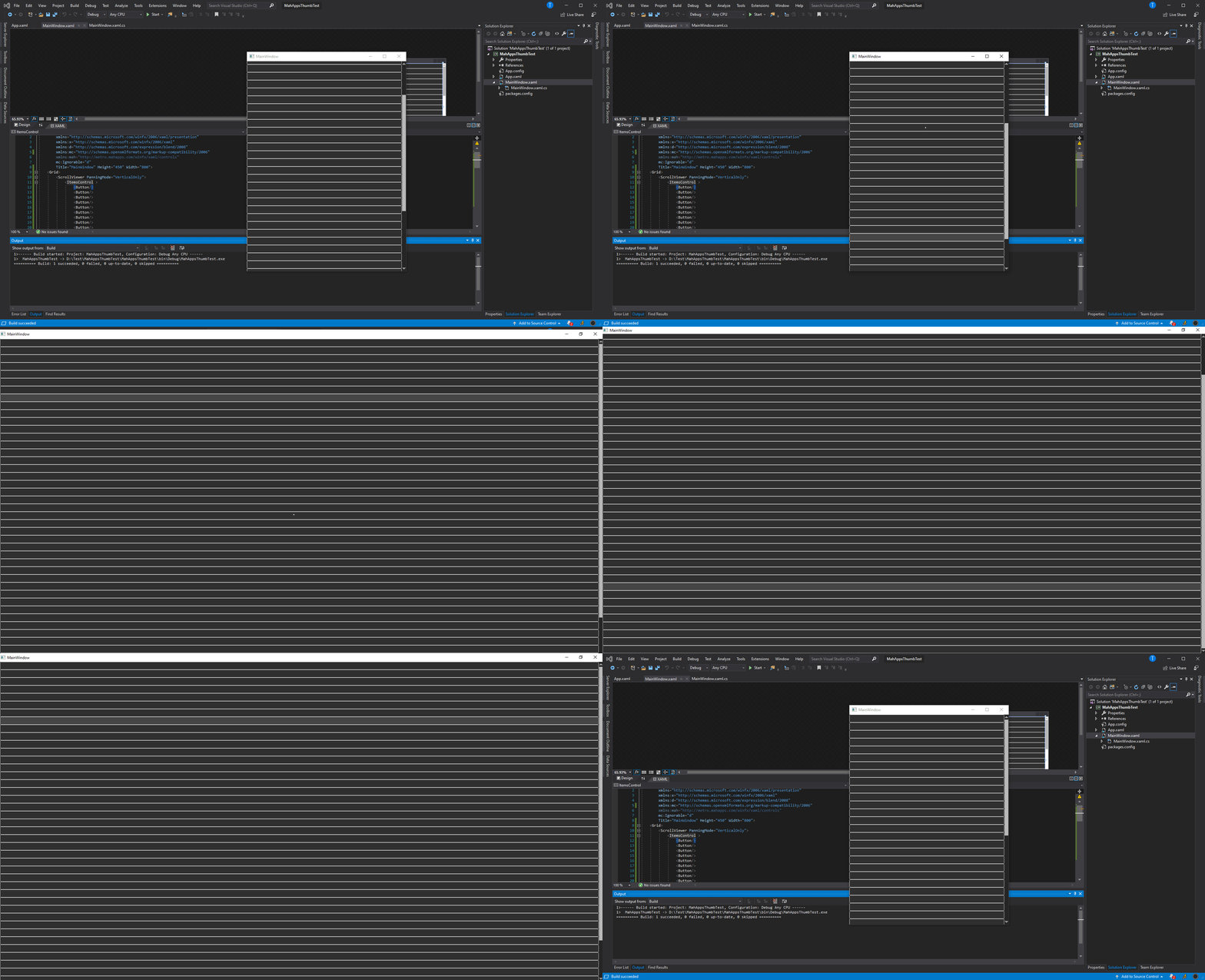
When MetroWindow is in normal state everything seems to works fine. When maximized there are strange flickering on top or bottom (depending of panning direction) when scrollviewer reaches the scrolling end. The flickering is not clearly visible on captured screen GIF I provided, you can only see window not moving at all. The same behavior is not reproduced with default wpf window.
**To Reproduce**
Steps to reproduce the behavior:
Simply create ScrollViewer with PanningMode set and maximize window
...
**Expected behavior**
The same as default window I guess. When scroller reaches the end window is getting moved a little bit to signal the user it reached the end of the list.
**Screenshots**
Here are two examples with MetroWindow and System.Windows.Window

**Environment(please complete the following information):**
Tested with: - MahApps.Metro version 1.6.5 and 2.0.0-alpha0479 the same behavior
- OS: [e.g. Win10 1903]
- Visual Studio 2019 16.2.4
- .NET Framework 4.7.2
**Repo**
**Additional context**
You gonna need touch screen to reproduce this or somehow emulate touch behavior.
Contributor guide
Research direction
Start by reproducing the issue with a ScrollViewer using PanningMode="VerticalOnly" inside a maximized MetroWindow, using touch input or an emulator. Compare its end-of-scroll behavior with the same content in System.Windows.Window; done when the maximized MetroWindow no longer flickers and still provides the expected end-of-list feedback.
Written by the indexing model from the issue text.
Assessment
- Tech stack
- csharp
- Domain
- desktop
- Issue type
- Bug
- Difficulty
- 4/5
- Estimated time
- 3-5 days
- Activity status
- Stale
- Clarity
- Mostly clear
- Newbie friendliness
- 35/100