MacDownApp / MacDownApp/macdown
Export to PDF loses white spaces in code block
- Dominant language
- Rich Text Format
- Stars
- 9.8k
- Forks
- 1.2k
- PR merge metrics
- No merged PRs in 30d
Description
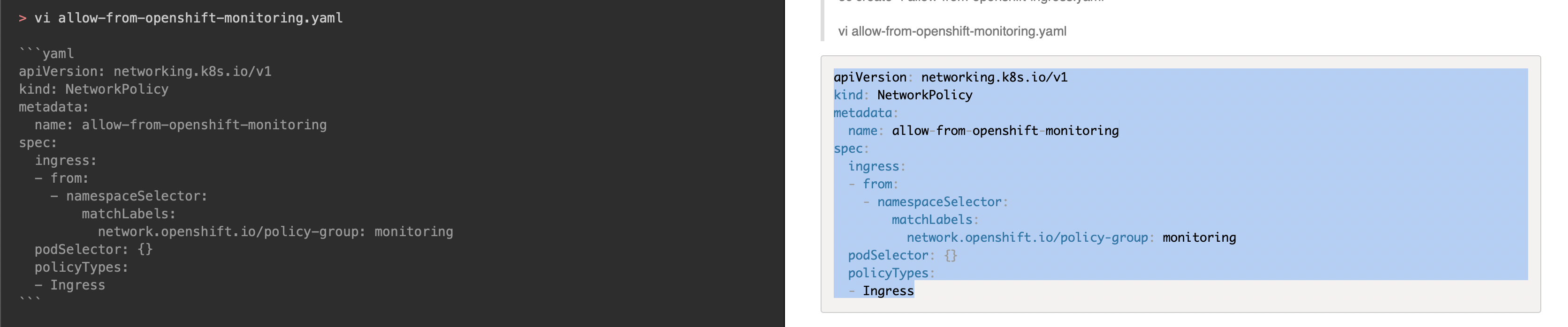
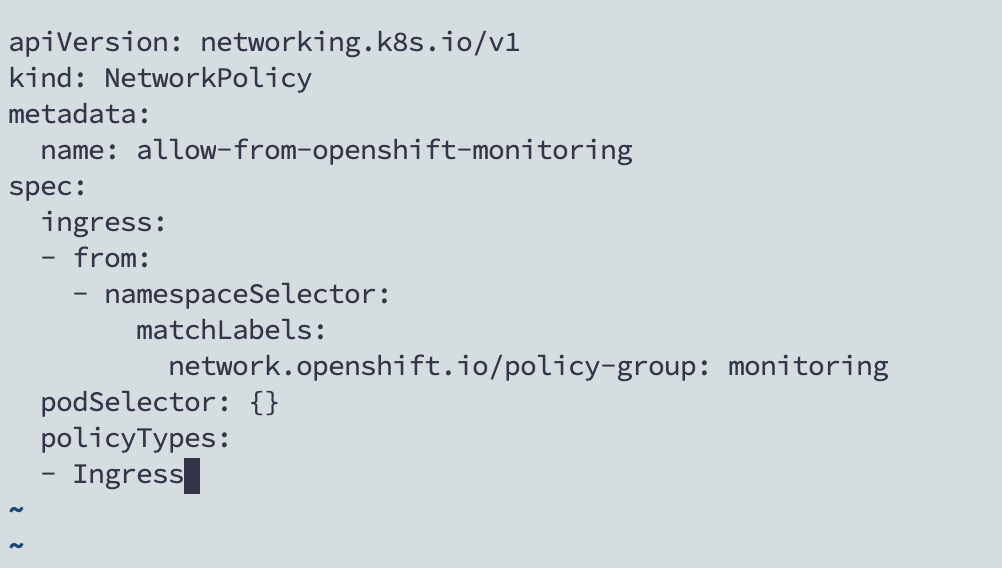
**In the preview I'm able to select the code block and copy to another editor and keep the white spaces**
* Macdown with preview:
* Copy and paste to a Vim editor:
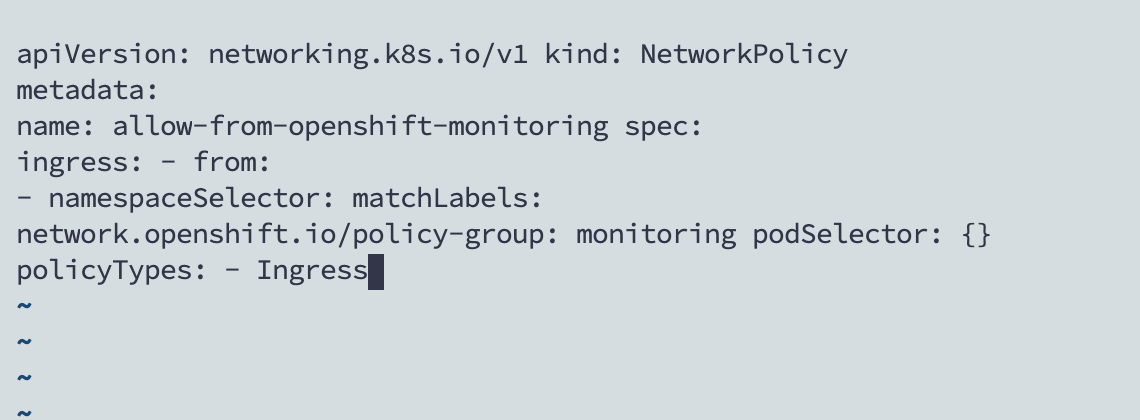
**When I export to PDF, and I try copying the code block to another editor and it loses all the white spaces**
* Exported PDF:

* Copy and paste to Vim editor:
**How can I keep the white spaces when I export the .md to .pdf and copy the content to another editor?**
From other issues I tried adding this:

and this:
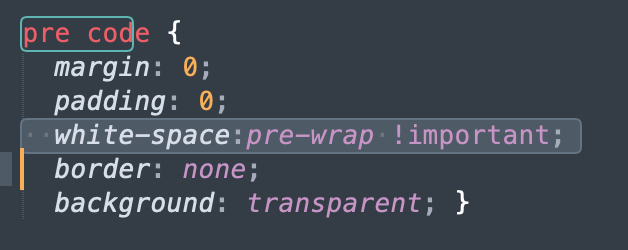
**Nothing changed**
**Any suggestion?**
Contributor guide
Research direction
The issue names no source file, test, or entry point. First reproduce the Markdown-to-PDF export and compare copied code-block text with the preview, then trace the macOS app's PDF export path. Done means copied code retains the code block's whitespace.
Written by the indexing model from the issue text.
Assessment
- Tech stack
- macos, objective-c
- Domain
- desktop
- Issue type
- Bug
- Difficulty
- 3/5
- Estimated time
- 1-2 days
- Activity status
- Stale
- Clarity
- Mostly clear
- Newbie friendliness
- 38/100