Code Generation failed on cookies with no expiration time set
- Dominant language
- TypeScript
- Stars
- 40k
- Forks
- 2.4k
- Avg merge
- 2d 13h
- Merged PRs (30d)
- 61
Description
**Describe the bug**
Code Generation failed when a request has cookies with no expiration time set.
**To Reproduce**
1. Get any existing request or create a new one
2. Click on "Cookie" -> "Manage Cookies"
3. Create a new cookie or modify an existing one. **Set "Expires" to an empty string**. For example: "foo=bar; Expires=null; Domain=typicode.com; Path=/"
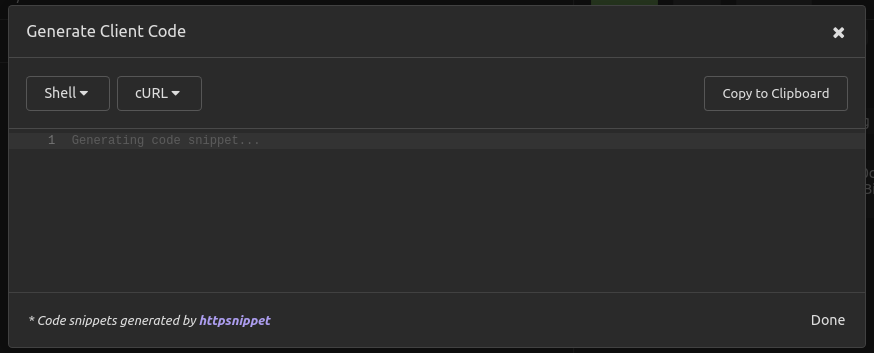
4. Request -> Generate Code (Shift+Ctrl+G). "Generate Client Code" modal shows no code. Dev tools shows an error in a Console tab.
**Expected behavior**
A generated client code.
**Screenshots**

**Desktop:**
- OS: Ubuntu 20.04
- Installation Method: snap
- App Version: 2020.5.2 2020-12-09
Contributor guide
Research direction
Reproduce the issue through Manage Cookies and the Generate Code action, then inspect the developer-console error shown when Expires is empty. Trace the generation entry point from that error and verify that a client snippet is produced for cookies without an expiration time.
Written by the indexing model from the issue text.
Assessment
- Tech stack
- typescript
- Domain
- api, tooling
- Issue type
- Bug
- Difficulty
- 3/5
- Estimated time
- 1-2 days
- Activity status
- Stale
- Clarity
- Mostly clear
- Newbie friendliness
- 45/100