InsightSoftwareConsortium / InsightSoftwareConsortium/itkwidgets
Cannot overlay point set on image
- Dominant language
- Python
- Stars
- 624
- Forks
- 83
- PR merge metrics
- No merged PRs in 30d
Description
## Summary
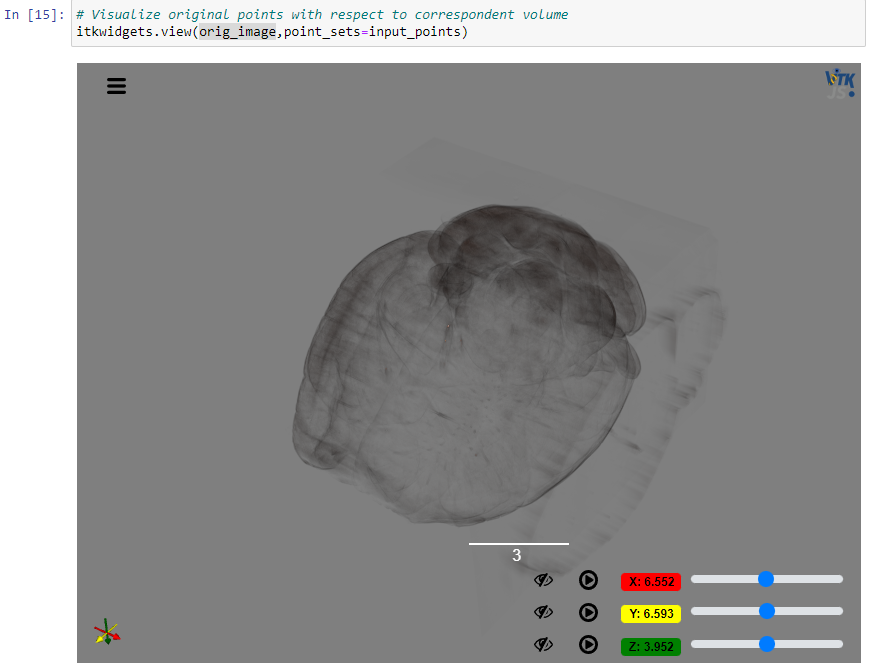
Passing an image and a point set that are in correspondence to an `itkwidgets.view` results in only the image being displayed.
## Expected behavior
In the 0.32.5 release calling `itkwidgets.view(image, point_sets=points)` would result in both the image and point set being overlaid in the 3D scene.
## Observed behavior
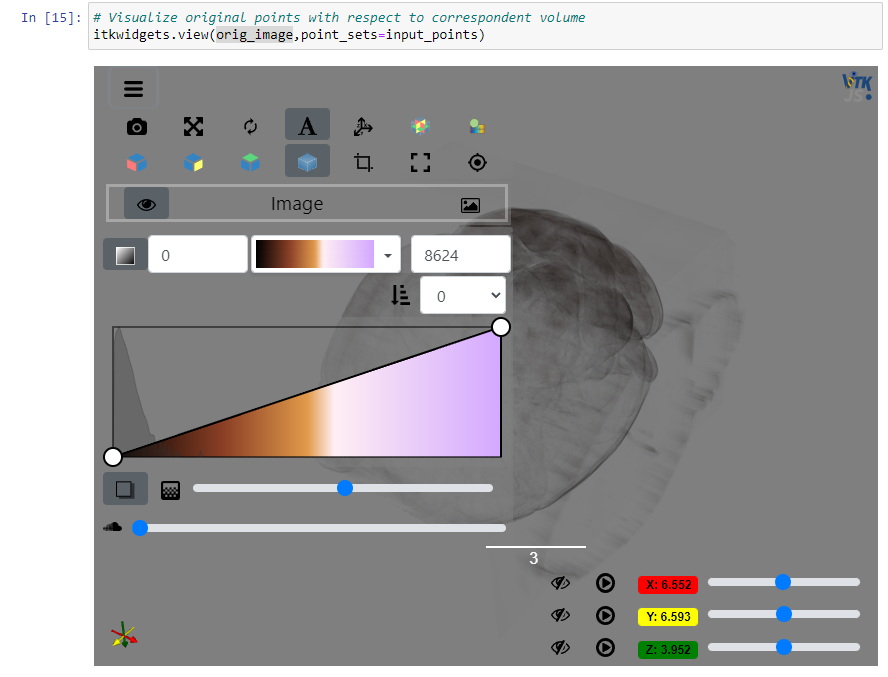
Image is shown but no points are visible in the scene. Overlay shows no evidence that point set is displayed.
## Versions
itkwidgets==1.0a22
itk==v5.3.0
notebook==6.1.6
## Platforms
Windows 10
Google Chrome browser
## Additional Notes
- The image I am trying to show has a non-identity direction matrix and depends on the fix in https://github.com/InsightSoftwareConsortium/itkwidgets/issues/596, therefore I cannot downgrade to 0.32.5.
- Could be related to https://github.com/InsightSoftwareConsortium/itkwidgets/issues/605. I cannot see points when I drag the scene around, but it is possible that they are simply very small.
cc @thewtex @PaulHax
Contributor guide
No contributing guide indexed for this repository
Assessment
This issue has not been assessed yet.