ImageOptim / ImageOptim/ImageOptim
Some files are not processed
Nobody has claimed this yet.
- Dominant language
- HTML
- Stars
- 10k
- Forks
- 478
- PR merge metrics
- No merged PRs in 30d
Description
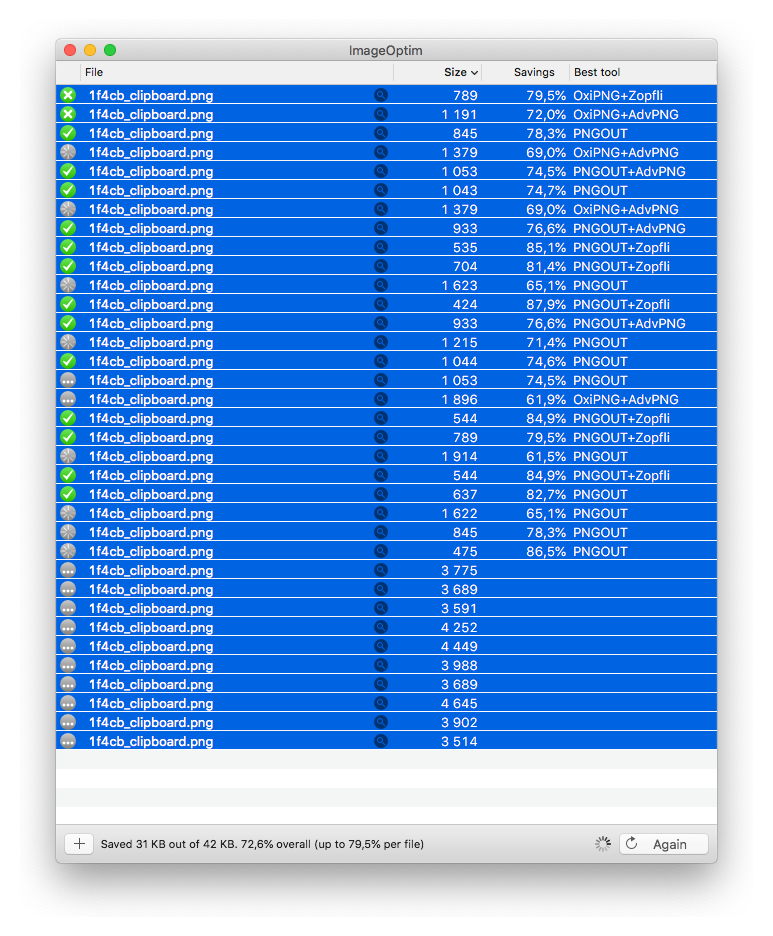
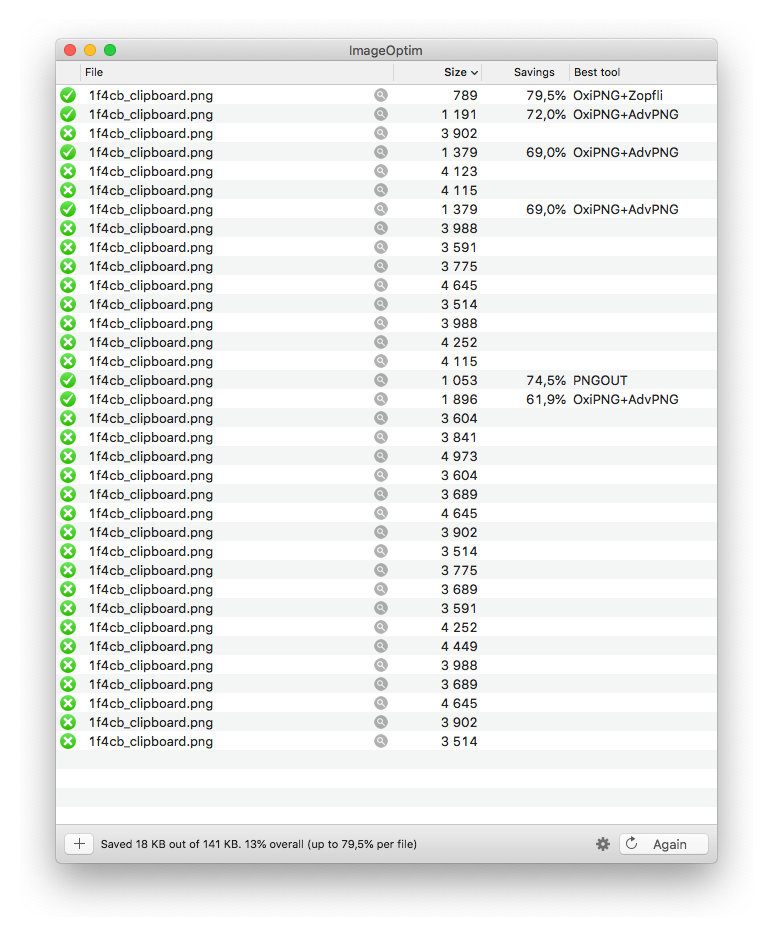
Sometimes (especially with many many files) ImageOptim randomly doesn't process them all. Even when you later add only the folders that IO skipped on the first run after drop it doesn't do much. Only after IO is finished and you do select all and press "Again" it picks up the files and processes them.
I also noticed that with many files it adds duplicate files to queue. Those are usually the files IO doesn't want to process on the first go.
Contributor guide
No contributing guide indexed for this repository
First steps
- Read the whole issue, then the project's contributing guide.
- Comment on the issue to say you are picking it up — it saves two people doing the same work.
- Fork the repository and make your change on a branch.
- Open a pull request that references the issue number.
Research direction
The report names no files, tests, or entry points. First reproduce the issue with many files and inspect the processing queue for skipped and duplicate items; done means every dropped file is processed once without requiring Again.
Written by the indexing model from the issue text.
Assessment
- Tech stack
- html
- Domain
- desktop
- Issue type
- Bug
- Difficulty
- 4/5
- Estimated time
- 3-5 days
- Activity status
- Stale
- Clarity
- Needs clarification
- Newbie friendliness
- 35/100