HumanSignal / HumanSignal/label-studio
Vertical image visibility when zoomed in interface
- Dominant language
- TypeScript
- Stars
- 28.3k
- Forks
- 3.7k
- Avg merge
- 14h
- Merged PRs (30d)
- 15
Description
When labeling a vertical image (e.g. a scan file) with OCR template interface, the zoomed image width remains the same as the un-zoomed area, resulting in a cutout of the visible image, leaving empty space that can be used as working area.
**To Reproduce**
- Set OCR template or any other template that visualizes an image
- Import any vertical image in labeling interface
- Start the task
- Zoom in
**Expected behavior**
The zoomed image should fill the page-width to let the user have more visible area and ease of labeling
**Screenshots**
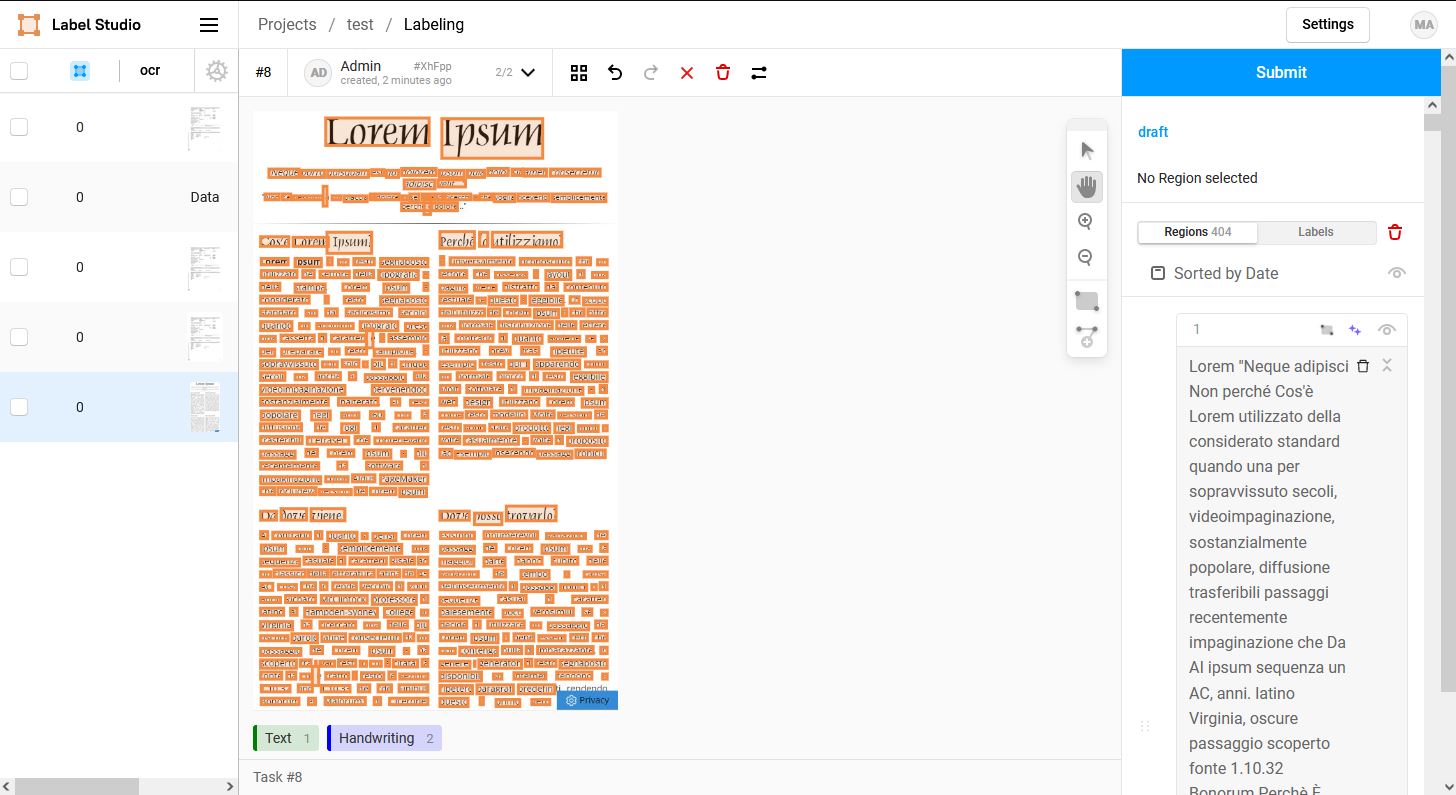
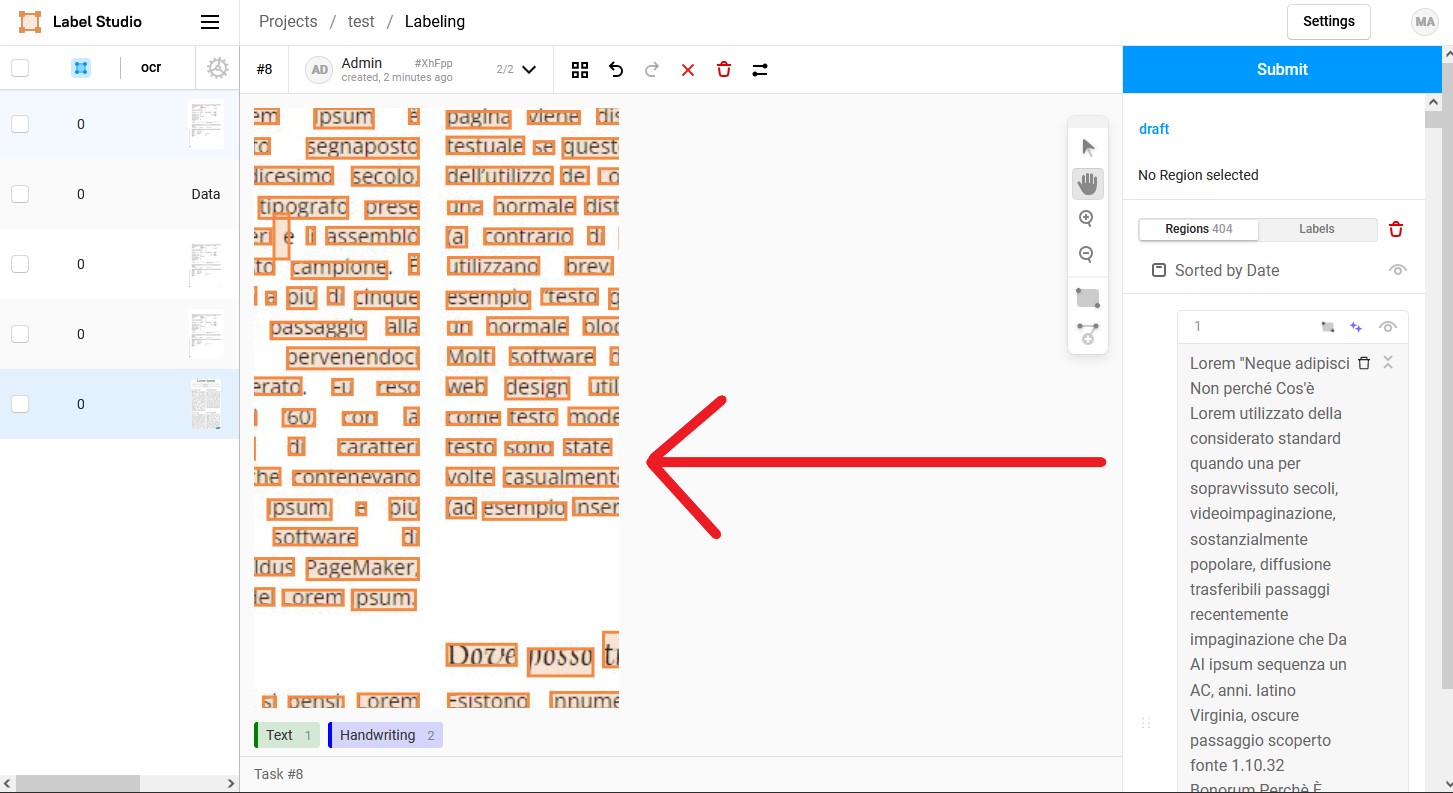
**Environment:**
- OS: Docker on Ubuntu
- Label Studio Version 1.4.1post1 (latest tag)
Contributor guide
Assessment
This issue has not been assessed yet.