HenriquesLab / HenriquesLab/ZeroCostDL4Mic
Kaibu: brightness and contrast
Nobody has claimed this yet.
- Dominant language
- Jupyter Notebook
- Stars
- 652
- Forks
- 144
- PR merge metrics
- No merged PRs in 30d
Description
Hello,
I tried to use Interactive Segmentation with Kaibu but I am having troubles with the brightness and contrast and it prevents me from creating masks properly.
On the left I have a sample image as I see it with Kaibu and on the right the same image with the automatic brightness and contrast from ImageJ.
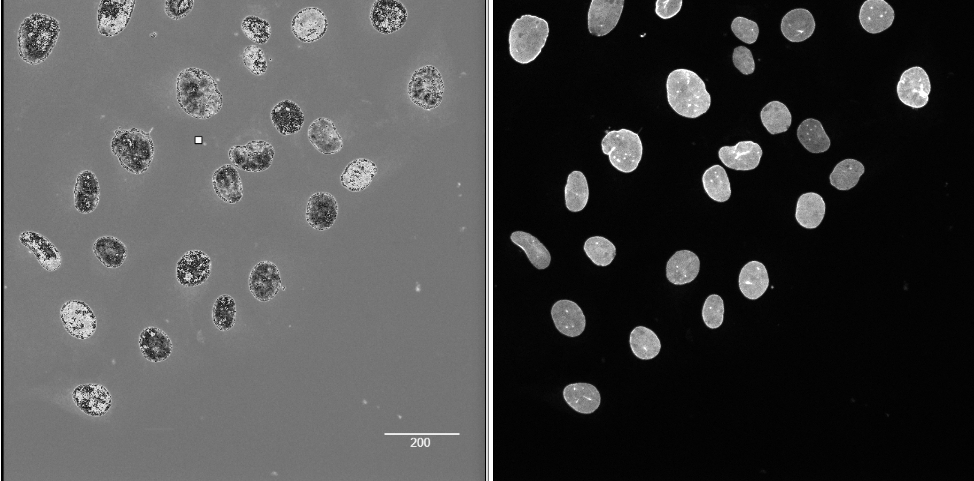
I tried my best to use the inbuilt brightness and contrast adjustment tool but I can't figure out how it works. I see that the input greyscale images are converted to RGB images. So this is why we have 3 tabs:
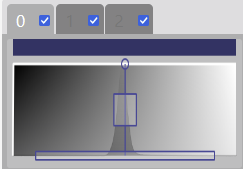
Ticking or unticking them has no obvious effect.
I see that one can change the width of the box,
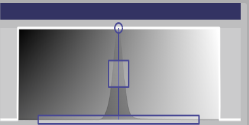
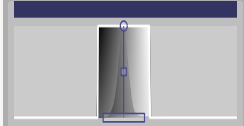
The height
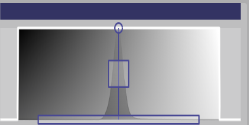
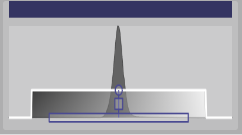
The position
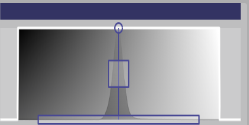
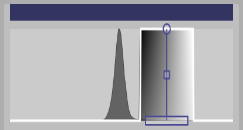
The shape of the curve
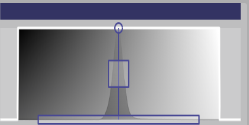
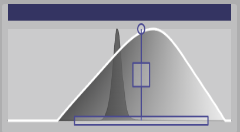
Only changing the position and the width seems to have an effect. For the rest I saw no effect. Despite trying hard I couldn't make the image look like in ImageJ.
Is it because I am not using it properly or is it that it is not yet fully functional? Also It appears that the changes I do for the brightness and contrast are reset for each image so it makes it not easy to use.
Thanks a lot,
I look forward to using Kaibu to make my own models!
Contributor guide
No contributing guide indexed for this repository
First steps
- Read the whole issue, then the project's contributing guide.
- Comment on the issue to say you are picking it up — it saves two people doing the same work.
- Fork the repository and make your change on a branch.
- Open a pull request that references the issue number.
Research direction
The issue identifies Kaibu's brightness and contrast controls but names no files, tests, or entry points. Start by reproducing the behavior with a grayscale image and comparing the display with ImageJ. Done means the controls visibly apply the expected adjustments and settings are not unexpectedly reset for each image.
Written by the indexing model from the issue text.
Assessment
- Tech stack
- jupyter-notebook
- Domain
- frontend
- Issue type
- Bug
- Difficulty
- 4/5
- Estimated time
- 3-5 days
- Activity status
- Stale
- Clarity
- Needs clarification
- Newbie friendliness
- 25/100