HangfireIO / HangfireIO/Hangfire
Shared dashboard without referencing dll
- Dominant language
- C#
- Stars
- 10.1k
- Forks
- 1.8k
- Avg merge
- 1h 19m
- Merged PRs (30d)
- 1
Description
.Net Core 2.2
Hangfire.Core 1.6.22
Hangfire.SqlServer 1.6.22
Hangfire 1.6.22
I have created a sample proof of concept for using Hangfire for multiple applications (2 console applications) but with a shared database and dashboard (a separate web app). It works wonderfully except that the dashboard shows either "could not load file or assembly" or "Can not find the target method" on the list of succeeded jobs.

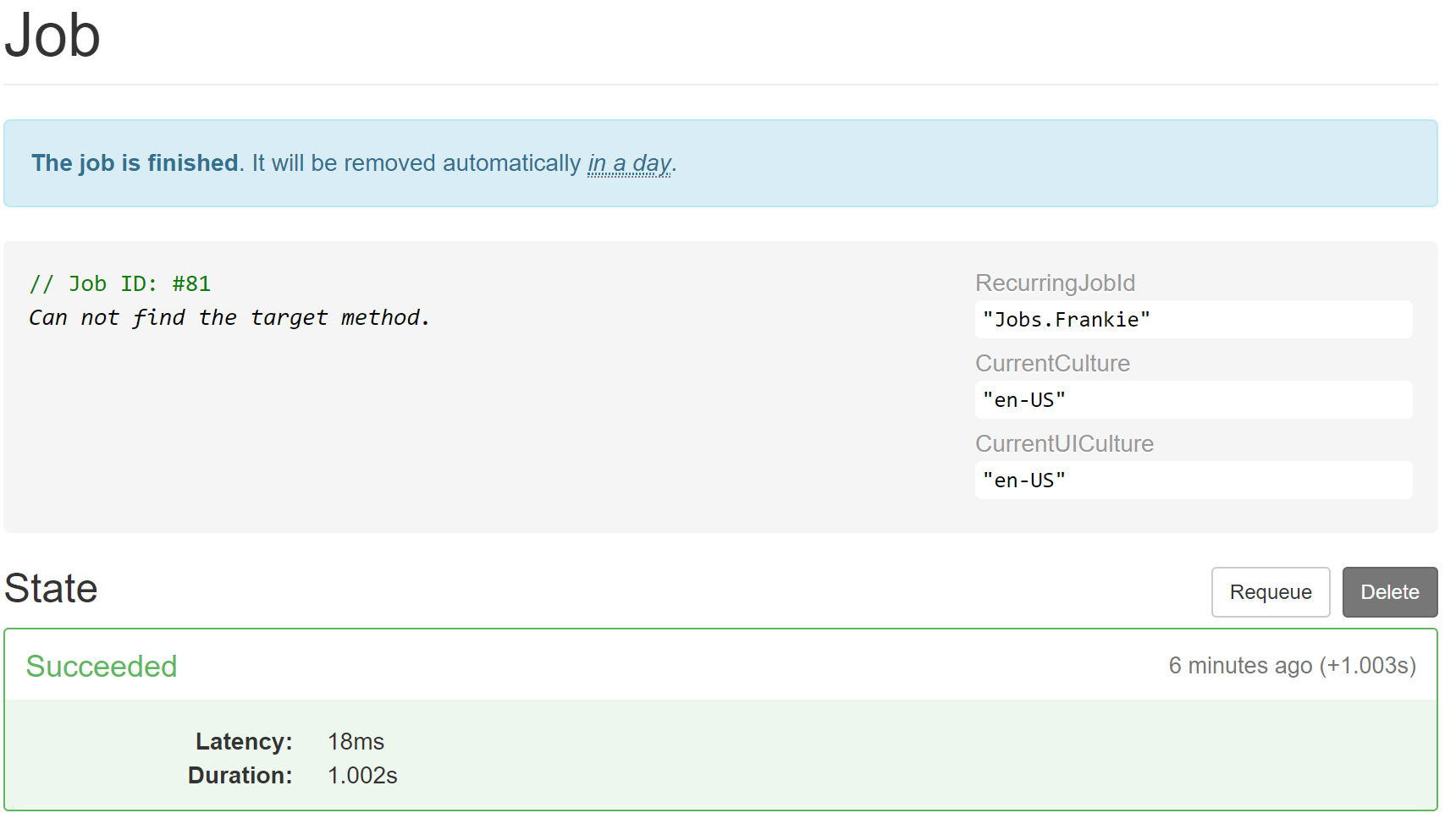
Everything succeeds so that is good, but the dashboard is unable to display the name/description of the job without having a reference to the application dll where the job method is.
Is there a way to specify the job name/description instead of requiring the dashboard to have a reference to the application dll just to retrieve this name/description? I tried using the DisplayName attribute but that doesn't work either. If I reference the application project from the dashboard project then it works OK, but I really do not want to have to reference every project from the dashboard project just to populate this description.
Contributor guide
Research direction
Start by reproducing the setup described: two console applications sharing a database with a separate dashboard, then inspect how the dashboard renders succeeded-job names when the application DLL is absent. Compare that behavior with the attempted DisplayName attribute. Done means the dashboard can show a job name or description without referencing every application project.
Written by the indexing model from the issue text.
Assessment
- Tech stack
- csharp
- Domain
- backend
- Issue type
- Feature
- Difficulty
- 4/5
- Estimated time
- 3-5 days
- Activity status
- Stale
- Clarity
- Mostly clear
- Newbie friendliness
- 35/100