Graylog2 / Graylog2/graylog2-server
When creating new pipeline rule, use the "example" template by default
- Dominant language
- Java
- Stars
- 8.1k
- Forks
- 1.1k
- Avg merge
- 1d 20h
- Merged PRs (30d)
- 217
Description
Two thoughts:
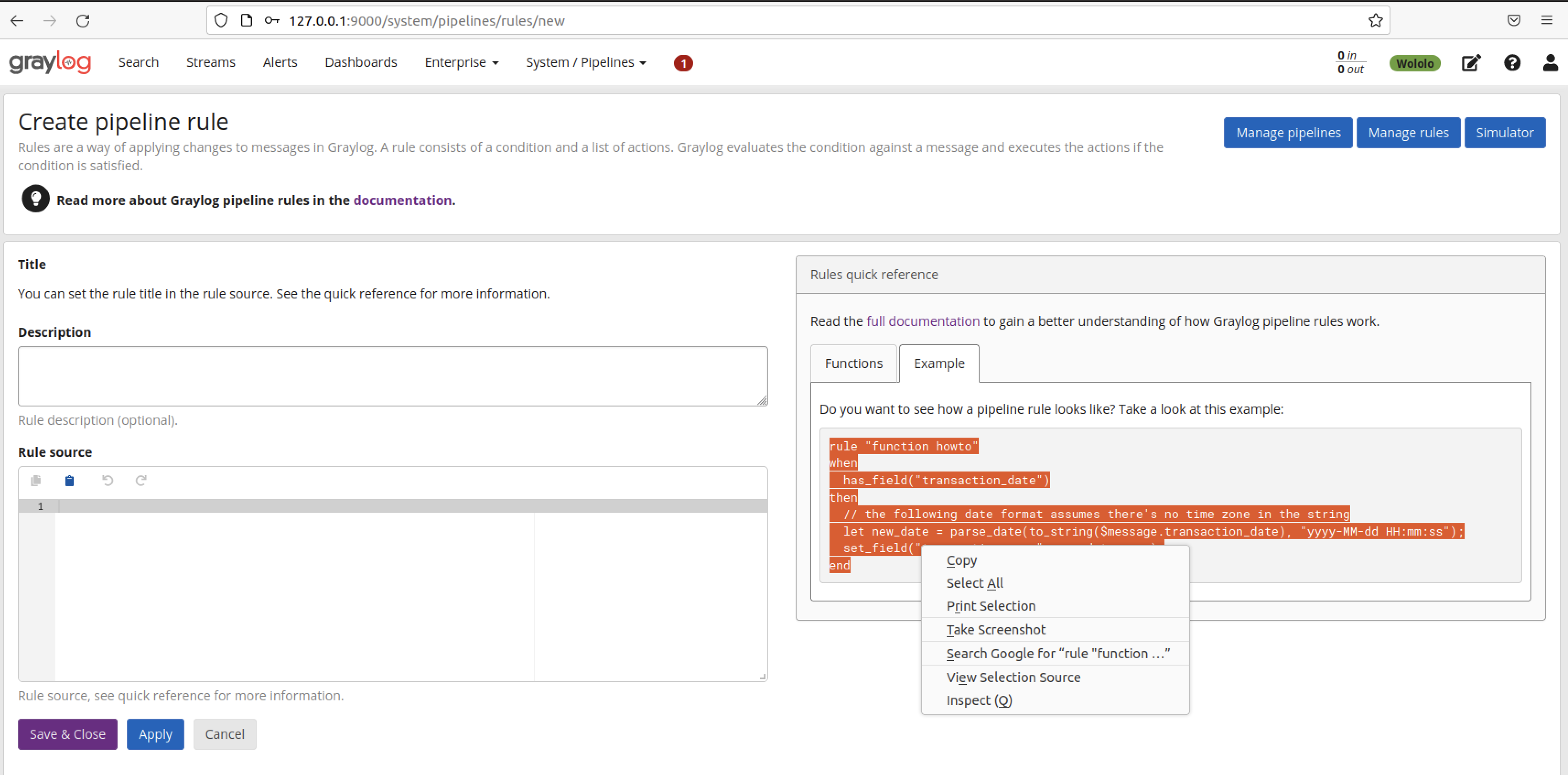
1) When I'm writing a new pipeline rule (that I don't start by copy-pasting in from another pipeline rule), I always do the following:
- Click on "Example"
- **Ctrl-C**
- **Ctrl-V**
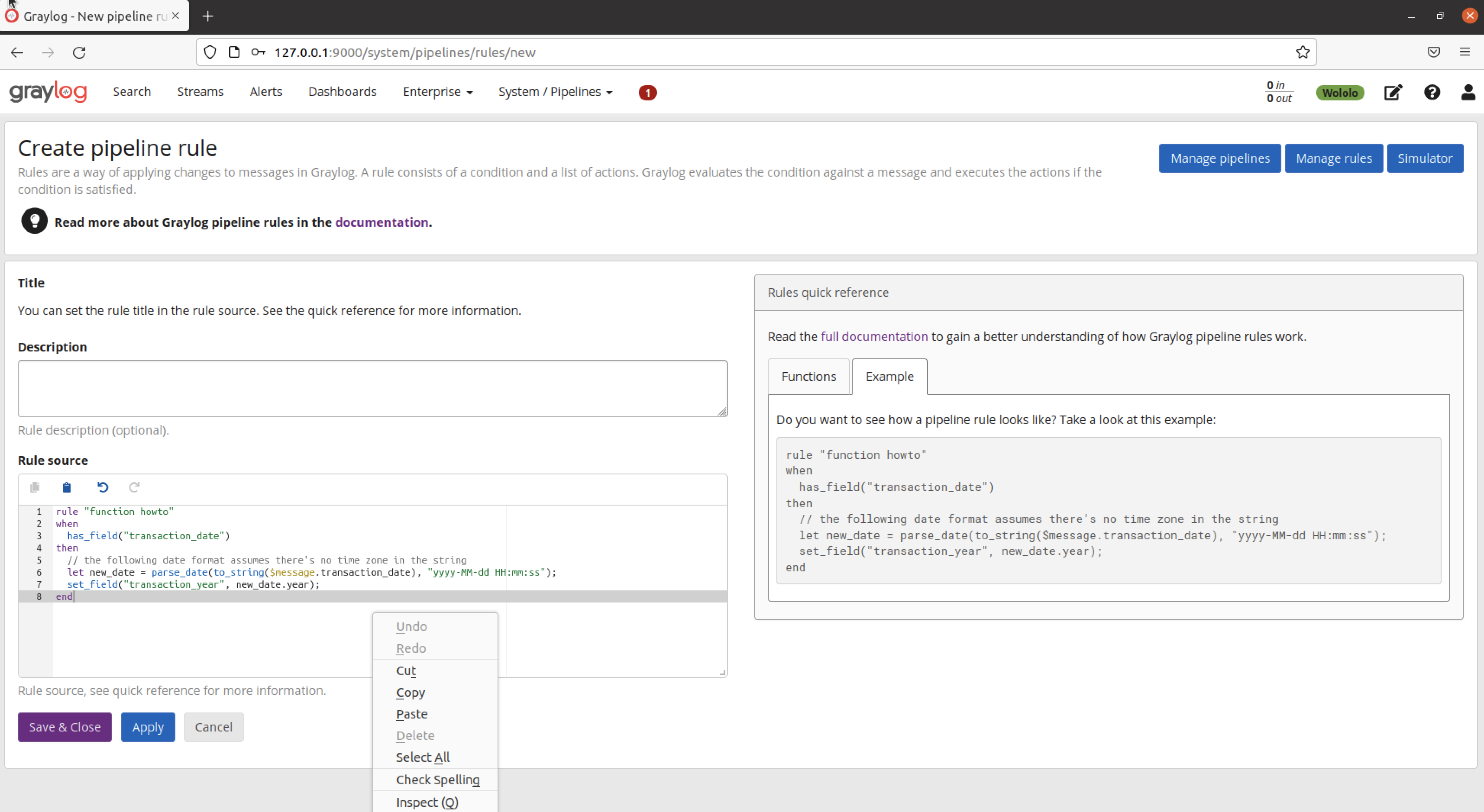
2) When I was new to pipeline rules, I clicked onto this screen (with a blank field for "Rule source") and thought "oh no, I don't even know what a pipeline rule should look like"
**IDEA**
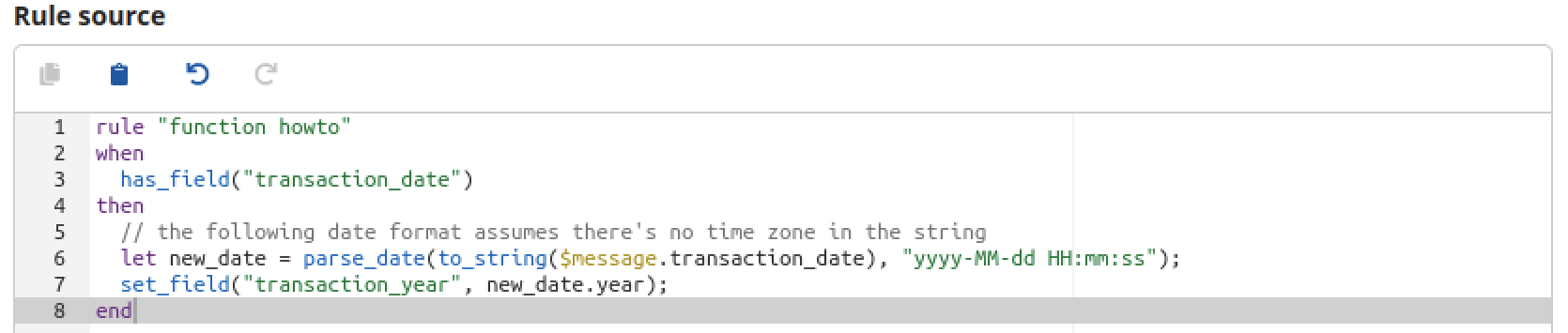
What if, when you go to create a new pipeline rule, the Rule Source dialogue were populated with the example or something similar to guide structure and provide the mandatory components of a rule like **rule, when, then** and **end** - by default? It would save repeating this process every time, help people new to pipeline rules, and be no obstacle to copy-pasting in a different rule template if you are experienced.
Contributor guide
Assessment
This issue has not been assessed yet.