GoogleChrome / GoogleChrome/lighthouse
Window area captured for filmstrip is too large when Chrome is launched with --enable-automation
- Dominant language
- JavaScript
- Stars
- 30.8k
- Forks
- 9.8k
- Avg merge
- 1d 20h
- Merged PRs (30d)
- 19
Description
#### Provide the steps to reproduce
1. Run [Lighthouse with Puppeteer](https://github.com/GoogleChrome/lighthouse/blob/master/docs/puppeteer.md)
2. Save the LHR
3. View it in [the Lighthouse Viewer](https://googlechrome.github.io/lighthouse/viewer/)
#### What is the current behavior?
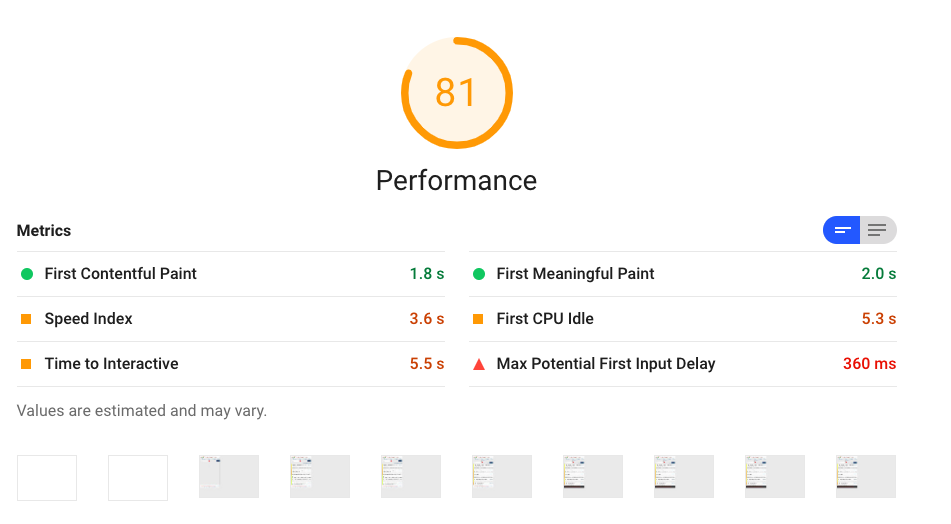
The filmstrip screenshots capture the whole window:
#### What is the expected behavior?
Only the viewport area should be captured. I looked into why it doesn't work with Puppeteer, and found that it's fine without the `--enable-automation` flag [that Puppeteer adds](https://github.com/GoogleChrome/puppeteer/blob/0e0a67916d35672dc61580e83abf464afce10453/lib/Launcher.js#L60) when launching Chrome.
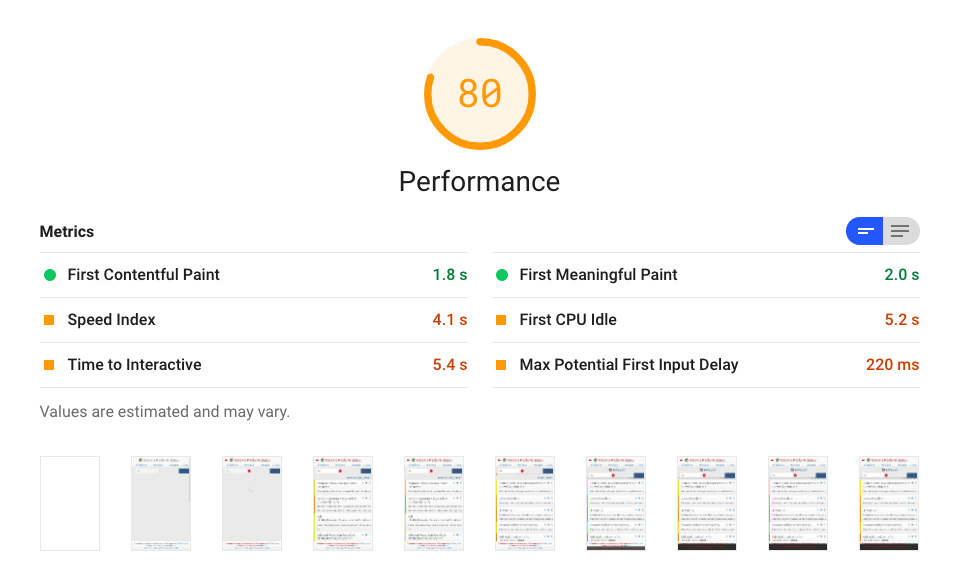
This is probably an issue with Chrome, though when I captured a filmstrip manually in DevTools it looked fine.
A workaround is passing `ignoreDefaultArgs: true` to Puppeteer and then passing in the [same args as chrome-launcher does](https://github.com/GoogleChrome/chrome-launcher/blob/master/src/flags.ts).
Contributor guide
Assessment
This issue has not been assessed yet.