FormidableLabs / FormidableLabs/spectacle
Styled Notes component in presenter view
- Dominant language
- TypeScript
- Stars
- 10.2k
- Forks
- 700
- PR merge metrics
- No merged PRs in 30d
Description
### Question
How can I change the style of the notes component? For the life of me I can't figure out how to get the text to be light on dark instead of dark on dark.
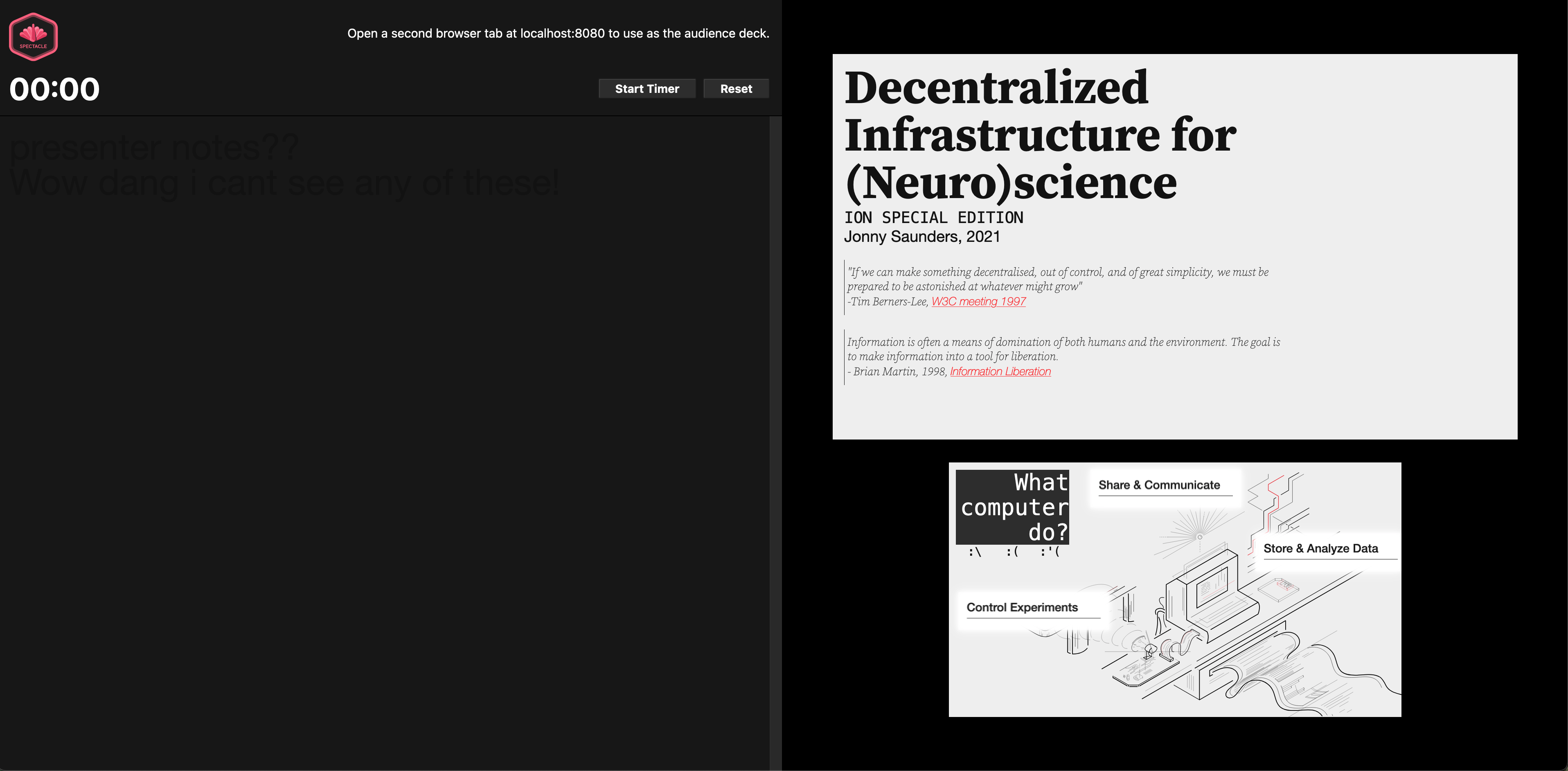
### Background Info/Attempts
If i change the primary color in the spectacle theme to light, i can get the text to be white, but then of course the rest of my text in the presentation is also white.
I have also tried using styled components as well as Material UI's theming and style system with no luck.
It looks like the notes column is populated in a way that I don't entirely understand using the default Text element here: https://github.com/FormidableLabs/spectacle/blob/815f858840161b7e7f3717a02f779a5b336baf1a/src/components/presenter-mode/index.js#L97
so for now i'm going to monkey patch that but it would be nice to know if there's a correct way of doing this.
Contributor guide
Assessment
This issue has not been assessed yet.