Using winapps on VirtualBox
- Dominant language
- Shell
- Stars
- 10.3k
- Forks
- 452
- PR merge metrics
- No merged PRs in 30d
Description
Hi Everyone:
I am trying to run winapps on a Centos 7 VM, which itself is running on a Centos 7 host. I have a new enough version of VritualBox that I should be able to run a nested version of KVM, but it does not work. The windows installation freezes. I have been able to get a Windows Pro running in a nested VirtualBox VM, however. As I was looking around for a solution, I found a [post](https://github.com/Fmstrat/winapps/issues/96) that suggested that I might be able to use VB instead of KVM. So, I have been working this angle.
I basically get the same behavior when I run either
$ bin/winapps manual Note.exe
or
$ bin/winapps check
I get a flashscreen showing my login name and then a blank screen with a xfreerdp dropdown at the top. See the attachments.
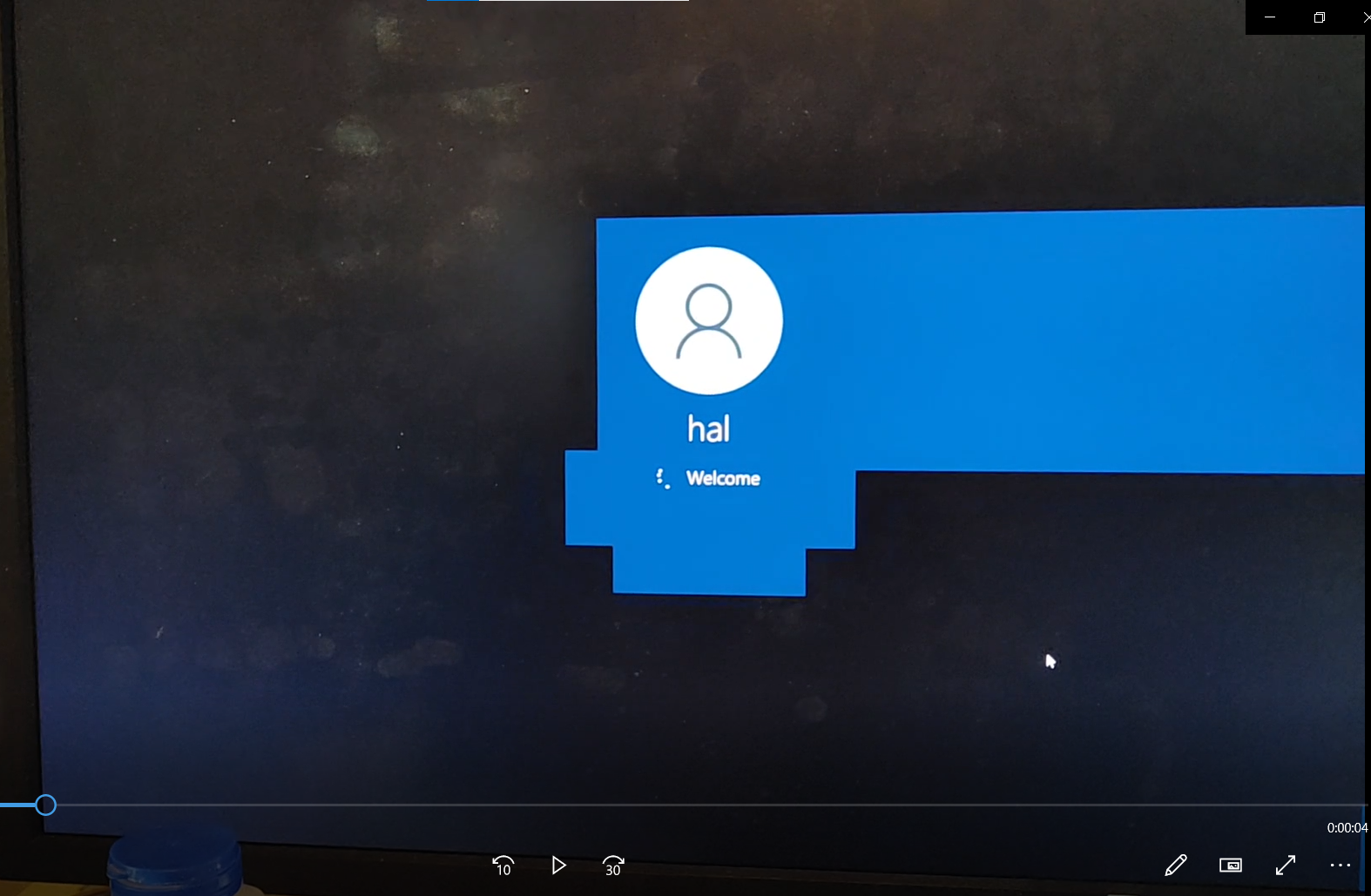

I get errors like:
`[14:31:44:005] [30704:30705] [INFO][com.freerdp.client.common.cmdline] - loading channelEx rdpdr
[14:31:44:006] [30704:30705] [INFO][com.freerdp.client.common.cmdline] - loading channelEx rdpsnd
[14:31:44:006] [30704:30705] [INFO][com.freerdp.client.common.cmdline] - loading channelEx cliprdr
[14:31:44:006] [30704:30705] [INFO][com.freerdp.client.common.cmdline] - loading channelEx rail
[14:31:44:006] [30704:30705] [INFO][com.freerdp.client.common.cmdline] - loading channelEx drdynvc
[14:31:44:080] [30704:30705] [INFO][com.freerdp.gdi] - Local framebuffer format PIXEL_FORMAT_BGRX32
[14:31:44:080] [30704:30705] [INFO][com.freerdp.gdi] - Remote framebuffer format PIXEL_FORMAT_RGB16
[14:31:44:084] [30704:30705] [INFO][com.winpr.clipboard] - initialized POSIX local file subsystem
[14:31:44:085] [30704:30712] [INFO][com.freerdp.channels.rdpdr.client] - Loading device service drive [home] (static)
[14:31:44:085] [30704:30705] [INFO][com.freerdp.channels.drdynvc.client] - Loading Dynamic Virtual Channel disp
[14:31:44:085] [30704:30713] [INFO][com.freerdp.channels.rdpsnd.client] - Loaded fake backend for rdpsnd
[14:31:44:603] [30704:30705] [INFO][com.freerdp.client.x11] - Logon Error Info SESSION_ID [LOGON_MSG_SESSION_CONTINUE]
[14:31:44:636] [30704:30712] [INFO][com.freerdp.channels.rdpdr.client] - registered device #1: home (type=8 id=1)
[14:31:52:843] [30704:30715] [ERROR][com.freerdp.client.x11] - RAIL exec error: execResult=RAIL_EXEC_E_FAIL NtError=0x2
`
Finally,
$ xfreerdp /u:hal /p:xxxxxx /v:192.168.0.111 +drives
works as it should. I even see my linux disks. Any ideas?
Contributor guide
No contributing guide indexed for this repository
Assessment
This issue has not been assessed yet.