[Feature Request] swiper组件实例化以后不能够手动控制当前显示第几个
Open
- Dominant language
- Vue
- Stars
- 16.4k
- Forks
- 3.5k
- PR merge metrics
- No merged PRs in 30d
Description
### Existing Component
是
### Component Name
swiper
### Description
swiper组件实例化以后不能够手动控制当前显示第几个
我是利用popup和swiper组件写一个图片预览的组件:
点击图片时传递当前图片的索引,弹出图片预览时,swiper会显示当前索引的那张图。
但是swiper组件的这个选项现在只能够一开始在data里定义,并不能动态手动修改。
希望这个可以像tabbar一样()可以重新设置显示对应索引的一项
我的组件代码:
```
Vue.component('img-preview', {
name: 'img-preview',
data: function () {
return {
popupVisible: false,
defaultIndex: 0
}
},
props: ['imgs'],
template: '
methods: {
imgPreview: function (i) {
$('.mint-loadmore-content').css({ 'transform': 'none' });
this.defaultIndex = i; **//希望可以在这里修改swiper默认显示的是第几项**
this.popupVisible = true;
},
closePopup: function () {
this.popupVisible = false;
}
},
mounted: function () {
}
})
```
效果图是这样子的

点击后的效果如下图,会默认选第一项
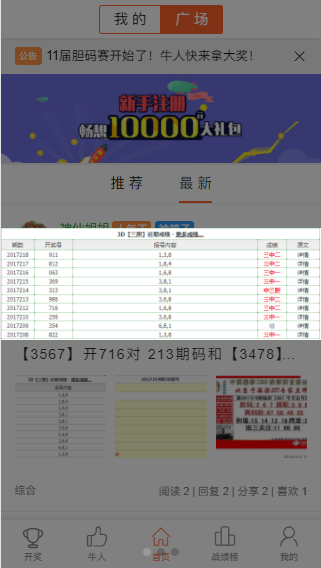
swiper-item切换时,在手机上,会出现一条半透明的竖线,找不到原因,这也是个BUG
Contributor guide
No contributing guide indexed for this repository
Assessment
This issue has not been assessed yet.