Comcast / Comcast/react-data-grid
Allow colSpan to work for grouped rows
- Dominant language
- TypeScript
- Stars
- 7.7k
- Forks
- 2.2k
- Avg merge
- 1d 2h
- Merged PRs (30d)
- 33
Description
## Use case
I would like a grouped row to be able to span more than one column. Currently the `colSpan` function is only called for header rows, regular (non-grouped) rows, and summary rows.
## Proposed solution
`ColSpanArgs` should be changed to the following type definition and should be called for grouped rows, just like `RowHeightArgs`.
```typescript
export type ColSpanArgs =
| { type: 'HEADER' }
| { type: 'GROUP'; row: GroupRow }
| { type: 'ROW'; row: TRow }
| { type: 'SUMMARY'; row: TSummaryRow };
```
For context on the use-case I am trying to solve, what I really want to be able to achieve is to have more room to display content in the grouped cell, so I wanted it to span one additional column which is also frozen, just like the grouped cell.
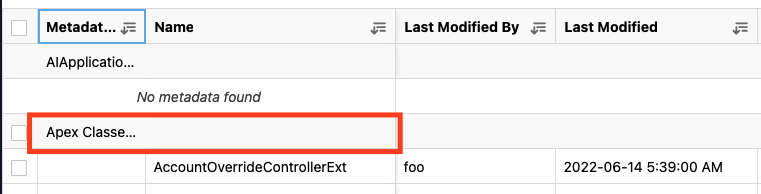
**EDIT** This is the workaround I ended up implementing.
I made the group column as small as possible and created a custom grouper to move the icon to the right side of the cell.
Then put the label over the actual content.
I spent an hour or two attempting to open a PR, but when there were multiple grouped columns there was no way to solve it without knowing more information about the grouped row (e.x. in the `colSpan` function, we would not only need to know if a row was a grouped row, we also would need to know if the current row is the row with the actual group content or is a child row of some other group to accurately return the colspan of 1 for child and grandchild grouped rows)

Contributor guide
Assessment
This issue has not been assessed yet.