Codeinwp / Codeinwp/visualizer
Table Chart - Responsive table not working well
Nobody has claimed this yet.
- Dominant language
- PHP
- Stars
- 108
- Forks
- 29
- Avg merge
- 1d 9h
- Merged PRs (30d)
- 7
Description
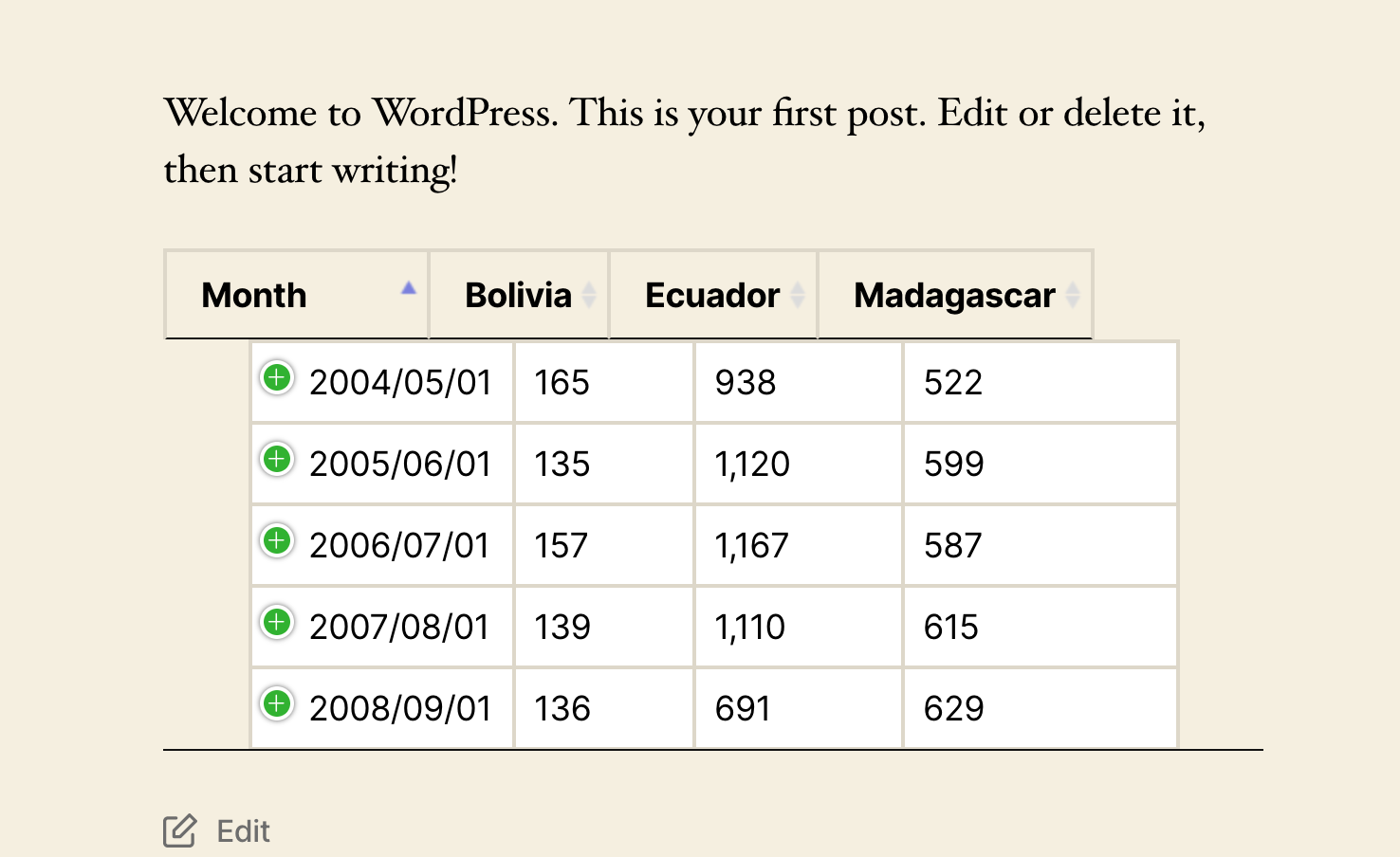
Not sure if possible, but maybe something can be done to make the tables look better when the Responsive table option is enabled. I've tried with multiple themes, and when that option is enabled, the chart looks a bit off. This is visible on the demo as well
https://demo.themeisle.com/visualizer/table-chart/
Contributor guide
First steps
- Read the whole issue, then the project's contributing guide.
- Comment on the issue to say you are picking it up — it saves two people doing the same work.
- Fork the repository and make your change on a branch.
- Open a pull request that references the issue number.
Research direction
Start by reproducing the issue on the linked table-chart demo with the Responsive table option enabled, comparing multiple themes and the attached screenshot. Trace the table chart's responsive styling or rendering entry point; done means the table displays correctly and consistently across the affected themes.
Written by the indexing model from the issue text.
Assessment
- Tech stack
- php
- Domain
- frontend
- Issue type
- Bug
- Difficulty
- 3/5
- Estimated time
- 1-2 days
- Activity status
- Stale
- Clarity
- Needs clarification
- Newbie friendliness
- 35/100