Make time dynamic imagery smoother
- Dominant language
- JavaScript
- Stars
- 15.7k
- Forks
- 3.9k
- Avg merge
- 4d 6h
- Merged PRs (30d)
- 34
Description
This issue came up in this PR https://github.com/AnalyticalGraphicsInc/cesium/pull/8352 and has been requested on the forum. For time dynamic imagery, the engine should be preloading tiles in advance such that the entire layer changes together.
Like this:
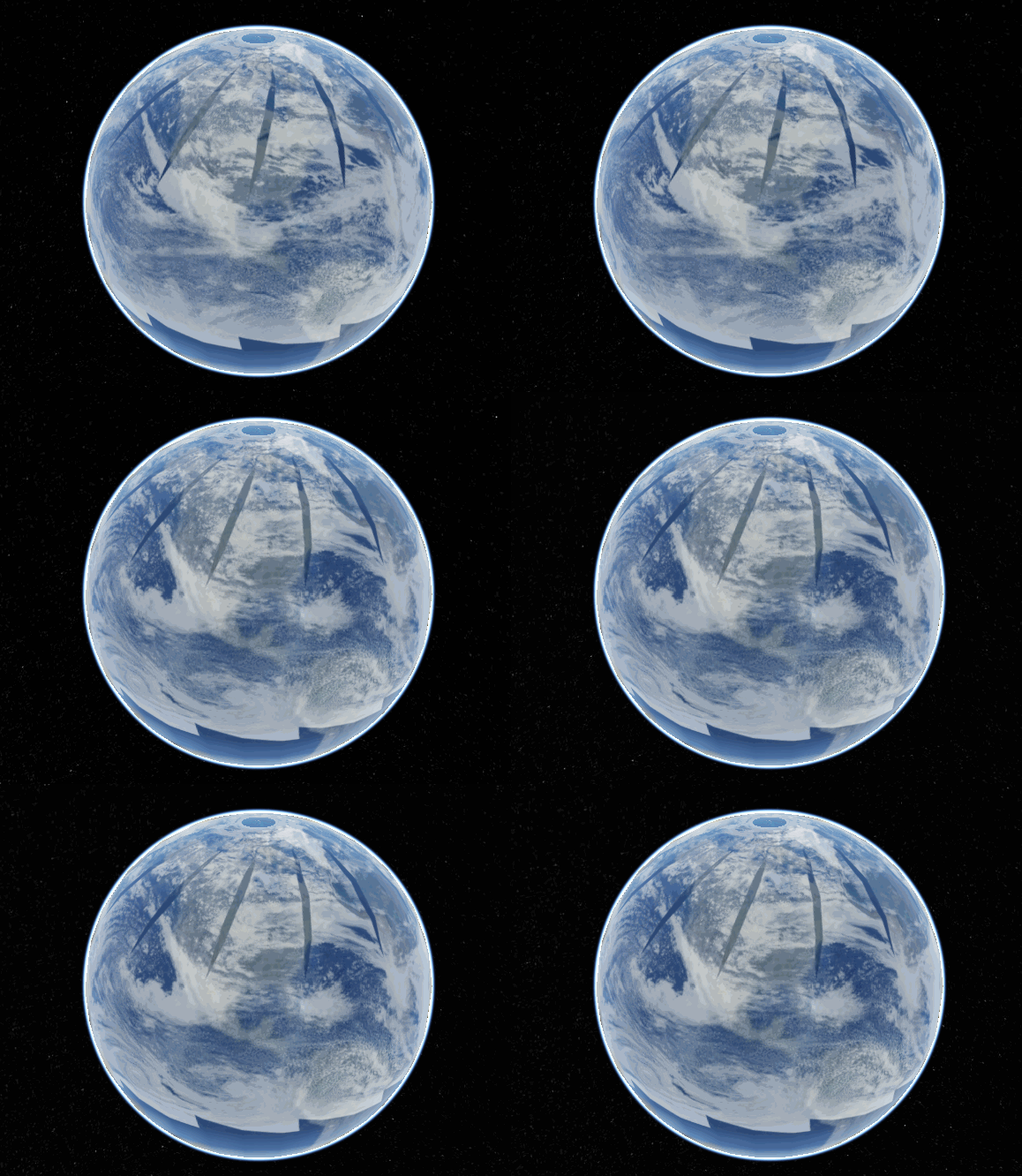
It only really does that when I zoom out pretty far (this is at a low res so there's not a lot of tiles here). Most of the time it looks like this:
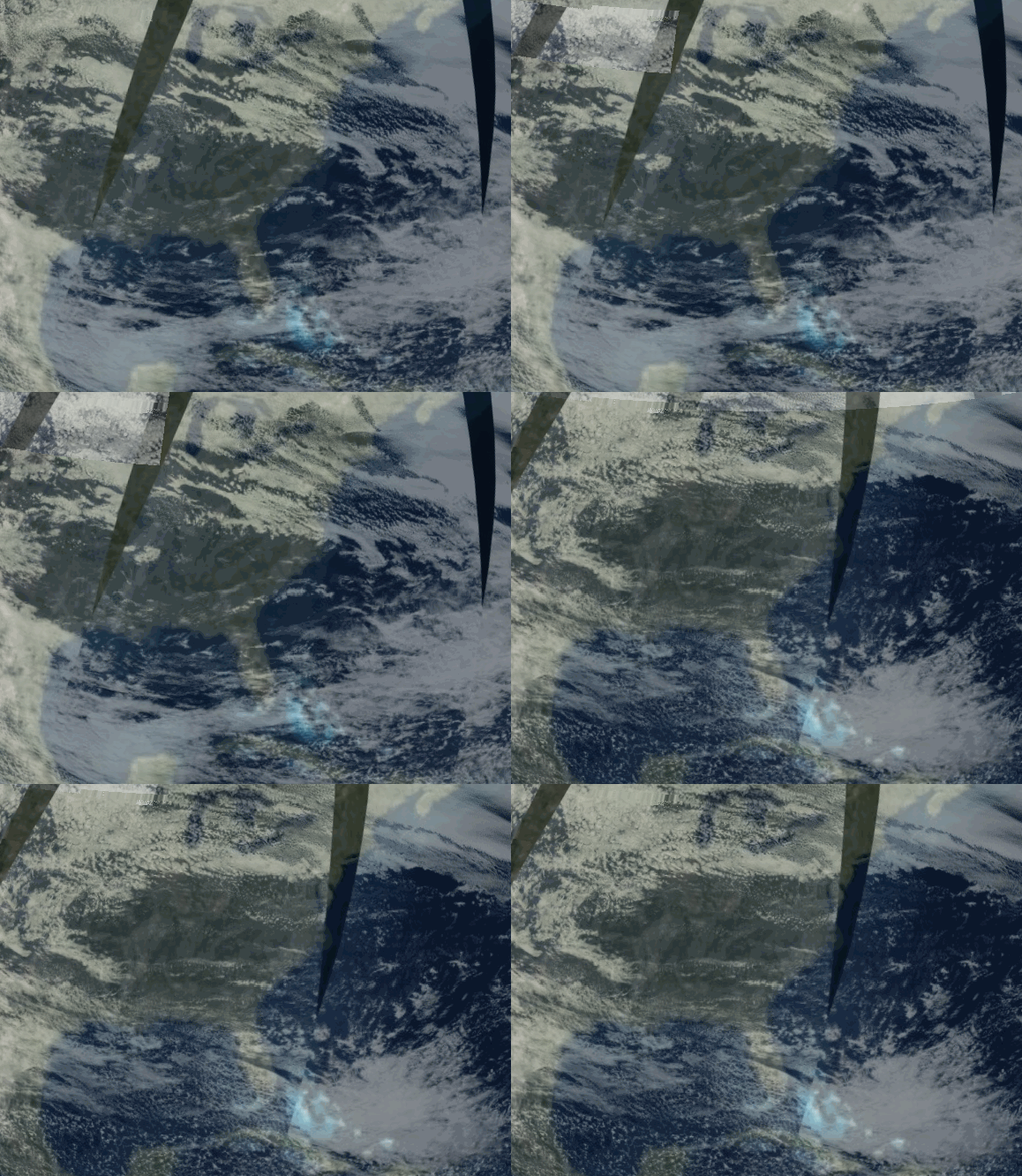
Notice that it tiles in instead of changing all together. (when it changes all together, that's just the gif looping)
Ideally it would look like [this showcase we talked about on the blog](https://cesium.com/blog/2017/05/31/planet-satellite-imagery-in-cesium/) with a nice, maybe configurable fade time:
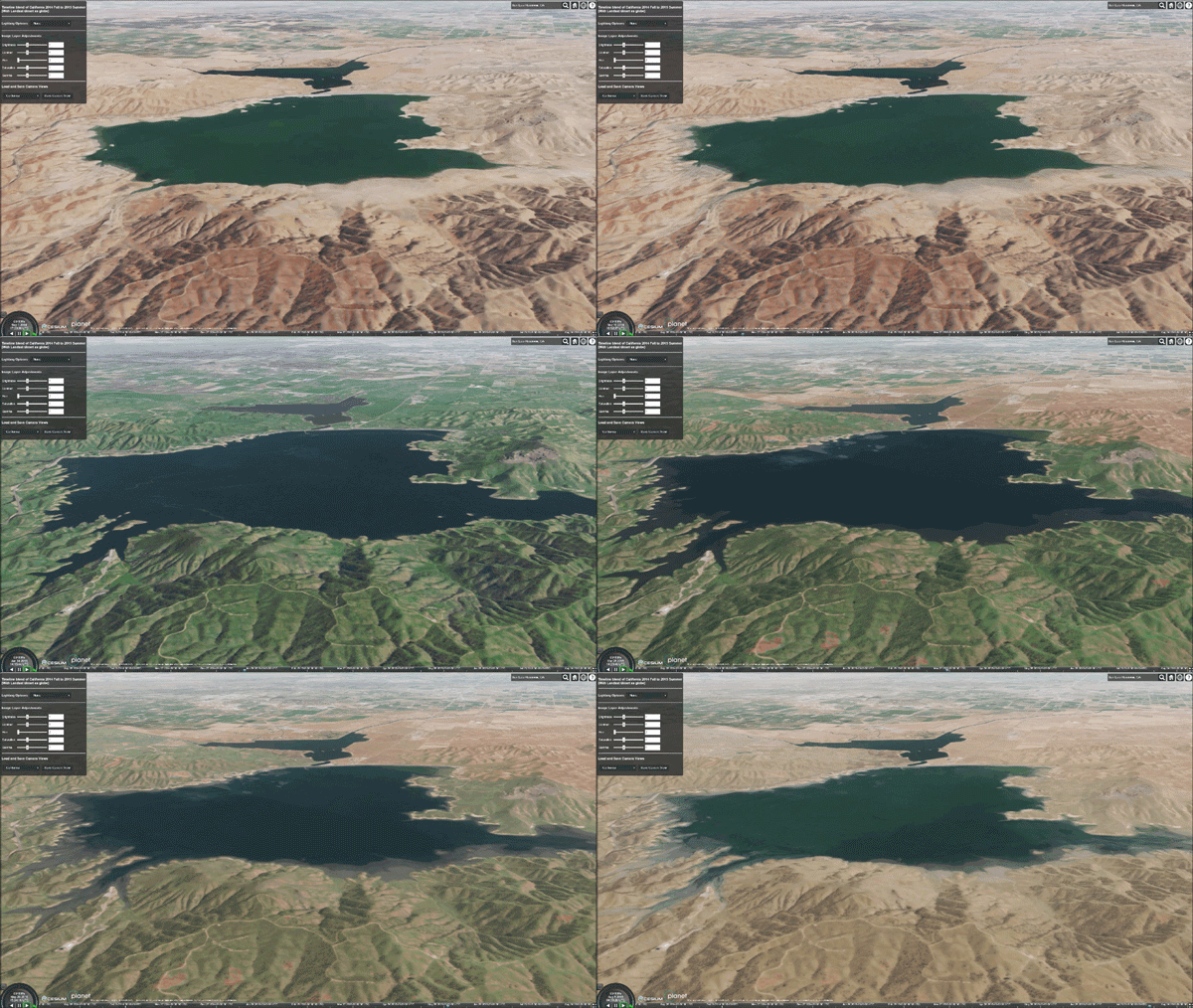
If you want to do this in your CesiumJS app, you would need to load both imagery layers, listen for the clock event, and make the first layer fade out and the next one fade in. Ideally the engine could do something like this without having to load all the time points up front.
Would it be too long to always wait for _all_ the tiles in the upcoming layer to load before switching?
Contributor guide
Research direction
Start with the linked PR #8352 and the time-dynamic imagery behavior described here; trace how the clock event advances imagery layers and how tile loading is coordinated. Compare the current tiling behavior with the supplied examples, then define and verify a configurable transition that waits for the upcoming layer appropriately.
Written by the indexing model from the issue text.
Assessment
- Tech stack
- javascript
- Domain
- frontend, performance
- Issue type
- Feature
- Difficulty
- 5/5
- Estimated time
- Over a week
- Activity status
- Stale
- Clarity
- Needs clarification
- Newbie friendliness
- 30/100