KML icons have incorrect aspect ratio
- Dominant language
- JavaScript
- Stars
- 15.7k
- Forks
- 3.9k
- Avg merge
- 4d 6h
- Merged PRs (30d)
- 34
Description
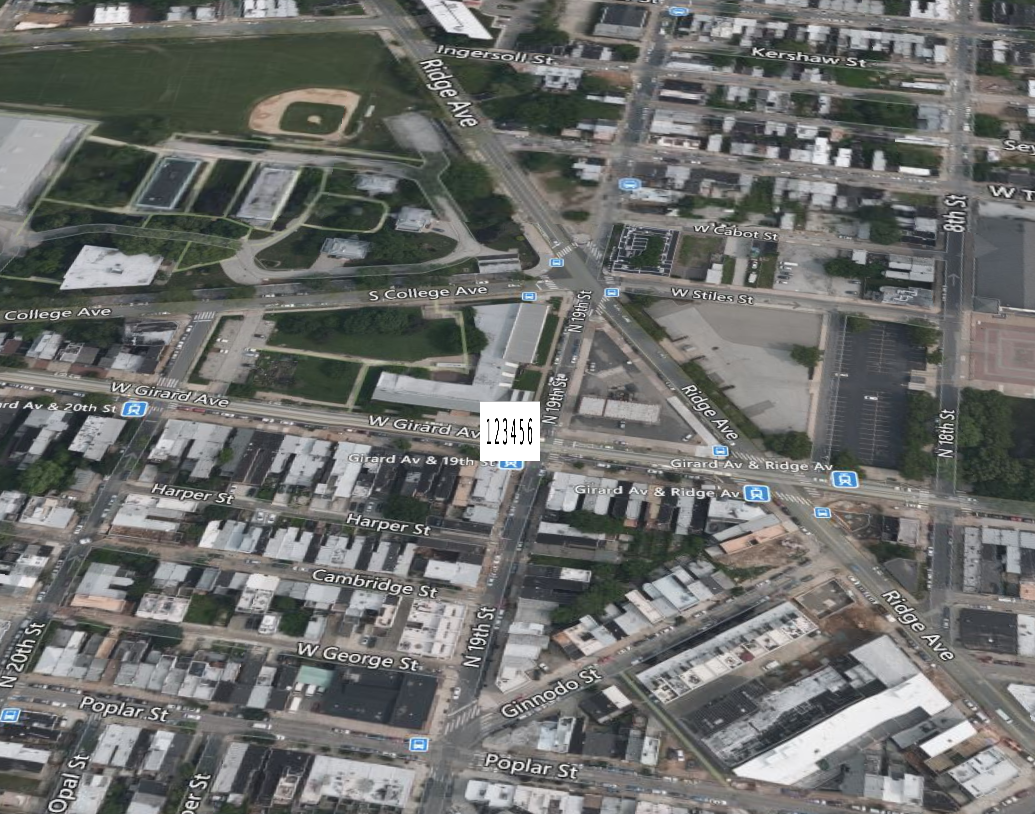
It seems that CesiumJS expects KML icons to be a specific aspect ratio (square?) and coerces my icons into that aspect ratio.
Here's a simple KML test:
[image_test.zip](https://github.com/AnalyticalGraphicsInc/cesium/files/4092872/image_test.zip)
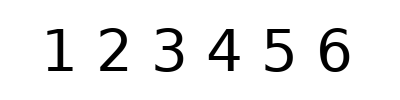
This is the image I have in the KML, dimensions 400x100:
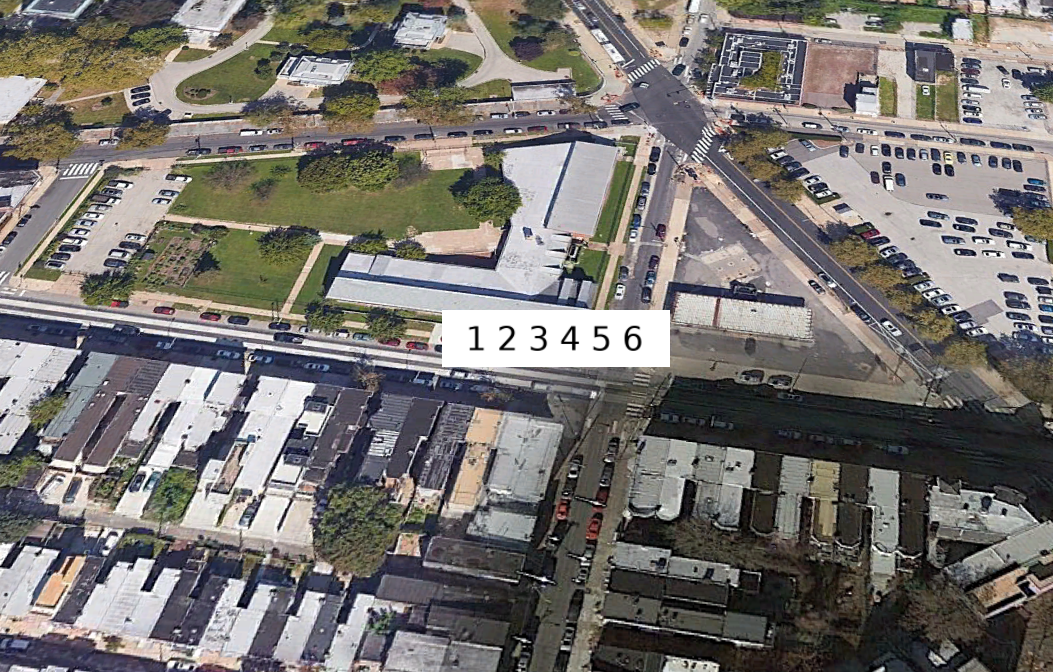
How it looks in Google Earth:
When I drag and drop it in the [Cesium Viewer](https://cesium.com/cesiumjs/cesium-viewer/index.html):
Contributor guide
Research direction
Start by opening image_test.zip in the Cesium Viewer and compare the 400x100 KML icon with the Google Earth result shown in the issue. Trace how CesiumJS loads and sizes that KML image, then verify that the rendered icon preserves the source aspect ratio rather than coercing it to a square.
Written by the indexing model from the issue text.
Assessment
- Tech stack
- javascript
- Domain
- frontend
- Issue type
- Bug
- Difficulty
- 3/5
- Estimated time
- 1-2 days
- Activity status
- Stale
- Clarity
- Mostly clear
- Newbie friendliness
- 35/100