Baseflow / Baseflow/XF-Material-Library
Keyboard and MaterialTextField spacing, control icons quality and sizing
Open
- Dominant language
- C#
- Stars
- 633
- Forks
- 150
- PR merge metrics
- No merged PRs in 30d
Description
Hi, I wanted to know if it's possible to increase the space between the keyboard and the MaterialTextField when it's at the bottom of the page, it seems too close and irritating when you try to double tap the text.
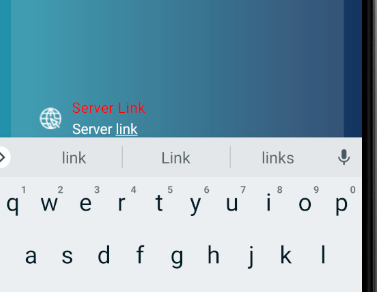
Also, I want a way to increase the quality of the icon as it looks too low.
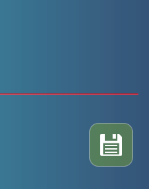
Finally, how to make the image of the MetrialButton to be filling the whole button or make it to fit parent width and height.
Contributor guide
Assessment
This issue has not been assessed yet.