VSCode Intellisense - Missing required property 'sku' for serverfarms
- Dominant language
- Bicep
- Stars
- 3.6k
- Forks
- 830
- Avg merge
- 1d 21m
- Merged PRs (30d)
- 79
Description
**Bicep version**
0.4.63
**Describe the bug**
The VSCode intellisense does not mark the property `sku` as a required property, and just throws an non-descriptive error if its missing.
**To Reproduce**
```bicep
// main.bicep
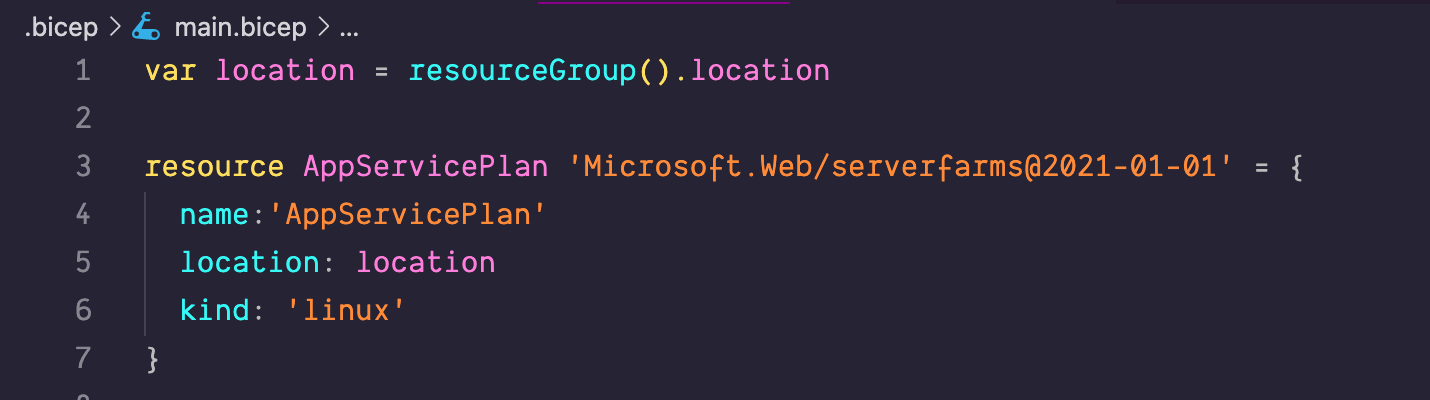
var location = resourceGroup().location
resource AppServicePlan 'Microsoft.Web/serverfarms@2021-01-01' = {
name:'AppServicePlan'
location: location
kind: 'linux'
}
```
```bash
az deployment group create -f ./.bicep/main.bicep -g MyResourceGroup --verbose
```
**ERROR**
```log
{'properties': {'template': , 'parameters': {}, 'mode': 'Incremental'}}
{"error":{"code":"InvalidTemplateDeployment","message":"The template deployment 'main' is not valid according to the validation procedure. The tracking id is ''. See inner errors for details.","details":[{"message":"Object reference not set to an instance of an object."}]}}
Command ran in 2.249 seconds (init: 0.078, invoke: 2.171)
```
**Additional context**
Its often advertised in the featured videos by the Biceps team that intellisense will help with required properties.
Contributor guide
Research direction
Start by reproducing the issue with the main.bicep example in VSCode using Bicep 0.4.63, then compare the IntelliSense behavior for Microsoft.Web/serverfarms@2021-01-01 with the az deployment group create result. Done means IntelliSense identifies sku as required and provides a descriptive validation error when it is omitted.
Written by the indexing model from the issue text.
Assessment
- Tech stack
- azure, vscode
- Domain
- developer-experience, tooling
- Issue type
- Bug
- Difficulty
- 3/5
- Estimated time
- 1-2 days
- Activity status
- Stale
- Clarity
- Mostly clear
- Newbie friendliness
- 42/100