Azure / Azure/azure-quickstart-templates
Not able to copy data from URL provided by Microsoft Team
- Dominant language
- Bicep
- Stars
- 14.9k
- Forks
- 16.2k
- Avg merge
- 6d 21h
- Merged PRs (30d)
- 6
Description
We are using some datasets for transformations using Data Factory. Initially we hosted them in our account in Blob Storage.
But as per best practices, now they are hosted by Azure in their blob storage location.
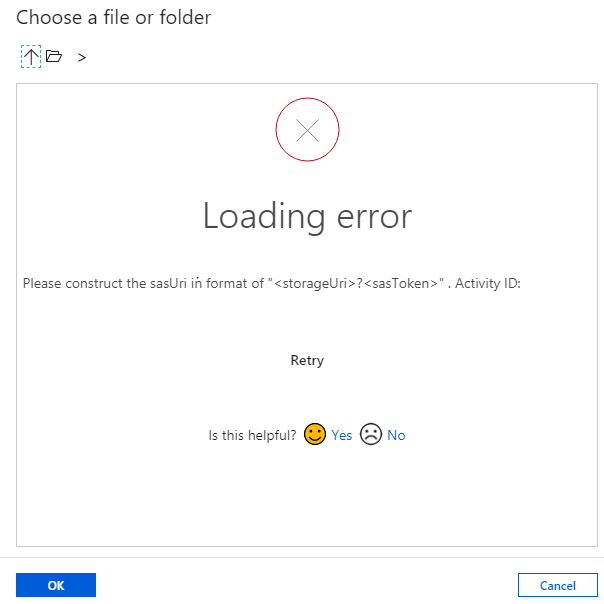
We are not able to connect to blob storage provided by Microsoft Team and not able to use URL as SAS URI in copy activity of Azure Data Facctory.We are getting below error while trying to fetch the dataset using URL in our ADF COPY activity
Contributor guide
No contributing guide indexed for this repository
Research direction
The payload names no repository file, test, or entry point. Start with the Azure Data Factory Copy activity request, the Microsoft-hosted Blob Storage URL, and the attached error; done requires a confirmed resolution for using that URL as a SAS URI or a clearly documented limitation.
Written by the indexing model from the issue text.
Assessment
- Tech stack
- azure
- Domain
- cloud, data-engineering
- Issue type
- Bug
- Difficulty
- 4/5
- Estimated time
- 3-5 days
- Activity status
- Stale
- Clarity
- Needs clarification
- Newbie friendliness
- 15/100