Azure / Azure/azure-functions-host
Invalid Execution Counter in Function Monitor
- Dominant language
- C#
- Stars
- 2k
- Forks
- 482
- Avg merge
- 2d 12h
- Merged PRs (30d)
- 38
Description
The counter of long-running functions seems not to be correct. The picture below shows the function start at approx. 10:00+ AM and nothing else.

On the following picture, we see the the the function is running all time.
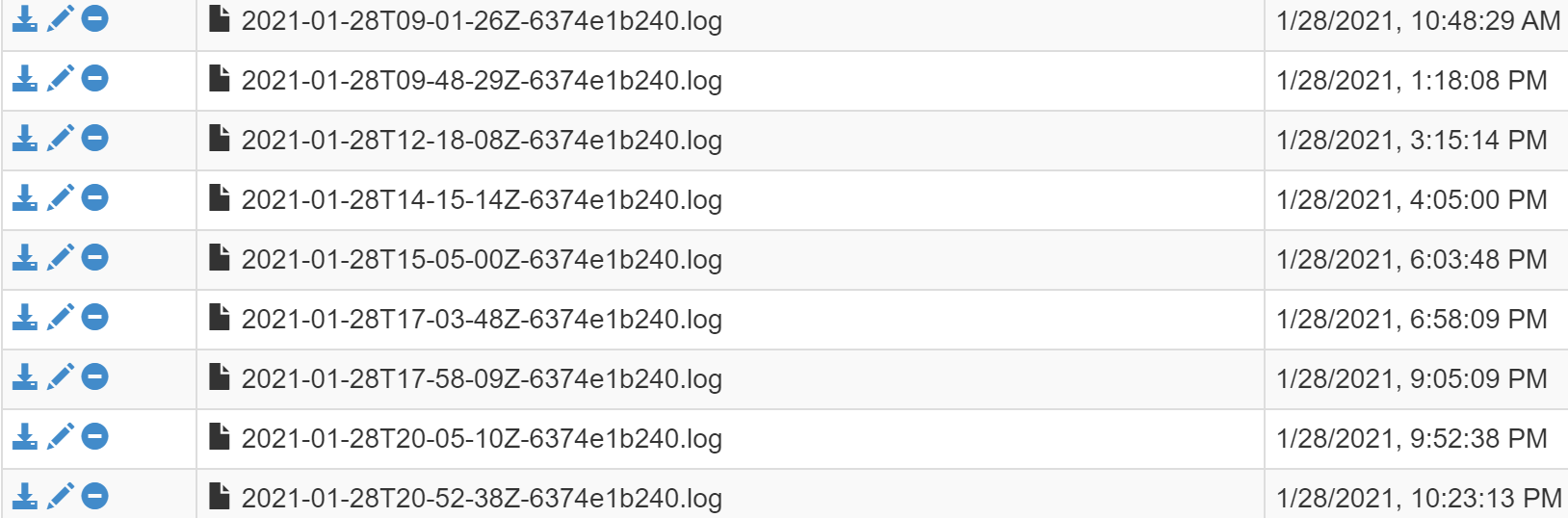
The counter is shown in the diagram after the function completes or fails. This might be a proper solution for short-living functions. However, if the function takes a very long time (hours or even days) the current solution is not useful.
_Another example_
If some function instance 1 starts and executes 10 hours and instance 2 executes 5 min. and starts after instance 1 the diagram will show that instance 2 is started before instance 1, as long the instance 1 is executing.
### Suggestion
For such cases, we might need some other solution. I suggest, that we do not show counters at all. We should rather show the diagram with the start and stop of instances in colours: blue=running, green=successfully completed, red=failed.
Moreover, showing Execution count, successful count and failure count in separated diagrams are very inefficient. First I click on execution count, then go back, then click on successful count then back etc.
Why not show all of them at once with enable/disable checkboxes?
Contributor guide
Research direction
Start by locating the Function Monitor implementation and the execution-count diagrams described in the issue, then trace how long-running function instances are represented. Confirm the desired combined view, running/success/failure colors, and optional counters with maintainers before estimating or changing the behavior.
Written by the indexing model from the issue text.
Assessment
- Tech stack
- azure, csharp
- Domain
- observability
- Issue type
- Feature
- Difficulty
- 5/5
- Estimated time
- Over a week
- Activity status
- Stale
- Clarity
- Mostly clear
- Newbie friendliness
- 30/100