Azure / Azure/azure-functions-host
Premium Functions not honoring Slot Traffic Routing settings
- Dominant language
- C#
- Stars
- 2k
- Forks
- 482
- Avg merge
- 2d 12h
- Merged PRs (30d)
- 38
Description
Deployment Slot Traffic % Routing settings don't appear to work in Premium Functions. For example, if I set 20% of traffic to route to the "blue" slot, 100% of traffic will route to the Production slot.
#### Investigative information
- Timestamp: 21-May-2020 19:13 UTC
- Function App version: v3
- Function App name: `testinprodfn-aue`
- Function name: `GetHealth`
- Invocation ID: `561802d7-7d21-4b85-8d9e-976563e54b0b` (1 of 10,000)
- Region: Australia East
#### Repro steps
1. Open [deploy.ps1](https://github.com/DanielLarsenNZ/examples/blob/master/functions-test-in-prod/deploy.ps1) and edit the vars as required.
2. Configure a load test (using loader.io for example) for 10,000 clients to connect and GET `/api/GetHealth`
3. In Application Insights, observe percentage of traffic served by `production` and `blue` slots
My test rig is deployed here:
#### Expected behavior
I expect traffic routing to work in the same way as App Services. See [this example](https://github.com/DanielLarsenNZ/examples/tree/master/appserviceplan-test-in-prod) for how to rig the exact same test using App Services. This App Service is running here:
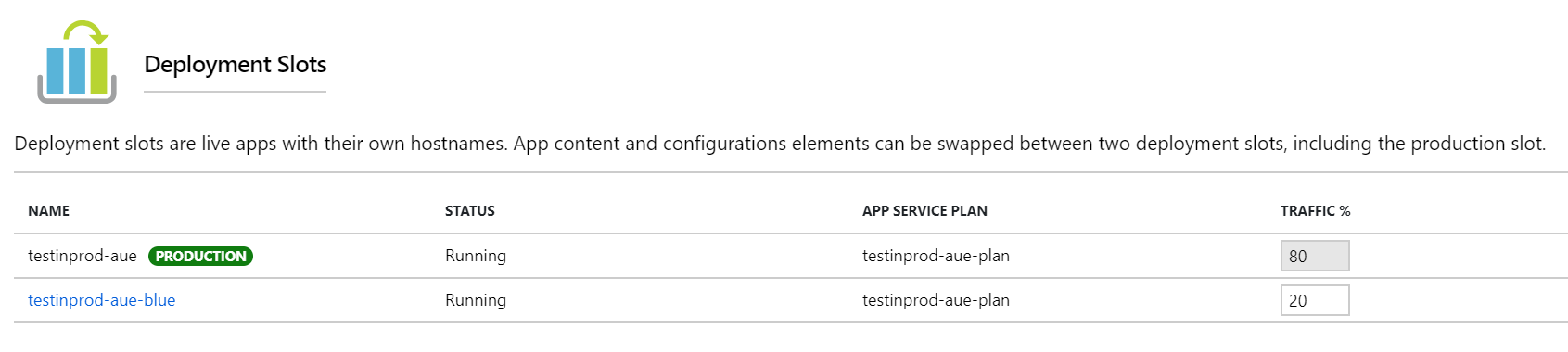
App Services Slots with 80/20 traffic routing:
Loader.io test with 10,000 clients over 1 minute:
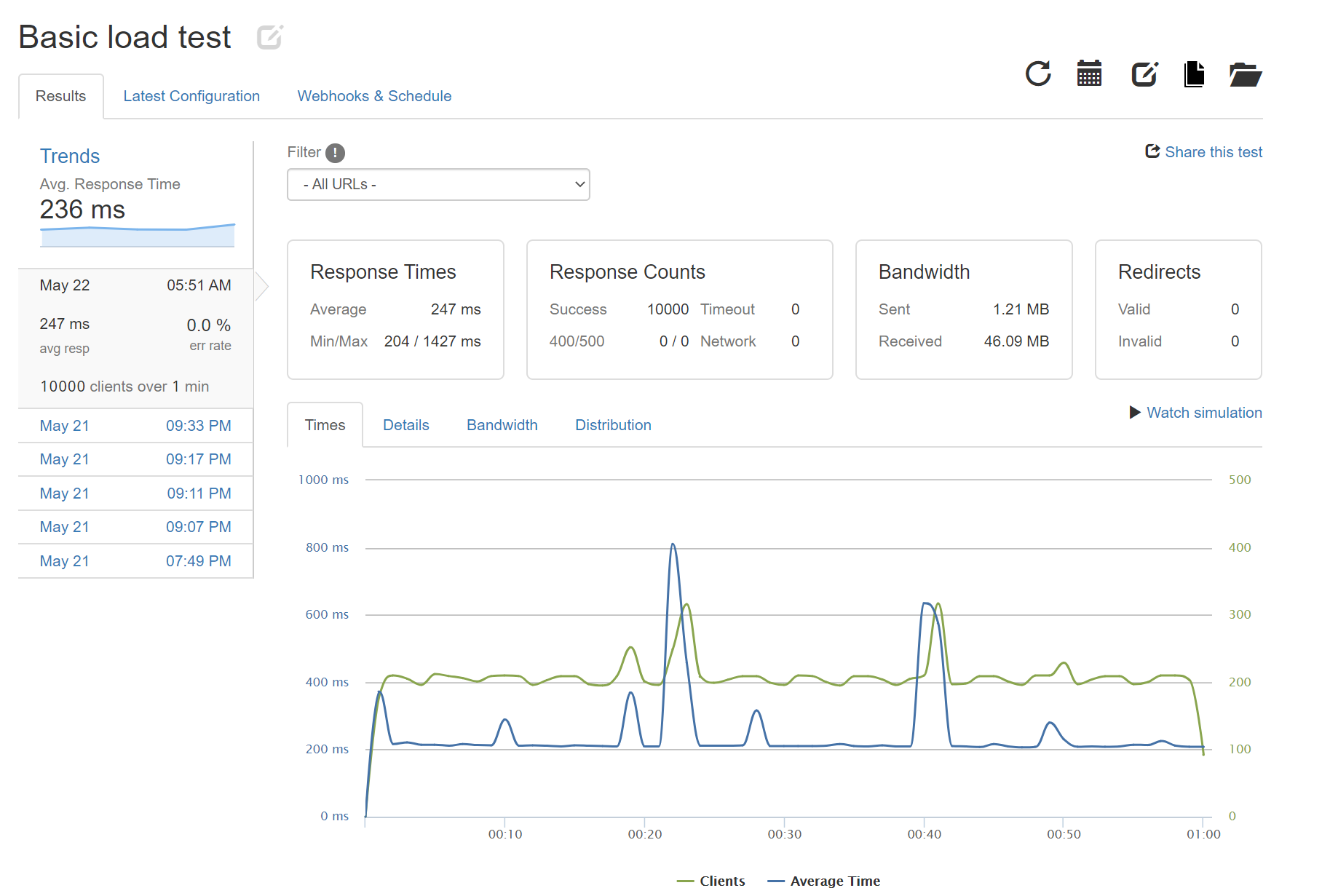
App Services correctly routes approx. 20% of traffic to `blue` slot:

#### Actual behavior
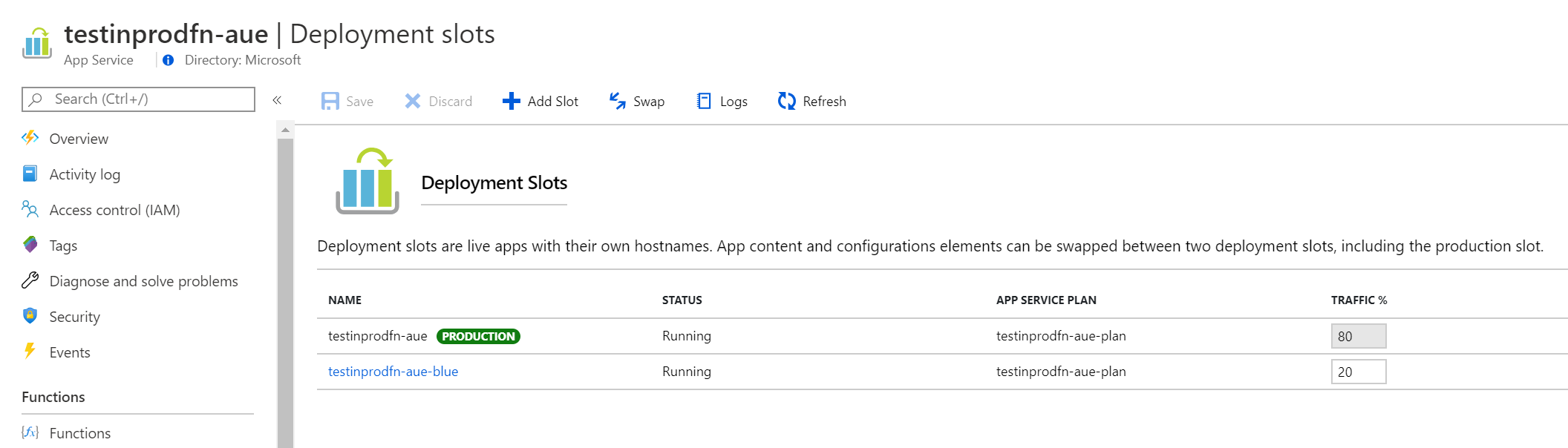
Premium Functions Slots with 80/20 traffic routing:
Loader.io test with ~10,000 clients over 1 minute:
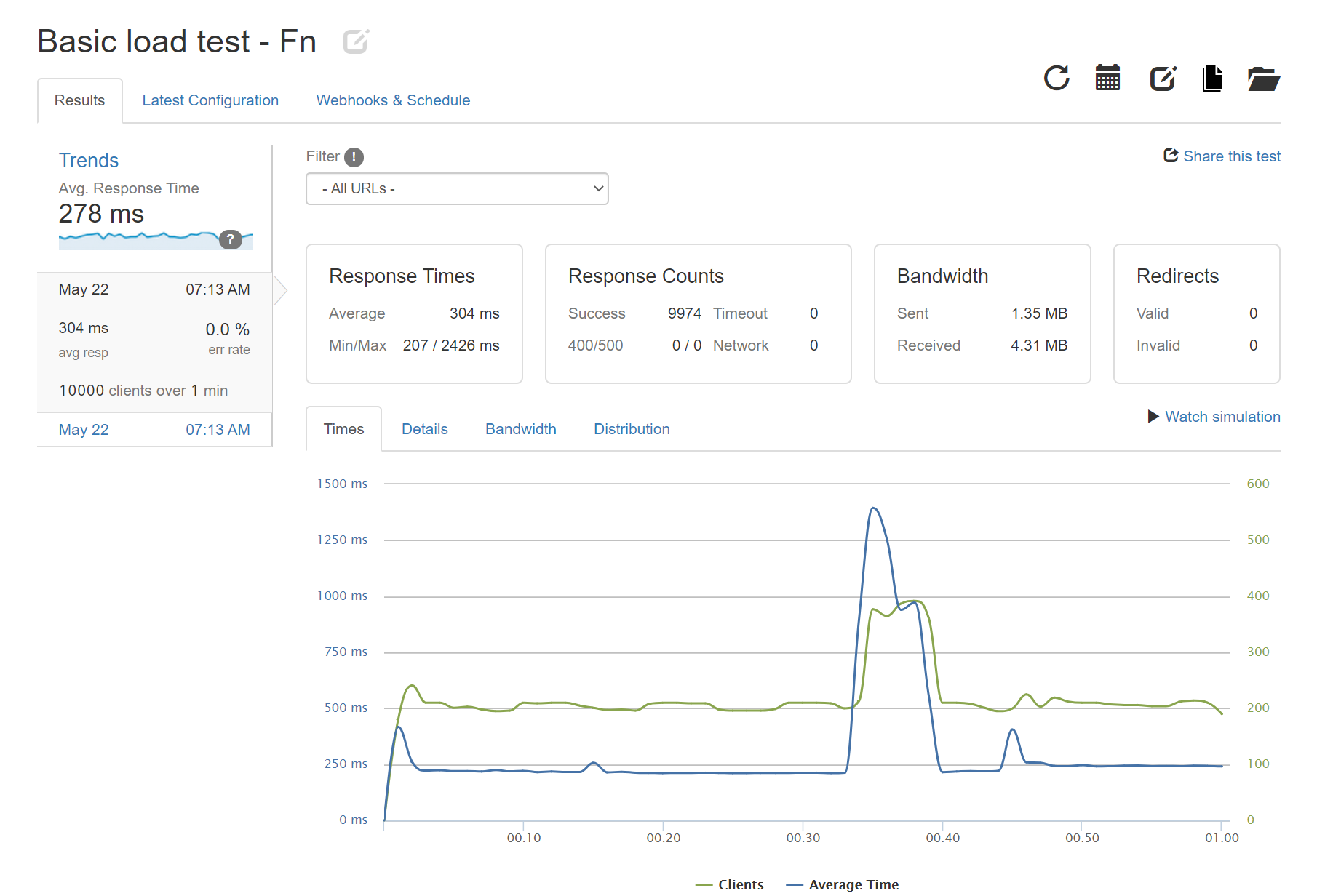
Functions routes 100% of traffic to `production` slot:

#### Known workarounds
None that I know of.
Contributor guide
Research direction
Start with the linked deploy.ps1 and reproduce the Premium Functions slot-routing test against the GetHealth endpoint, then compare its Application Insights results with the App Service example. Confirm whether the host or platform is responsible for ignoring the configured percentage; done means traffic reaches the blue slot at approximately the configured rate.
Written by the indexing model from the issue text.
Assessment
- Tech stack
- azure
- Domain
- backend, cloud
- Issue type
- Bug
- Difficulty
- 4/5
- Estimated time
- 3-5 days
- Activity status
- Stale
- Clarity
- Mostly clear
- Newbie friendliness
- 35/100