Browser is not opening while running 'az login' the command prompt with different user.
- Dominant language
- Python
- Stars
- 4.6k
- Forks
- 3.5k
- Avg merge
- 3d 2h
- Merged PRs (30d)
- 60
Description
> ### `az feedback` auto-generates most of the information requested below, as of CLI version 2.0.62
**Related command**
az login
**Describe the bug**
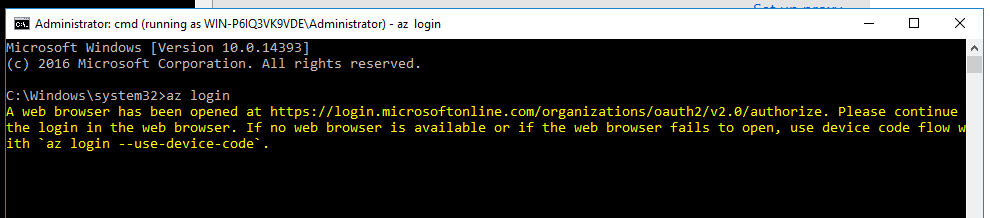
I need to execute the az login in cmd prompt as a different user, If I try to execute the az login in cmd prompt with different user browser is not opening.
**To Reproduce**
First I opened the new cmd prompt using the command "runas /user:%USER_NAME% cmd", It will ask for the Password after that new command prompt window will be opened.
Now type the az login, it will show the message that "A web browser is opened at ....", but I don't see any browser opened.
Though I have tried az login --debug I see that a login link was logged, I used that link for login now I have logged in successfully, and remaining commands (az account show, az account get-access-token, .. ) are working fine.

**Expected behavior**
A browser should be opened when I login using another user in the cmd prompt.
Contributor guide
Assessment
This issue has not been assessed yet.