Cannot Access MGMT UI
- Dominant language
- PowerShell
- Stars
- 524
- Forks
- 610
- PR merge metrics
- No merged PRs in 30d
Description
Hey all,
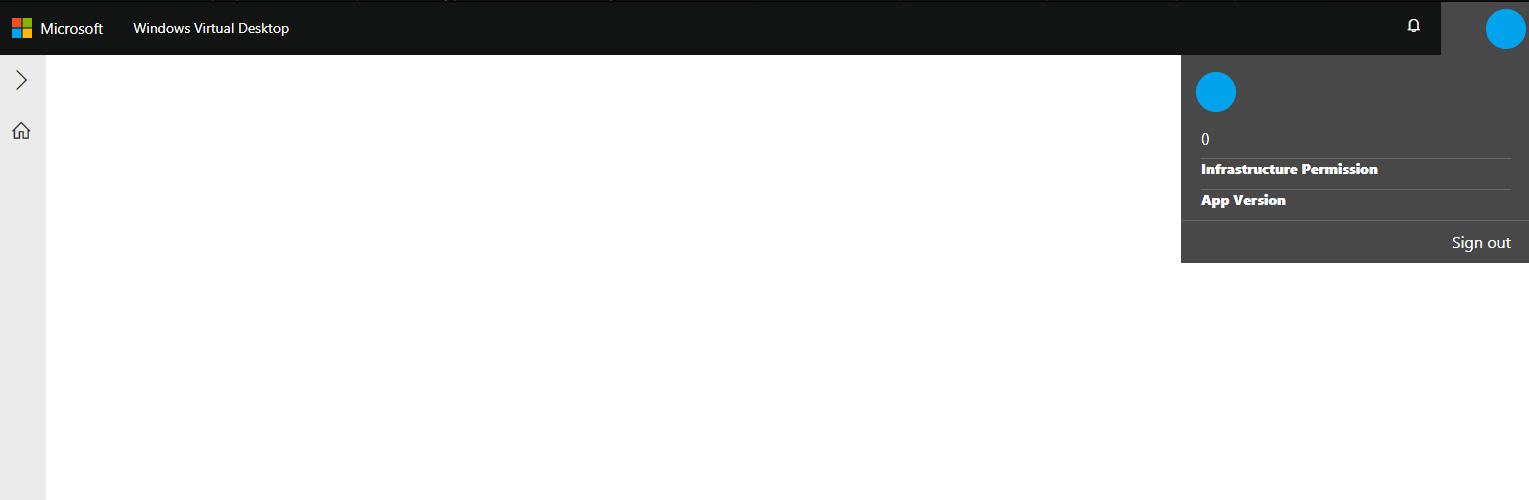
I've recently ran into an issue where I cannot load the MGMT GUI aside from the base page outline. The deployment job completes successfully but I cannot gain access. I have tried from multiple browsers (Chrome, IE, Edge) and all are the same. There is no authentication prompt from any browser and I am unable to select any options or the default tenant group. This is happening for an existing deployment that was working as well as for a new deployment in another tenant.
I have given consent as a global admin already and confirmed the tenant enterprise app settings are correct. I h ave followed this guide for installation:
https://docs.microsoft.com/en-us/azure/virtual-desktop/manage-resources-using-ui
I've also tried restarting the service as well as resetting the published profile. no change.
I have attached a screenshot for reference.
TIA!
Contributor guide
No contributing guide indexed for this repository
Research direction
The report names no repository file or test; start by reproducing the MGMT GUI failure for both an existing and a new tenant while reviewing the linked Azure Virtual Desktop installation guide. Done means the deployed MGMT UI loads, authenticates correctly, and allows tenant-group selection.
Written by the indexing model from the issue text.
Assessment
- Tech stack
- azure
- Domain
- cloud
- Issue type
- Bug
- Difficulty
- 4/5
- Estimated time
- 3-5 days
- Activity status
- Stale
- Clarity
- Needs clarification
- Newbie friendliness
- 25/100