Automattic / Automattic/simplenote-macos
Markdown: strikethrough does not work consistently
- Dominant language
- Swift
- Stars
- 1.6k
- Forks
- 172
- Avg merge
- 11h 17m
- Merged PRs (30d)
- 3
Description
#### Steps to reproduce
1. Add a note on the MacOS Simplenote app
2. Use the markdown for strike through ~~like this~~ (~~ on either side)
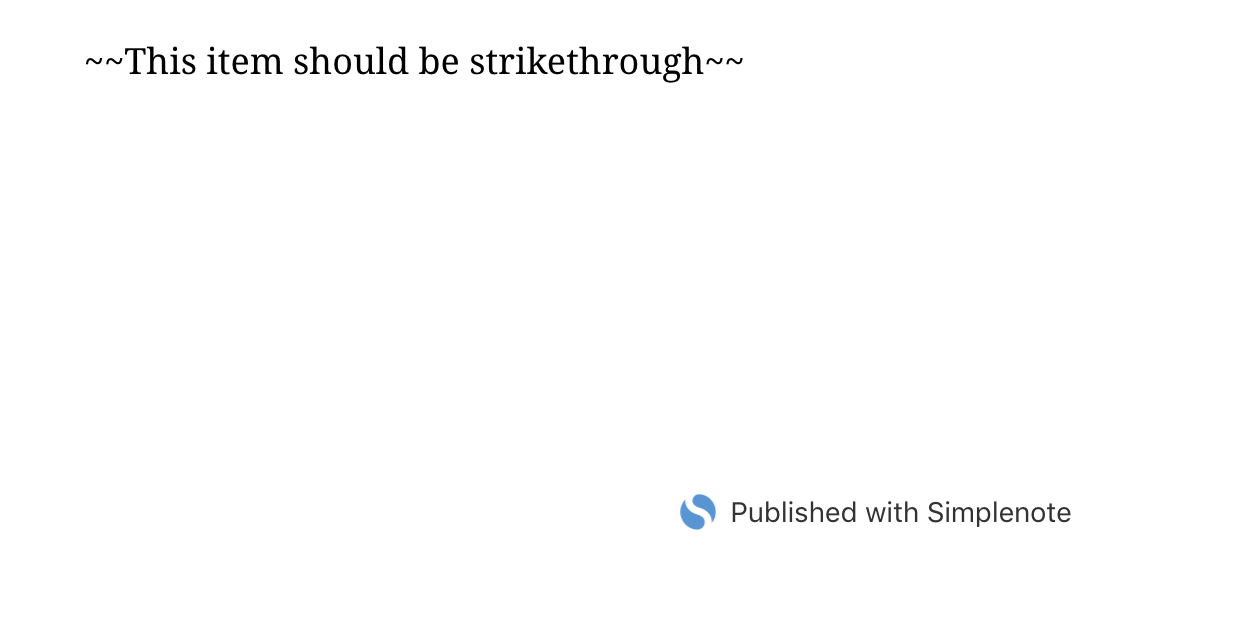
3. Preview the markdown and/or publish the note
#### What I expected
To see the strikethrough, as it works on the web app and Android previews
#### What happened instead
Did not format the strikethrough properly
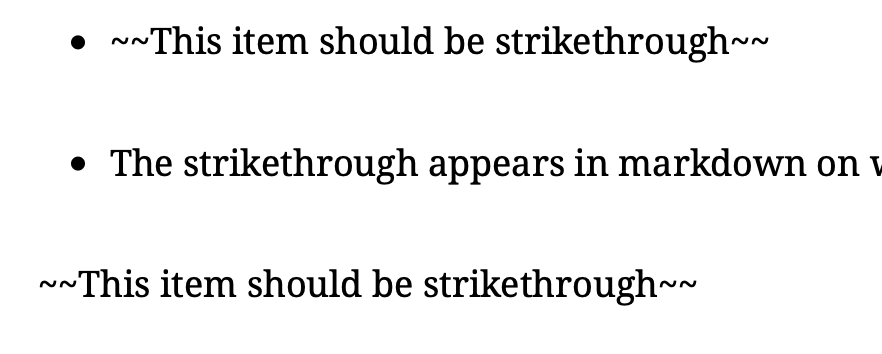
Note: This also does not work on the Published note, from any Simplenote app.
#### Simplenote version
1.3.9
#### macOS version
10.14.1
Contributor guide
Research direction
Reproduce the issue in the Simplenote macOS app using the listed strikethrough steps, then compare preview and published-note behavior with the web and Android previews. Done means ~~text~~ renders consistently in both the macOS preview and published note.
Written by the indexing model from the issue text.
Assessment
- Tech stack
- swift
- Domain
- desktop
- Issue type
- Bug
- Difficulty
- 3/5
- Estimated time
- 1-2 days
- Activity status
- Stale
- Clarity
- Mostly clear
- Newbie friendliness
- 45/100