Automattic / Automattic/simplenote-electron
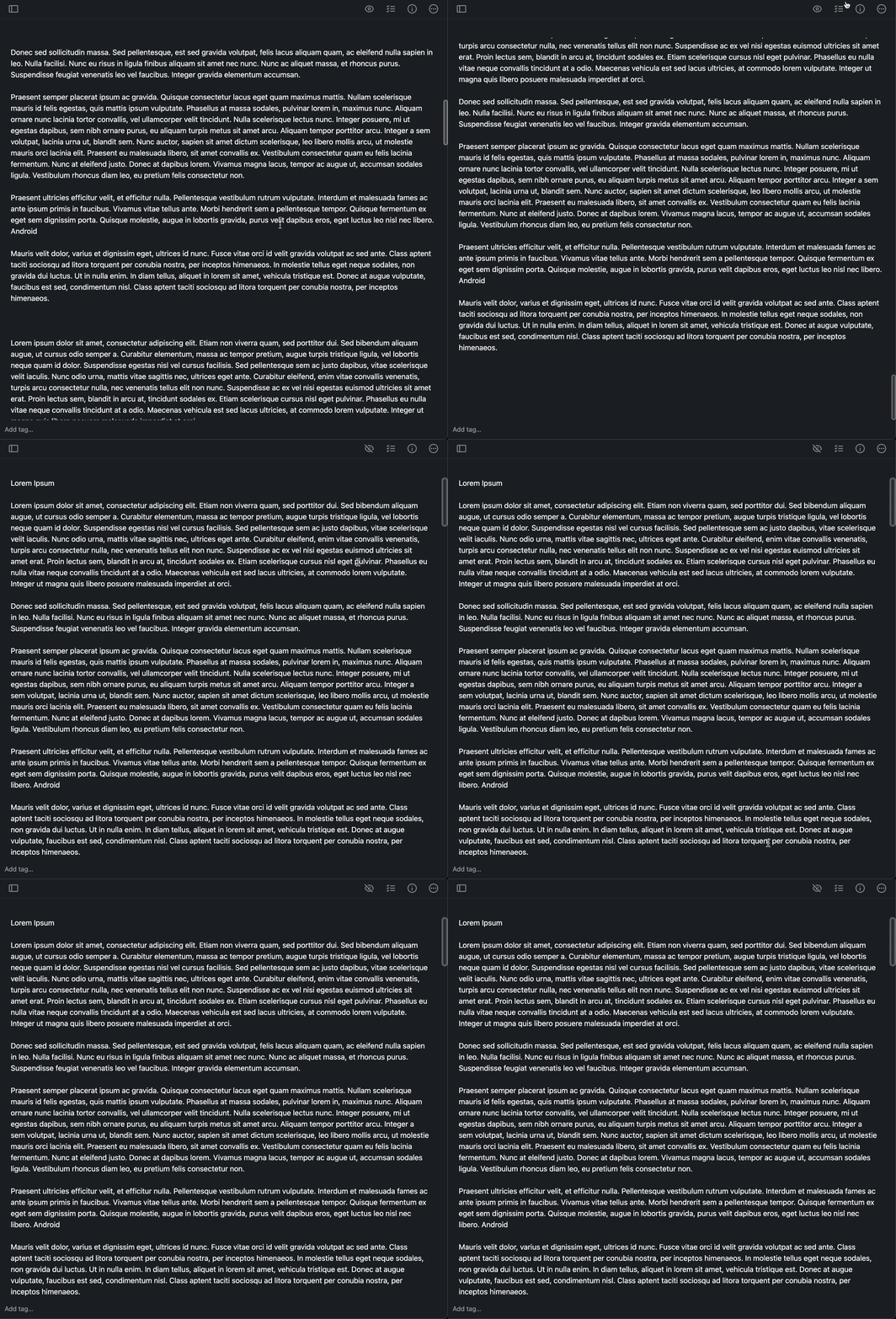
Switching to preview mode will display content at the beginning of the note
- Dominant language
- TypeScript
- Stars
- 5.3k
- Forks
- 588
- Avg merge
- 9h 45m
- Merged PRs (30d)
- 4
Description
It was reported in 4558235-zd-woothemes that switching to preview mode in the Electron app will jump to the top of the note regardless of the previous note editing location. This is not happening on the Android app.
### Expected
The user expects that the note content stays at the same location they were editing when they switch to the preview mode.
### Observed
The preview mode displays the note content at the beginning of the note
### Reproduced
1. Create a long note on the web app and make sure "Markdown" is enabled
2. Scroll down to the bottom of the note
3. Switch to the preview mode and notice the app display the content at the top of the note.
### Where did you see the bug
- System Make: Apple
- System Model: iMac (Retina 5K, 27-inch, 2019)
- OS: macOS
- OS version: Monterey 12.0.1
- Browser (if applicable): Google Chrome
- Browser version (if applicable): Version 96.0.4664.55 (Official Build) (x86_64)
- Simplenote app version: 2.19.1 (web app)
Contributor guide
Research direction
Reproduce the issue with a long Markdown note by scrolling near the bottom and switching from editing to preview mode in the Electron app. Trace the editor and preview transition from that interaction; done means the preview opens at the same content location instead of jumping to the beginning.
Written by the indexing model from the issue text.
Assessment
- Tech stack
- electron, typescript
- Domain
- desktop, frontend
- Issue type
- Bug
- Difficulty
- 3/5
- Estimated time
- 1-2 days
- Activity status
- Stale
- Clarity
- Mostly clear
- Newbie friendliness
- 48/100